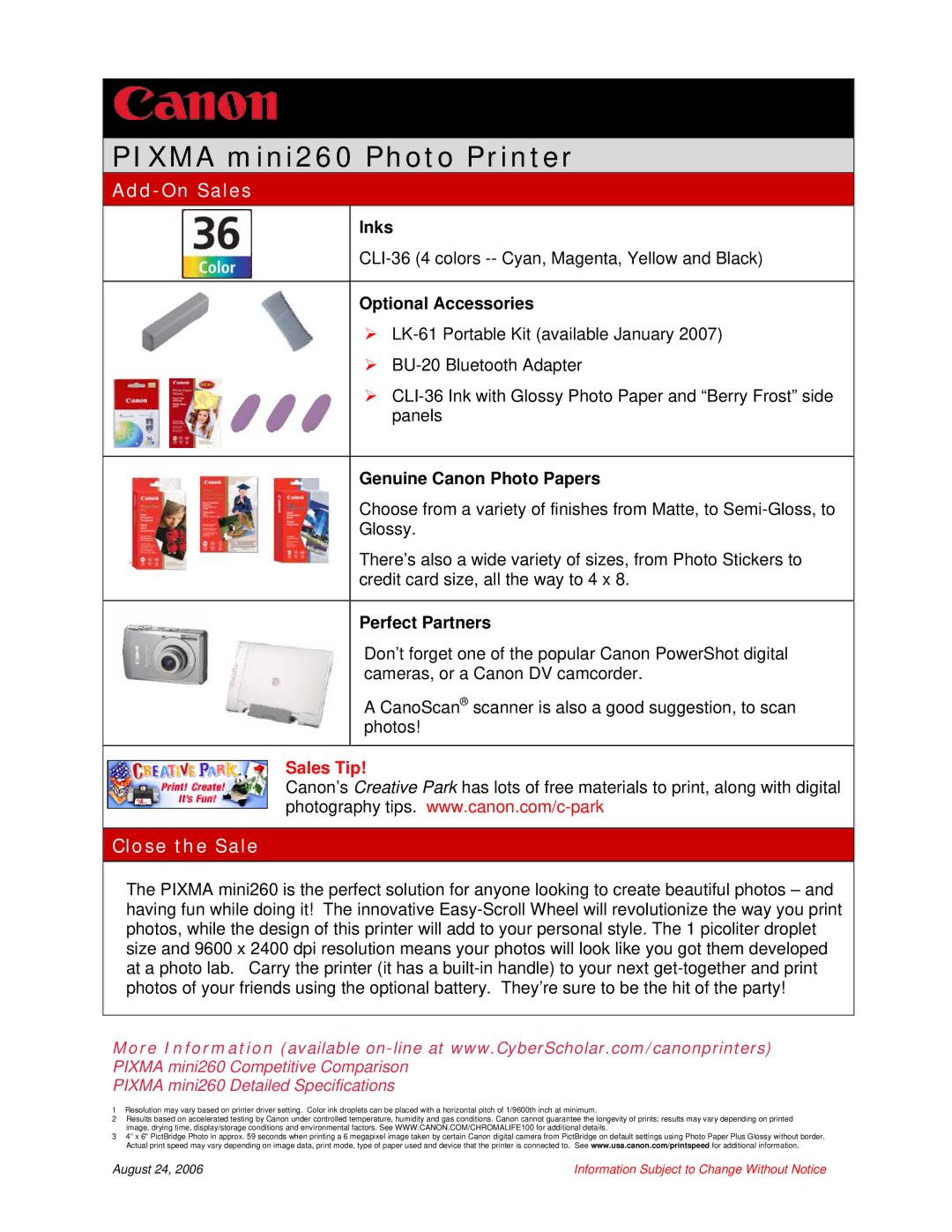
PIXMA mini260 Photo Printer
Add-On Sales
Inks
Optional Accessories
¾
¾
¾
Genuine Canon Photo Papers
Choose from a variety of finishes from Matte, to
There’s also a wide variety of sizes, from Photo Stickers to credit card size, all the way to 4 x 8.
Perfect Partners
Don’t forget one of the popular Canon PowerShot digital cameras, or a Canon DV camcorder.
A CanoScan® scanner is also a good suggestion, to scan photos!
Sales Tip!
Canon’s Creative Park has lots of free materials to print, along with digital photography tips.
Close the Sale
The PIXMA mini260 is the perfect solution for anyone looking to create beautiful photos – and having fun while doing it! The innovative
More Information (available
PIXMA mini260 Detailed Specifications
1Resolution may vary based on printer driver setting. Color ink droplets can be placed with a horizontal pitch of 1/9600th inch at minimum.
2Results based on accelerated testing by Canon under controlled temperature, humidity and gas conditions. Canon cannot guarantee the longevity of prints; results may vary depending on printed image, drying time, display/storage conditions and environmental factors. See WWW.CANON.COM/CHROMALIFE100 for additional details.
34” x 6" PictBridge Photo in approx. 59 seconds when printing a 6 megapixel image taken by certain Canon digital camera from PictBridge on default settings using Photo Paper Plus Glossy without border. Actual print speed may vary depending on image data, print mode, type of paper used and device that the printer is connected to. See www.usa.canon.com/printspeed for additional information.
August 24, 2006 | Information Subject to Change Without Notice |