Chapter 3 Using the LCD TV
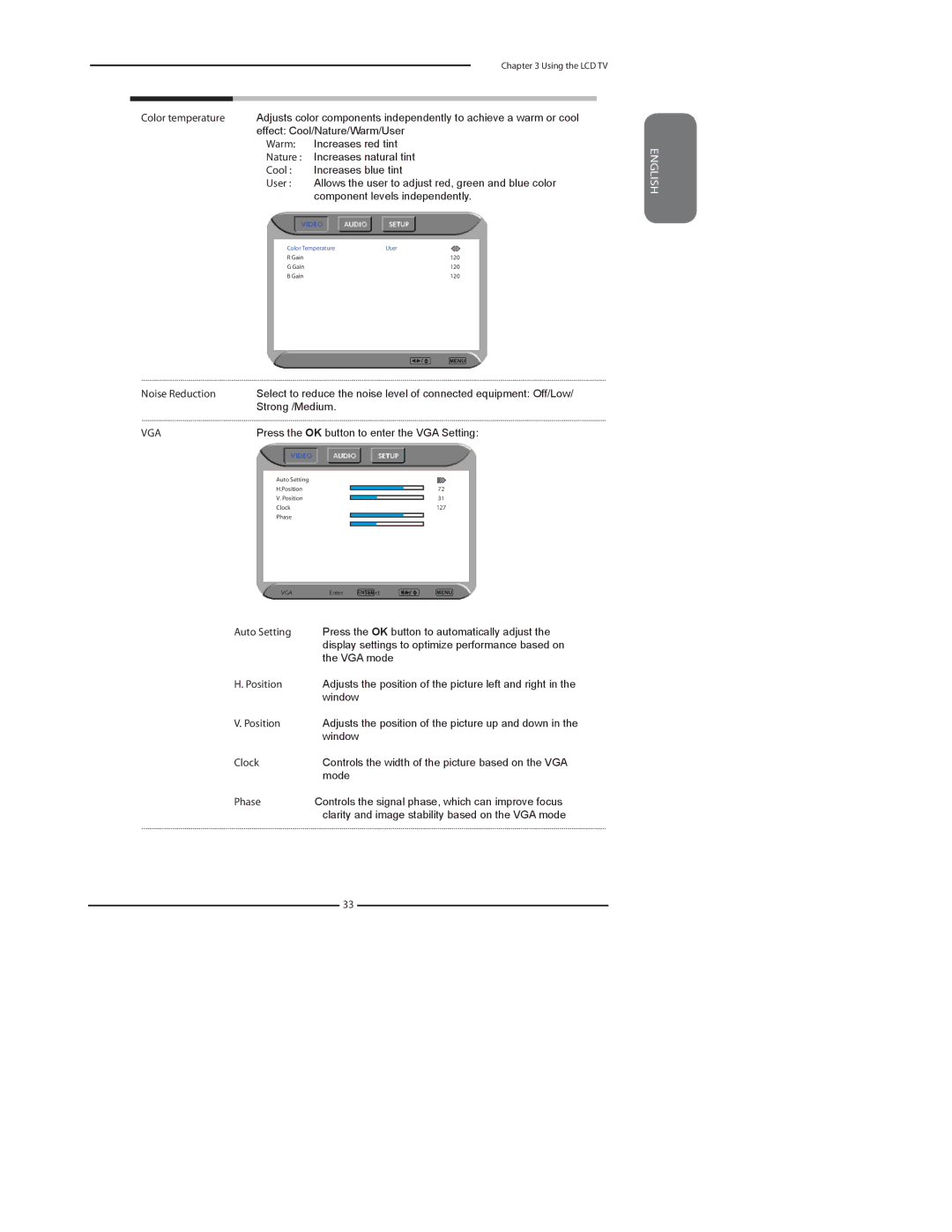
Color temperature Adjusts color components independently to achieve a warm or cool effect: Cool/Nature/Warm/User
▪Warm: Increases red tint
▪Nature : Increases natural tint
▪Cool : Increases blue tint
▪User : Allows the user to adjust red, green and blue color component levels independently.
Color Temperature | User |
R Gain | 120 |
G Gain | 120 |
B Gain | 120 |
ENGLISH
Noise Reduction | Select to reduce the noise level of connected equipment: Off/Low/ |
| Strong /Medium. |
VGA | Press the OK button to enter the VGA Setting: |
Auto Setting |
|
H.Position | 72 |
V. Position | 31 |
Clock | 127 |
Phase |
|
VGA | Enter | Select | Exit |
▪Auto Setting Press the OK button to automatically adjust the display settings to optimize performance based on the VGA mode
▪ | H. Position | Adjusts the position of the picture left and right in the |
|
| window |
▪ | V. Position | Adjusts the position of the picture up and down in the |
|
| window |
▪ | Clock | Controls the width of the picture based on the VGA |
|
| mode |
▪ | Phase | Controls the signal phase, which can improve focus |
|
| clarity and image stability based on the VGA mode |
33