TROUBLESHOOTING GUIDE
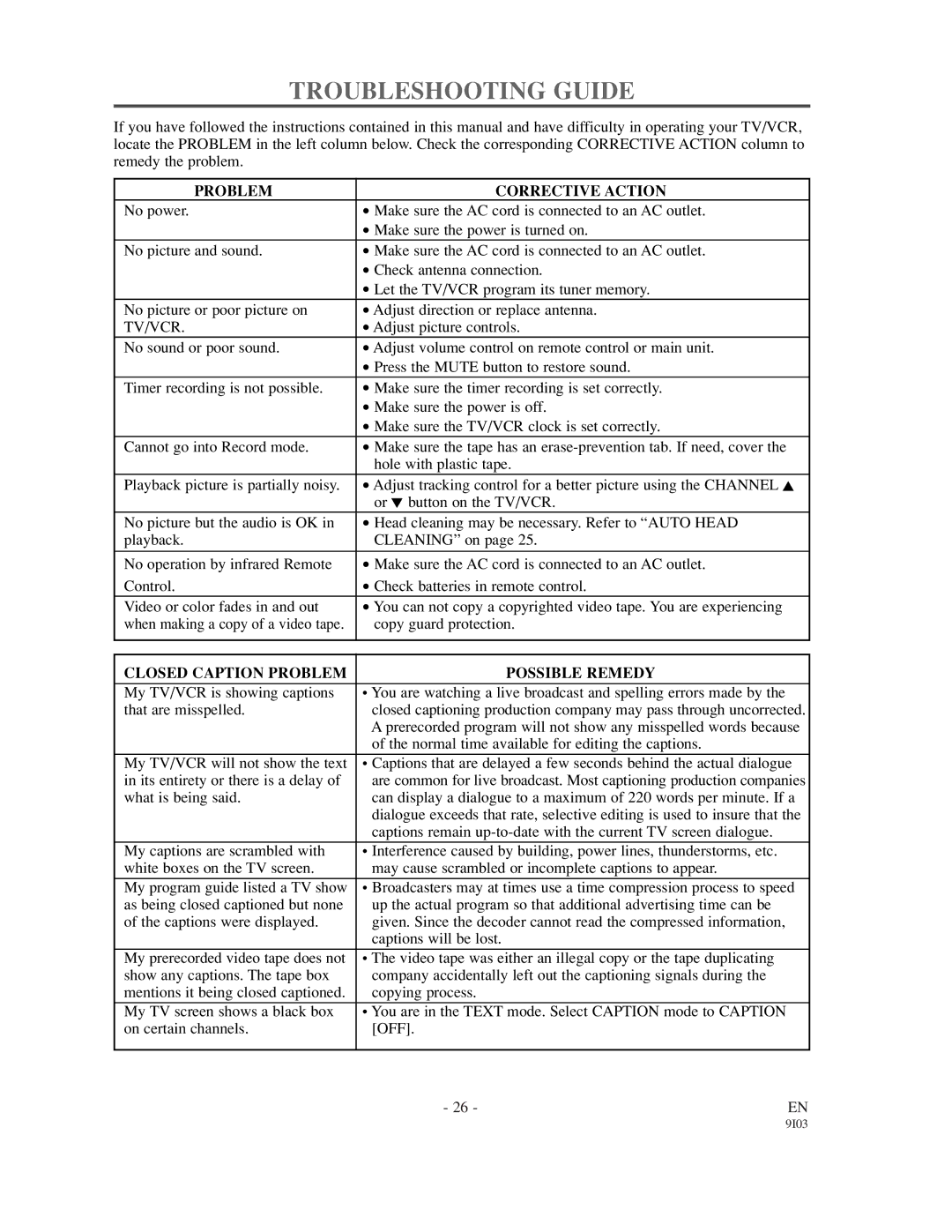
If you have followed the instructions contained in this manual and have difficulty in operating your TV/VCR, locate the PROBLEM in the left column below. Check the corresponding CORRECTIVE ACTION column to remedy the problem.
PROBLEM | CORRECTIVE ACTION |
No power. | • Make sure the AC cord is connected to an AC outlet. |
| • Make sure the power is turned on. |
No picture and sound. | • Make sure the AC cord is connected to an AC outlet. |
| • Check antenna connection. |
| • Let the TV/VCR program its tuner memory. |
No picture or poor picture on | • Adjust direction or replace antenna. |
TV/VCR. | • Adjust picture controls. |
No sound or poor sound. | • Adjust volume control on remote control or main unit. |
| • Press the MUTE button to restore sound. |
Timer recording is not possible. | • Make sure the timer recording is set correctly. |
| • Make sure the power is off. |
| • Make sure the TV/VCR clock is set correctly. |
Cannot go into Record mode. | • Make sure the tape has an |
| • hole with plastic tape. |
Playback picture is partially noisy. | • Adjust tracking control for a better picture using the CHANNEL K |
| • or L button on the TV/VCR. |
No picture but the audio is OK in | • Head cleaning may be necessary. Refer to “AUTO HEAD |
playback. | • CLEANING” on page 25. |
No operation by infrared Remote | • Make sure the AC cord is connected to an AC outlet. |
Control. | • Check batteries in remote control. |
Video or color fades in and out | • You can not copy a copyrighted video tape. You are experiencing |
when making a copy of a video tape. | • copy guard protection. |
|
|
CLOSED CAPTION PROBLEM | POSSIBLE REMEDY |
|
|
My TV/VCR is showing captions | • You are watching a live broadcast and spelling errors made by the |
that are misspelled. | • closed captioning production company may pass through uncorrected. |
| • A prerecorded program will not show any misspelled words because |
| • of the normal time available for editing the captions. |
|
|
My TV/VCR will not show the text | • Captions that are delayed a few seconds behind the actual dialogue |
in its entirety or there is a delay of | • are common for live broadcast. Most captioning production companies |
what is being said. | • can display a dialogue to a maximum of 220 words per minute. If a |
| • dialogue exceeds that rate, selective editing is used to insure that the |
| • captions remain |
|
|
My captions are scrambled with | • Interference caused by building, power lines, thunderstorms, etc. |
white boxes on the TV screen. | • may cause scrambled or incomplete captions to appear. |
|
|
My program guide listed a TV show | • Broadcasters may at times use a time compression process to speed |
as being closed captioned but none | • up the actual program so that additional advertising time can be |
of the captions were displayed. | • given. Since the decoder cannot read the compressed information, |
| • captions will be lost. |
|
|
My prerecorded video tape does not | • The video tape was either an illegal copy or the tape duplicating |
show any captions. The tape box | • company accidentally left out the captioning signals during the |
mentions it being closed captioned. | • copying process. |
My TV screen shows a black box | • You are in the TEXT mode. Select CAPTION mode to CAPTION |
on certain channels. | • [OFF]. |
|
|
- 26 - | EN |