
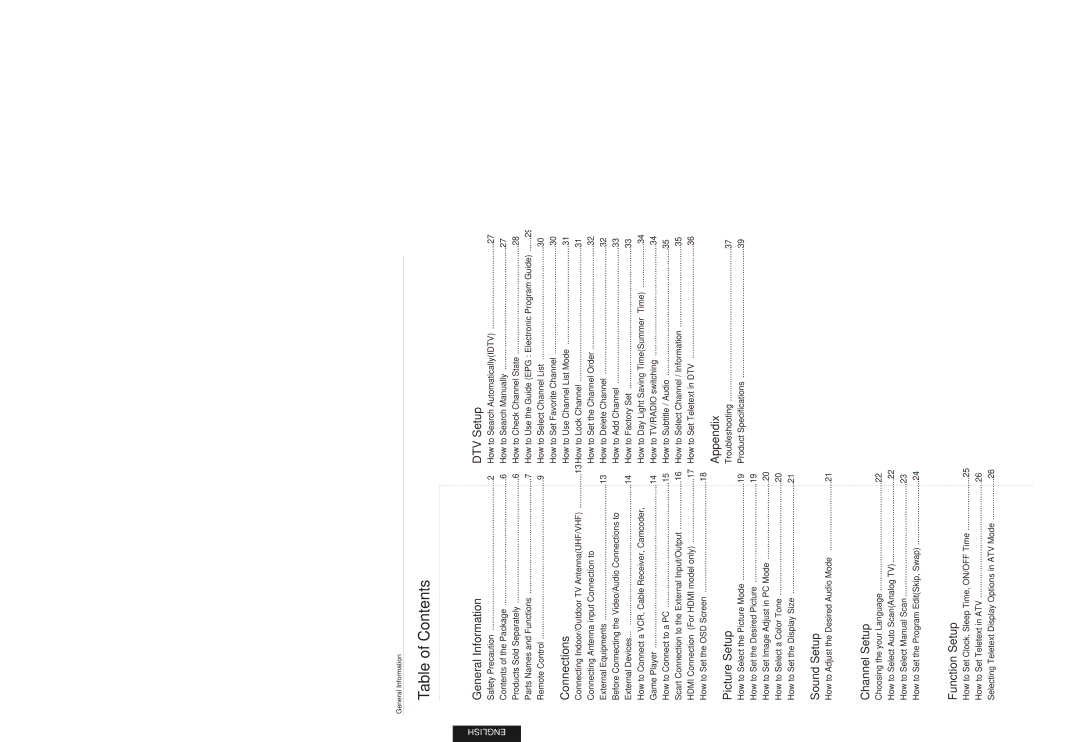
E230D, Digital LCD TV, E231D, E201D, E200D specifications
Hyundai has continually stood at the forefront of television technology, and their latest models, the E200D, E201D, E231D, and E230D Digital LCD TVs, are a testament to this commitment to innovation and quality. Each model brings its own unique features and characteristics, making them suitable for a variety of viewing preferences and environments.The Hyundai E200D is known for its impeccable picture quality, featuring a high definition resolution that enhances the clarity and vibrancy of images. This model supports a wide range of multimedia inputs, including HDMI and USB ports, allowing for seamless connectivity with various devices such as gaming consoles, Blu-ray players, and external storage devices. Additionally, the E200D incorporates advanced backlighting technology, which enhances the brightness and depth of colors, delivering an immersive viewing experience.
Moving on to the E201D, this model takes entertainment to the next level with its integrated digital tuner. It allows users to access a variety of Freeview channels without needing an external set-top box. The E201D also comes equipped with a robust audio system that ensures crystal-clear sound quality, making it an ideal choice for movie enthusiasts and gamers alike. Its sleek design and energy-efficient features make it a popular pick for environmentally conscious consumers.
The Hyundai E231D offers an upgraded viewing experience with its larger 23-inch display. It boasts full HD resolution, ensuring that every scene is rendered with stunning detail. This model highlights Hyundai's commitment to user-friendly operation, featuring an intuitive on-screen menu and remote control that simplifies navigation between various functions and settings. The inclusion of multiple connectivity options makes it adaptable for users who want to connect their smart devices effortlessly.
Finally, the E230D is designed for those who appreciate versatility in their smart TV experience. Along with excellent picture quality and integrated digital technology, the E230D supports both wired and wireless connection options, allowing for easy streaming from popular platforms such as Netflix and YouTube. Enhanced image processing capabilities ensure that motion is smooth and natural, making it perfect for sports and action movies.
In summary, Hyundai's E200D, E201D, E231D, and E230D models embody the latest advancements in digital LCD television technology. With their high-definition displays, enhanced audio systems, and user-friendly features, these TVs cater to a wide audience, from casual viewers to tech-savvy enthusiasts. Whether for gaming, streaming, or enjoying your favorite shows, each model presents a compelling option in today's competitive television market.