
LP810 specifications
The InFocus LP810 is a high-performance projector designed to meet the demands of professional presentations, educational settings, and corporate use. Renowned for its exceptional image quality and advanced features, the LP810 makes it an ideal choice for those who value clarity and detail in visual presentations.One of the standout features of the InFocus LP810 is its impressive brightness, rated at 3500 ANSI lumens. This ensures that it performs well in various lighting conditions, providing vivid and bright images that capture the audience's attention, even in well-lit rooms. Coupled with a high contrast ratio of 2000:1, the projector delivers deep blacks and vibrant colors, making it perfect for displaying everything from detailed presentations to dynamic videos.
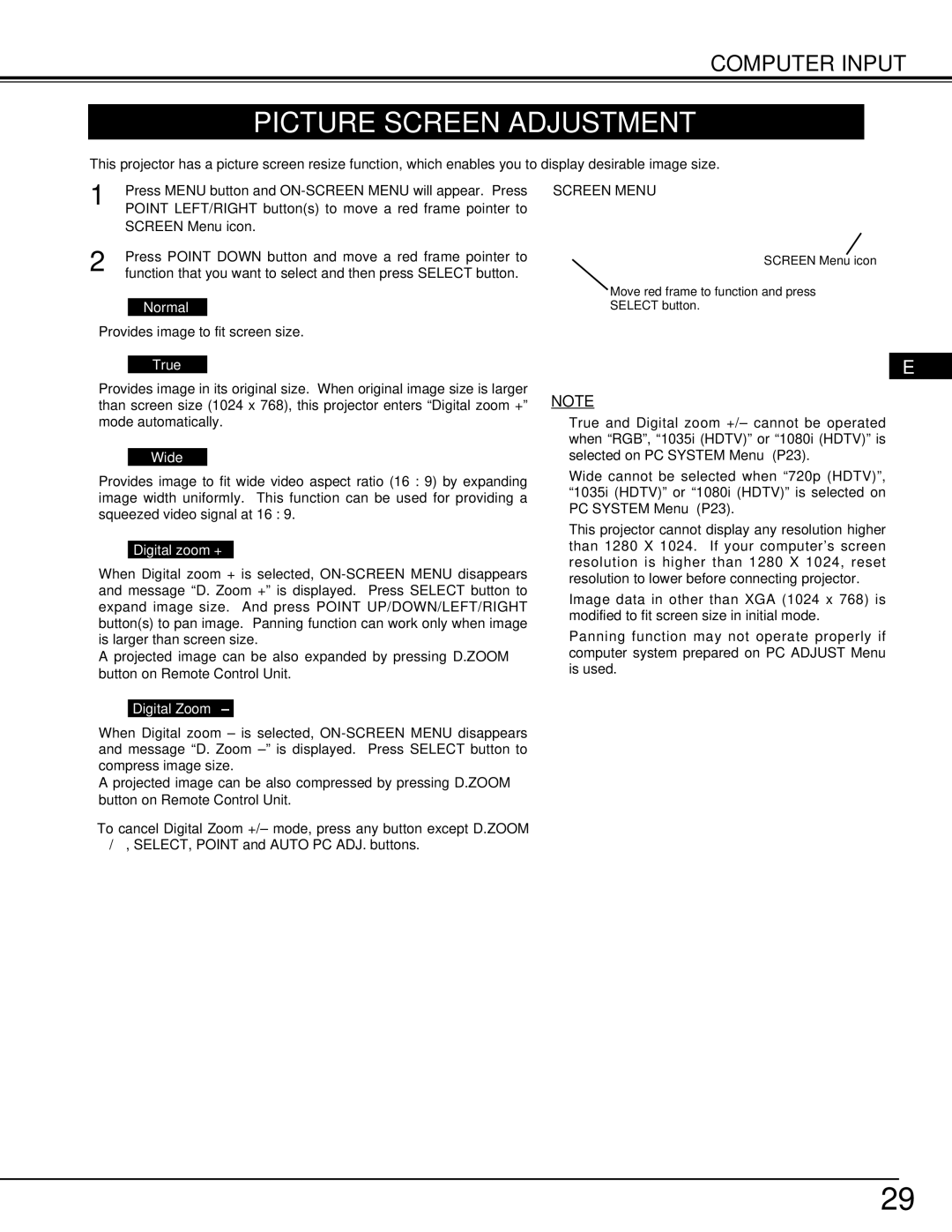
The LP810 employs DLP technology, which is known for its reliability and longevity. DLP projectors are less susceptible to color decay, ensuring that the images remain consistent over time. The InFocus LP810 also features a native XGA resolution of 1024 x 768 pixels, allowing for sharp image quality that enhances the clarity of text and graphics. Moreover, it supports various resolutions up to 1080p, making it versatile for different content formats.
Connectivity is a vital aspect of any projectors, and the InFocus LP810 does not disappoint. It offers multiple input options, including HDMI, VGA, and composite, accommodating various devices such as laptops, Blu-ray players, and gaming consoles. Additionally, the projector supports an RS-232 port for advanced integration into control systems, making it suitable for installation in larger venues.
Portability is another characteristic of the LP810, with a compact design that weighs approximately 5.5 pounds. This lightweight design facilitates easy transportation, making it a great choice for professionals who need to present in different locations. The projector also includes onboard controls, allowing users to make quick adjustments without needing a remote.
In terms of usability, the LP810 features an intuitive menu system that simplifies navigation, alongside an automatic keystone correction that ensures the image remains properly aligned, regardless of the projector's positioning. The inclusion of an Eco mode extends the life of the lamp while also reducing energy consumption, which is an added benefit for environmentally conscious users.
In summary, the InFocus LP810 is a versatile and powerful projector that combines advanced technology with user-friendly features. Its high brightness, exceptional image quality, and extensive connectivity options make it an excellent choice for any professional or educational setting. Whether you're delivering a crucial business presentation or engaging a classroom full of students, the LP810 ensures that your visuals stand out.