Motorola rivalTM A455
Page
Congratulations
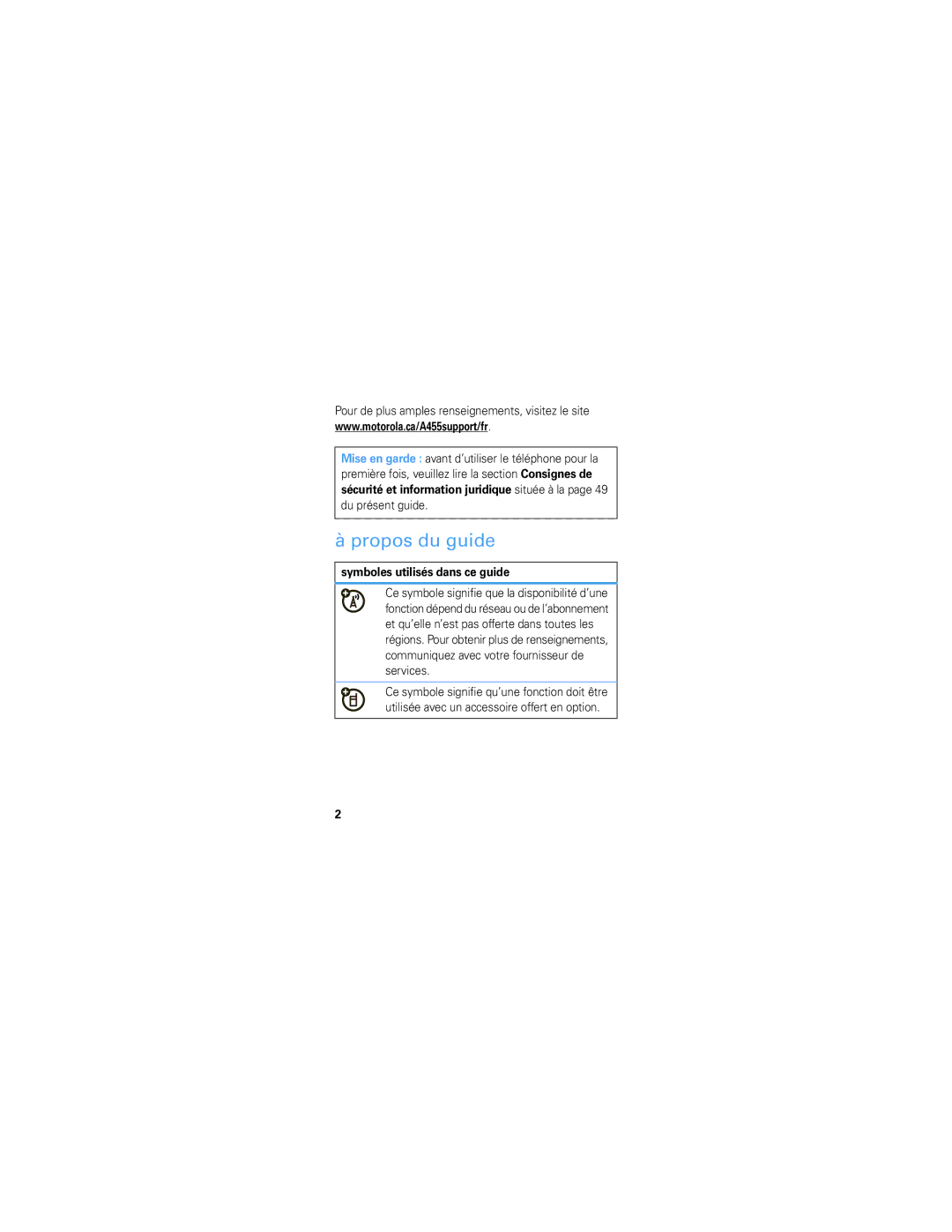
This means a feature requires an optional accessory
This guide
Contents
Important keys & connectors
Your phone
To enter text with the keyboard, see
Main menu
Network dependent
Peel cover off MicroSD Battery Cover on Charge
Let’s go
Make & answer calls
Basics
Turn it on & off
End calls
Volume & directional keys
Store contacts
Call or text contacts
Home screen
Status indicators
Status indicators appear at the top of your screen
Master Volume is Vibrate Only
Master Volume is Silent All
Master Volume is Alarm Only
Handsfree speaker is on
Voicemail
Calls
Redial a number
For the basics, see
Handsfree
Emergency calls
To store and call contacts, see
Phonebook
Edit or delete contacts
To delete the contact, touch Options Delete
Add a ringtone for a contact
Speed dial contacts
Create & send text messages
Messages
Text messages
When you receive a text message, you can
Receive text messages
To delete, press o. Hold to delete a word
Text entry
Open the slider, and use the keyboard to type
Tips & tricks
Good to know
Then select 5 seconds
To make your backlight turn off sooner With
Ringtone
Display settings
Personalize
Shortcuts
Photos
Take photos
To send the photo, touch Pictures Options
Send
Delete
Videos
Record videos
Videos
Music
Get music
Load music onto your computer
Transfer music
Insert a memory card into your phone
Page
Transfer music manually
Information is included
Music player
All Songs Play a song
As rock or jazz
Music
Music player controls
Pause/play To pause, press To resume play, press again
Listening tips
Web
Surf the Web from your phone
Supported Profiles
Bluetooth wireless
Connect new devices
Reconnect devices
To automatically reconnect your phone with a
Add a calendar event
Set an alarm
Tools
To save the appointment, touch the Right Touch Key Done
Calculator
Press Done
Codes & passwords
Security
Lock & unlock phone
Service & repairs
If you have questions or need assistance, were here to help
Legal & Safety
Battery Use & Safety
Battery Charging
New batteries are not fully charged
Specific Absorption Rate
Content Copyright
Software Copyright Notice
Agps Performance Tips
Safety & General Information
Agps & Emergency Calls
Exposure to Radio Frequency RF Energy
Operational Precautions
Follow Instructions to Avoid Interference Problems
RF Energy Interference/Compatibility
Implantable Medical Devices
Driving Precautions
Operational Warnings
Potentially Explosive Atmospheres
Information
Symbol Key
Batteries & Chargers
Glass Parts
Seizures/Blackouts
Repetitive Motion
Industry Canada Notice to Users
FCC Notice to Users
Jan0109
Use & Care
Reorient or relocate the receiving antenna
Products and Accessories
Motorola Limited Warranty for the United States and Canada
What Does this Warranty Cover?
Don’t drop your phone
Exclusions Products and Accessories
Covers and cases
Purchase
Software
Exclusions Software
What Will Motorola Do?
How to Obtain Warranty Service or Other Information
Who is Covered?
Hearing Aid Compatibility with Mobile Phones
What Other Limitations are There?
Source WHO Fact Sheet
Information from the World Health Organization
Product Registration
Online Product Registration
Caring for the Environment by Recycling
Disposal of your Mobile Device Accessories
Export Law Assurances
Thank you for choosing a Motorola product
Disposal of your Mobile Device Packaging & User’s Guide
California Perchlorate Label
Privacy & Data Security
There is no special handling required by consumers
Smart Practices While Driving
Taking your attention off the road
Page
United States Canada
Motorola, Inc. All rights reserved
Motorola rivalMC A455
Page
Félicitations
Du présent guide
Propos du guide
Pour de plus amples renseignements, visitez le site
Table des matières
Votre téléphone
Les touches et les connecteurs principaux
Du menu
Pour saisir du texte au moyen du clavier, consultez la
Menu principal
Média
La section portant sur
Allons-y
Détachez le
Et les consignes de
Faire des appels et répondre
Notions de base
Mettre sous tension et hors tension
Pour mettre le téléphone sous/hors
Appuyez sur la touche
Touches de volume et touche directionnelle
Mettre fin aux appels
Sélectionnez Créer un contact en appuyant sur
Sauvegarder des contacts
Sélectionnez un type d’entrée
Appeler un contact ou envoyer un message texte
Pour appeler, appuyez sur la touche ¯
Écran d’accueil
Indicateurs d’état
Le haut-parleur mains libres est activé
Mains libres
Appels
Recomposer un numéro
Pour en savoir plus sur les notions de base, consultez la
Votre fournisseur de services
Appels d’urgence
Messagerie vocale
Pour sauvegarder et appeler des contacts, consultez la
Annuaire
Modifier ou supprimer des contacts
Attribuer une sonnerie à un contact
Depuis l’écran d’accueil, appuyez sur Contacts
Composition rapide des contacts
Pour attribuer un numéro de composition rapide à un contact
Messages textes
Créer et envoyer des messages textes
Recevoir des messages textes
Saisie de texte
Pensez clavier, mais plus petit
Pour saisir des caractères français accentués ou
Trucs et conseils
Renseignements utiles
Prolonger l’autonomie du téléphone
Guides vocaux
Paramètres d’affichage
Personnaliser
Sonnerie
Raccourcis
Remarque l’apparence de votre écran peut varier
Prendre des photos
Du téléphone
Pour prendre une photo, appuyez sur la