▍BIOS Setup
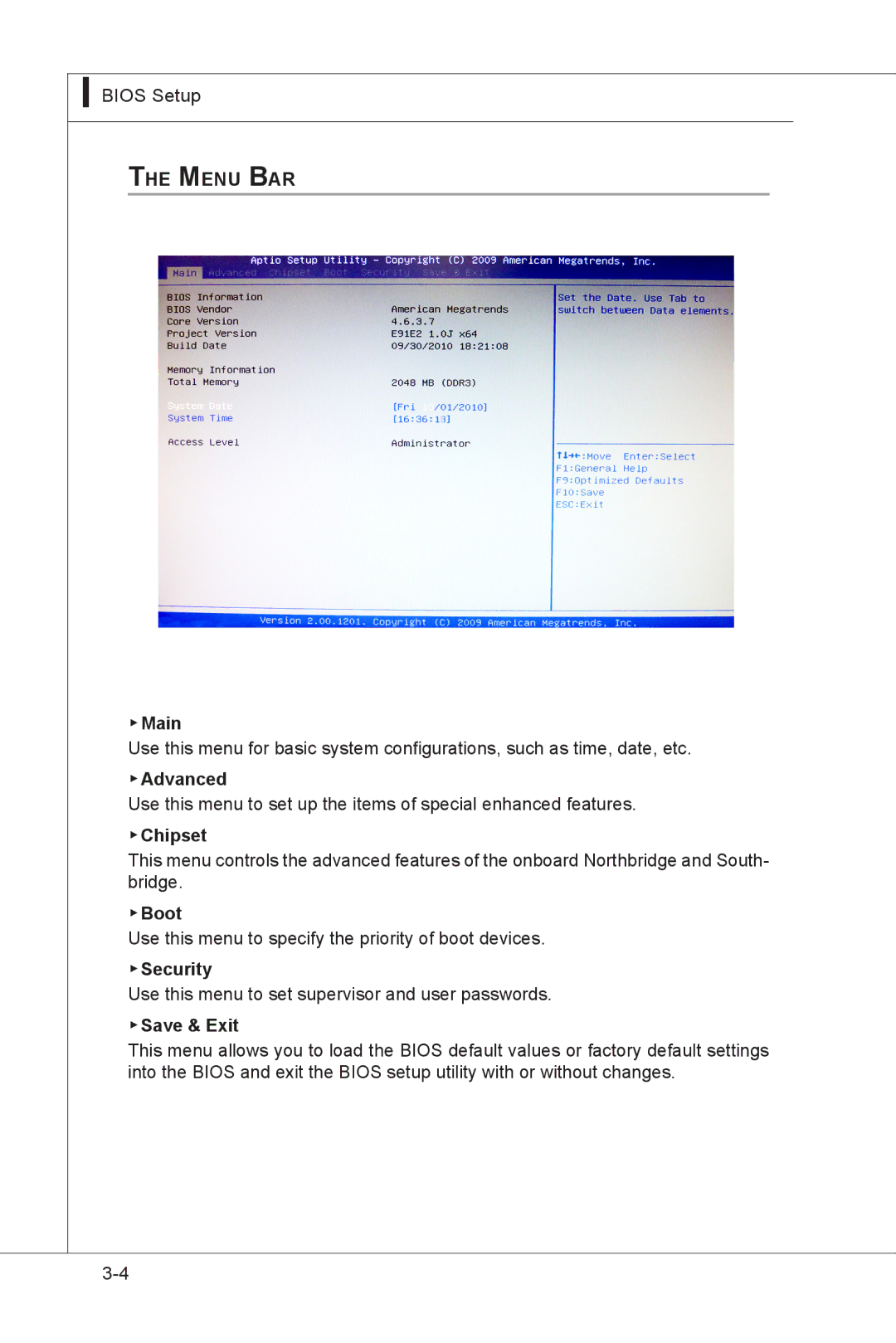
The Menu Bar
▶Main
Use this menu for basic system configurations, such as time, date, etc.
▶Advanced
Use this menu to set up the items of special enhanced features.
▶Chipset
This menu controls the advanced features of the onboard Northbridge and South- bridge.
▶Boot
Use this menu to specify the priority of boot devices.
▶Security
Use this menu to set supervisor and user passwords.
▶Save & Exit
This menu allows you to load the BIOS default values or factory default settings into the BIOS and exit the BIOS setup utility with or without changes.