5Prima <e u/dpara seleccionar

Ligado ou Desligado.

6Prima <para guardar as definições.

5.7.1.7Como ligar/desligar o tom de

mensagem SMS

Éemitido um tom quando é recebida uma mensagem SMS nova. Poderá ligar ou desligar

este tom de mensagem SMS.

1 Prima <para aceder ao menu principal.

2 Prima u/dpara seleccionar Def. pessoal. 3 Prima <para seleccionar Tons auscultador. 4 Prima <e u/dpara seleccionar Tom

SMS

5 Prima <e u/dpara seleccionar

Ligado ou Desligado.

6 Prima <para guardar as definições.

5.7.2Como definir um wallpaper a exibir no modo de repouso

Existem três wallpapers pré-instalados no seu telefone. Pode seleccionar o wallpaper pretendido a exibir no modo de repouso.

1Prima <para aceder ao menu principal.

2Prima u/dpara seleccionar Def. pessoal.

3Prima <e u/dpara seleccionar

Wallpaper.

4Prima <e u/dpara procurar o wallpaper pretendido.

5Prima <para guardar as definições.

5.7.3Como ajustar o nível de contraste Existem cinco opções de nível de contraste (Nível 1, Nível 2, Nível 3, Nível 4 ou Nível 5).

1Prima <para aceder ao menu principal.

2Prima u/dpara seleccionar Def. pessoal.

3Prima <e u/dpara seleccionar

Contraste.

4Prima <e u/dpara procurar o nível de contraste pretendido.

Nota

O efeito de contraste será visualizado ao percorrer os diferentes níveis de contraste.

5Prima <para guardar as definições.

5.7.4Como definir o tema da cor do seu telefone

Existem quatro temas de cor diferentes no seu telefone. Pode seleccionar o tema de cor pretendido para que seja visualizado no ecrã de menus.

1Prima <para aceder ao menu principal.

2Prima u/dpara seleccionar Def. pessoal.

3Prima <para seleccionar Tema cor.

4Prima <e u/dpara procurar o tema de cor pretendido.

Nota

O tema de cor correspondente será visualizado ao percorrer as diferentes opções de tema de cor.

5Prima <para guardar as definições.

5.7.5Como renomear o telefone

Pode renomear o telefone e exibir o nome do telefone no modo inactivo.

1Prima <para aceder ao menu principal.

2Prima u/dpara seleccionar Def. pessoal.

3Prima <e u/dpara seleccionar

Nome auscultador.

4Prima <para introduzir o nome do

telefone.

Nota

O comprimento máximo do nome do telefone é de 14 caracteres.

5Prima <para guardar as definições.

5.7.6Como definir o atender automático Esta função permite-lhe atender automaticamente uma chamada levantando o telefone da estação de base.

1Prima <para aceder ao menu principal.

2Prima u/dpara seleccionar Def. pessoal.

3Prima <e u/dpara seleccionar

Atender auto.

4Prima <e u/dpara seleccionar

Ligado ou Desligado.

5Prima <para guardar as definições.

24

Utilizar mais o seu telefone

Page 26
Image 26
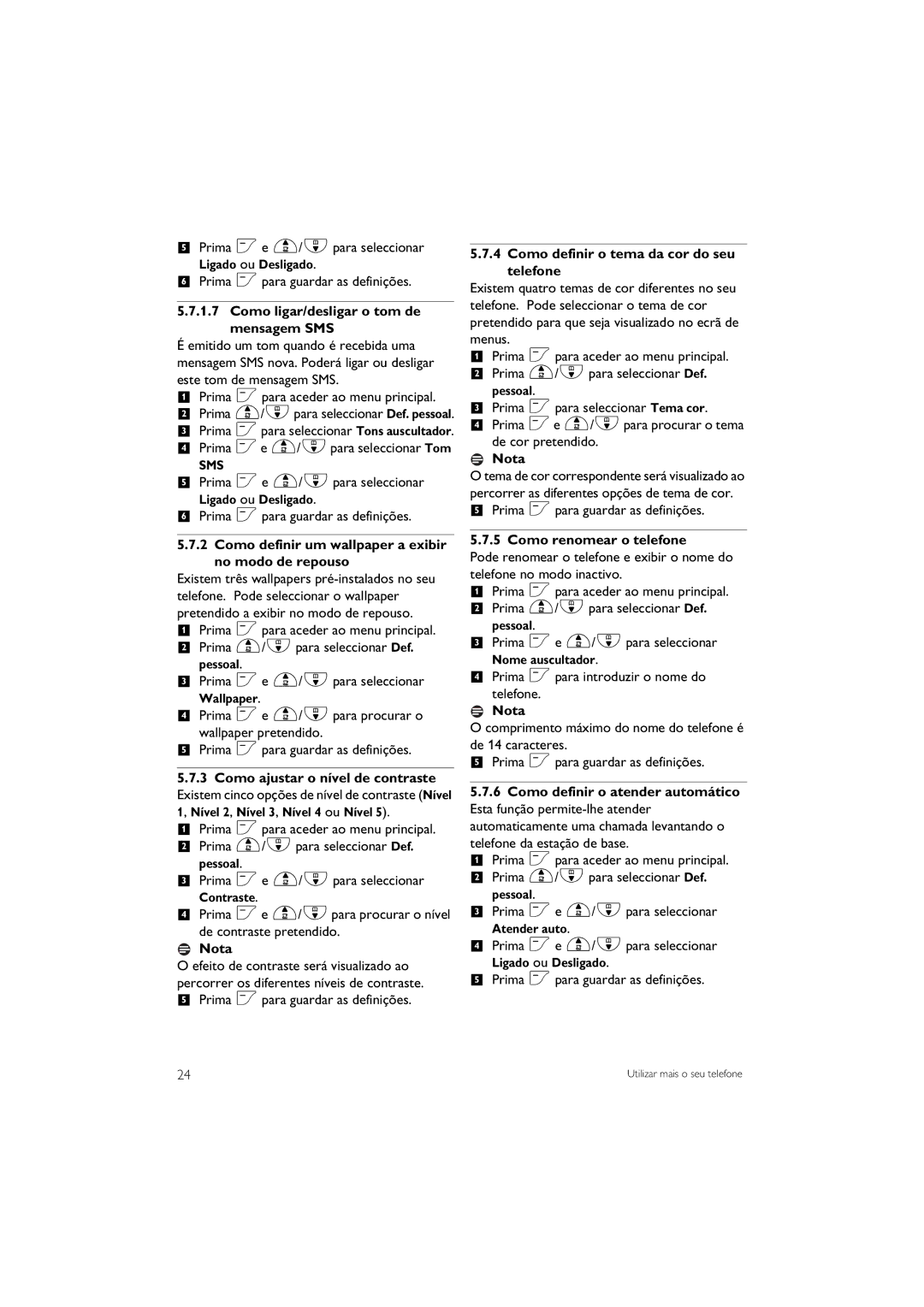
Philips CD645 manual Como ligar/desligar o tom de Mensagem SMS, Como definir um wallpaper a exibir no modo de repouso

CD645 specifications

The Philips CD645 is a premium cordless telephone designed to meet the needs of modern consumers who seek a reliable and feature-rich communication device. With its sleek design and advanced technologies, the CD645 brings both style and functionality to any home or office environment.

One of the main features of the Philips CD645 is its excellent sound quality. Equipped with high-definition audio technology, users can enjoy crystal-clear conversations without interference or distortion. Additionally, the phone provides adjustable volume settings and an external ringer, ensuring that users will always be notified of incoming calls, even in noisy environments.

Another highlight of the Philips CD645 is its extensive phonebook capacity, which can store up to 200 entries. This makes it easy for users to keep track of important contacts and quickly dial them without needing to remember numbers. The phonebook also features a smart search function, allowing users to find contacts by simply typing in the first few letters of their names.

The CD645 is designed with user convenience in mind. It boasts a large backlit display that ensures readability in all lighting conditions. The intuitive menu interface allows for easy navigation between features such as call logs, settings, and the phonebook. Furthermore, the phone is equipped with a hands-free speakerphone option, allowing users to multitask during calls, making it perfect for busy households or work settings.

Power management is another key feature of the Philips CD645. The phone uses advanced energy-saving technologies that ensure a long battery life, providing up to 20 hours of talk time and up to 200 hours on standby. This means users can rely on their device for extended periods without the need for frequent recharging.

Security is prioritized as well, with the Philips CD645 featuring DECT security protocols that protect against eavesdropping and unauthorized access. This ensures that every conversation remains private and secure.

In summary, the Philips CD645 is an impeccably designed cordless phone that combines practicality with innovative technology. Its high-quality audio, extensive phonebook, user-friendly interface, long battery life, and security features make it an excellent choice for anyone looking for a dependable communication device. Whether for home use or in a professional setting, the Philips CD645 undoubtedly enhances the calling experience.