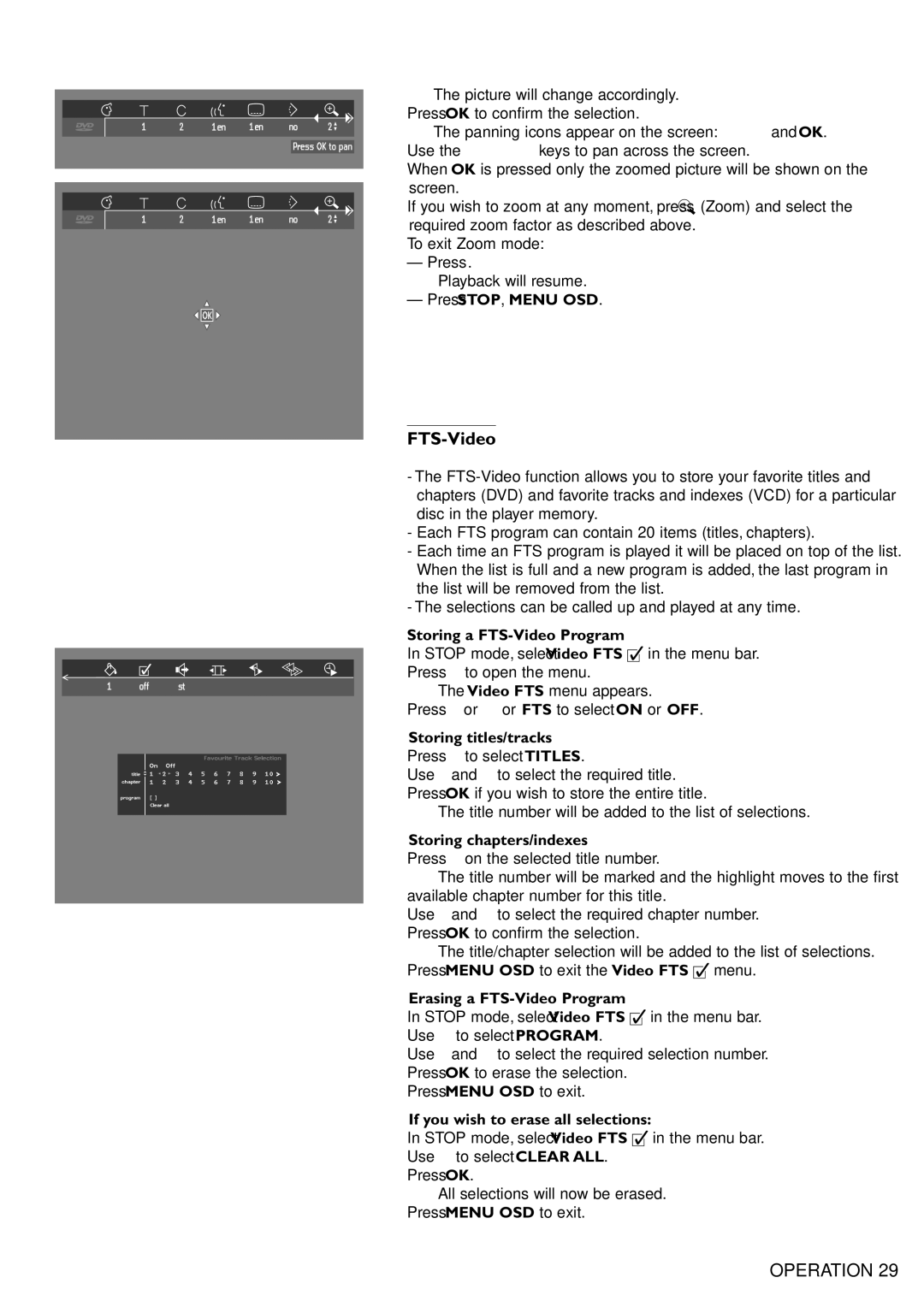
➤The picture will change accordingly.
●Press OK to confirm the selection.
➤The panning icons appear on the screen: v w t u and OK.
●Use the v w t u keys to pan across the screen.
●When OK is pressed only the zoomed picture will be shown on the screen.
●If you wish to zoom at any moment, press a (Zoom) and select the required zoom factor as described above.
●To exit Zoom mode:
– Press 2.
➤Playback will resume.
–Press STOP, MENU OSD.
FTS-Video
-The
-Each FTS program can contain 20 items (titles, chapters).
-Each time an FTS program is played it will be placed on top of the list. When the list is full and a new program is added, the last program in the list will be removed from the list.
-The selections can be called up and played at any time.
Storing a FTS-Video Program
●In STOP mode, select Video FTS c in the menu bar.
●Press w to open the menu.
➤The Video FTS menu appears.
●Press t or u or FTS to select ON or OFF.
Storing titles/tracks
●Press w to select TITLES.
●Use u and t to select the required title.
●Press OK if you wish to store the entire title.
➤The title number will be added to the list of selections.
Storing chapters/indexes
●Press w on the selected title number.
➤The title number will be marked and the highlight moves to the first available chapter number for this title.
●Use u and t to select the required chapter number.
●Press OK to confirm the selection.
➤The title/chapter selection will be added to the list of selections.
●Press MENU OSD to exit the Video FTS c menu.
Erasing a FTS-Video Program
●In STOP mode, select Video FTS c in the menu bar.
●Use w to select PROGRAM.
●Use u and t to select the required selection number.
●Press OK to erase the selection.
●Press MENU OSD to exit.
If you wish to erase all selections:
●In STOP mode, select Video FTS c in the menu bar.
●Use w to select CLEAR ALL.
●Press OK.
➤All selections will now be erased.
●Press MENU OSD to exit.
OPERATION 29