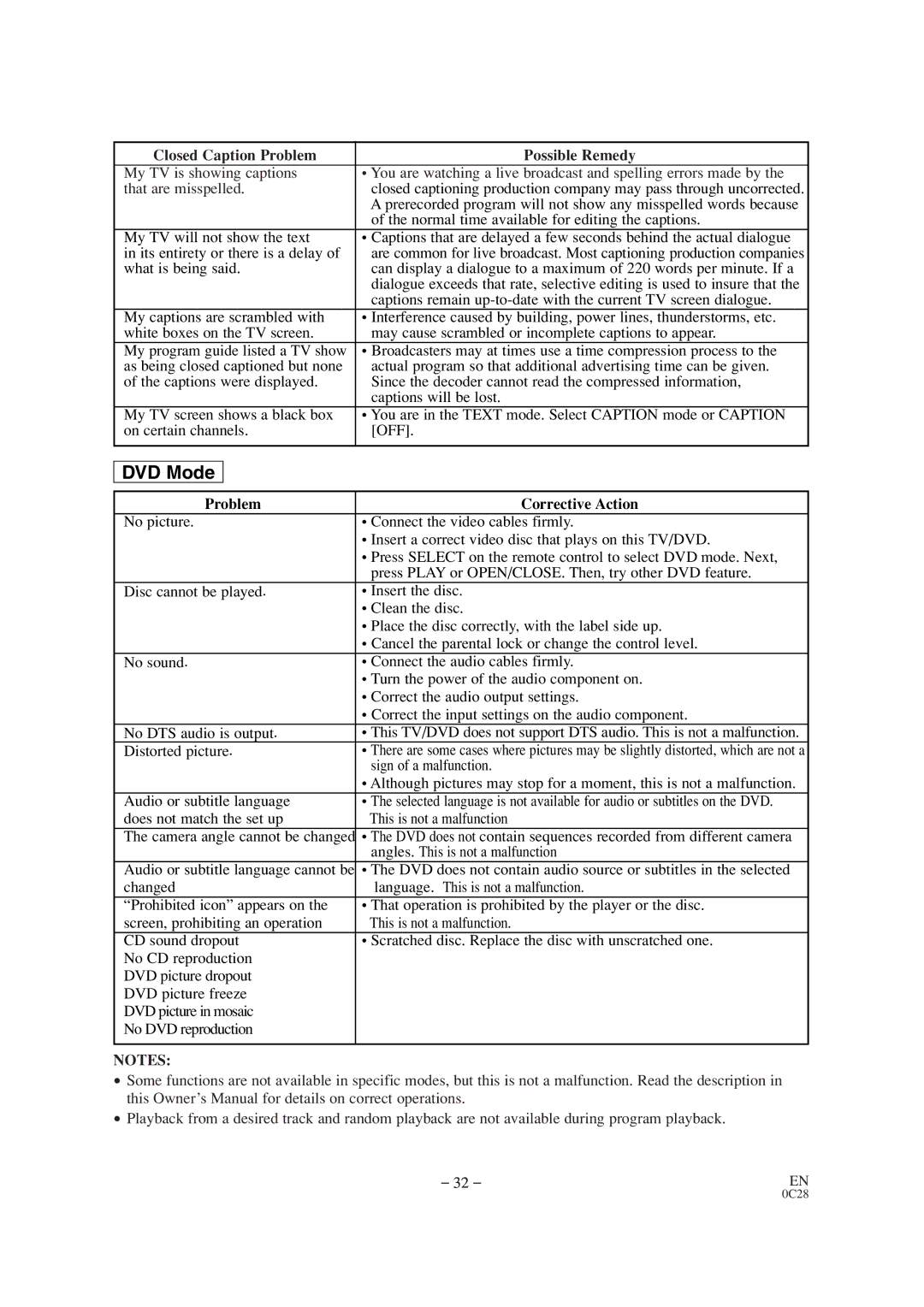
Closed Caption Problem | Possible Remedy |
My TV is showing captions | • You are watching a live broadcast and spelling errors made by the |
that are misspelled. | • closed captioning production company may pass through uncorrected. |
| • A prerecorded program will not show any misspelled words because |
| • of the normal time available for editing the captions. |
My TV will not show the text | • Captions that are delayed a few seconds behind the actual dialogue |
in its entirety or there is a delay of | • are common for live broadcast. Most captioning production companies |
what is being said. | • can display a dialogue to a maximum of 220 words per minute. If a |
| • dialogue exceeds that rate, selective editing is used to insure that the |
| • captions remain |
My captions are scrambled with | • Interference caused by building, power lines, thunderstorms, etc. |
white boxes on the TV screen. | • may cause scrambled or incomplete captions to appear. |
My program guide listed a TV show | • Broadcasters may at times use a time compression process to the |
as being closed captioned but none | • actual program so that additional advertising time can be given. |
of the captions were displayed. | • Since the decoder cannot read the compressed information, |
| • captions will be lost. |
My TV screen shows a black box | • You are in the TEXT mode. Select CAPTION mode or CAPTION |
on certain channels. | • [OFF]. |
|
|
DVD Mode
Problem | Corrective Action |
No picture. | • Connect the video cables firmly. |
| • Insert a correct video disc that plays on this TV/DVD. |
| • Press SELECT on the remote control to select DVD mode. Next, |
| press PLAY or OPEN/CLOSE. Then, try other DVD feature. |
Disc cannot be played. | • Insert the disc. |
| • Clean the disc. |
| • Place the disc correctly, with the label side up. |
| • Cancel the parental lock or change the control level. |
No sound. | • Connect the audio cables firmly. |
| • Turn the power of the audio component on. |
| • Correct the audio output settings. |
| • Correct the input settings on the audio component. |
No DTS audio is output. | • This TV/DVD does not support DTS audio. This is not a malfunction. |
Distorted picture. | • There are some cases where pictures may be slightly distorted, which are not a |
| sign of a malfunction. |
| • Although pictures may stop for a moment, this is not a malfunction. |
Audio or subtitle language | • The selected language is not available for audio or subtitles on the DVD. |
does not match the set up | This is not a malfunction |
The camera angle cannot be changed | • The DVD does not contain sequences recorded from different camera |
| angles. This is not a malfunction |
Audio or subtitle language cannot be | • The DVD does not contain audio source or subtitles in the selected |
changed | language. This is not a malfunction. |
“Prohibited icon” appears on the | • That operation is prohibited by the player or the disc. |
screen, prohibiting an operation | This is not a malfunction. |
CD sound dropout | • Scratched disc. Replace the disc with unscratched one. |
No CD reproduction |
|
DVD picture dropout |
|
DVD picture freeze |
|
DVD picture in mosaic |
|
No DVD reproduction |
|
|
|
NOTES: |
|
•
•
Some functions are not available in specific modes, but this is not a malfunction. Read the description in this Owner’s Manual for details on correct operations.
Playback from a desired track and random playback are not available during program playback.
– 32 – | EN |