
 • O ecrã ficará sem imagem enquanto a função AUTO estiver activa.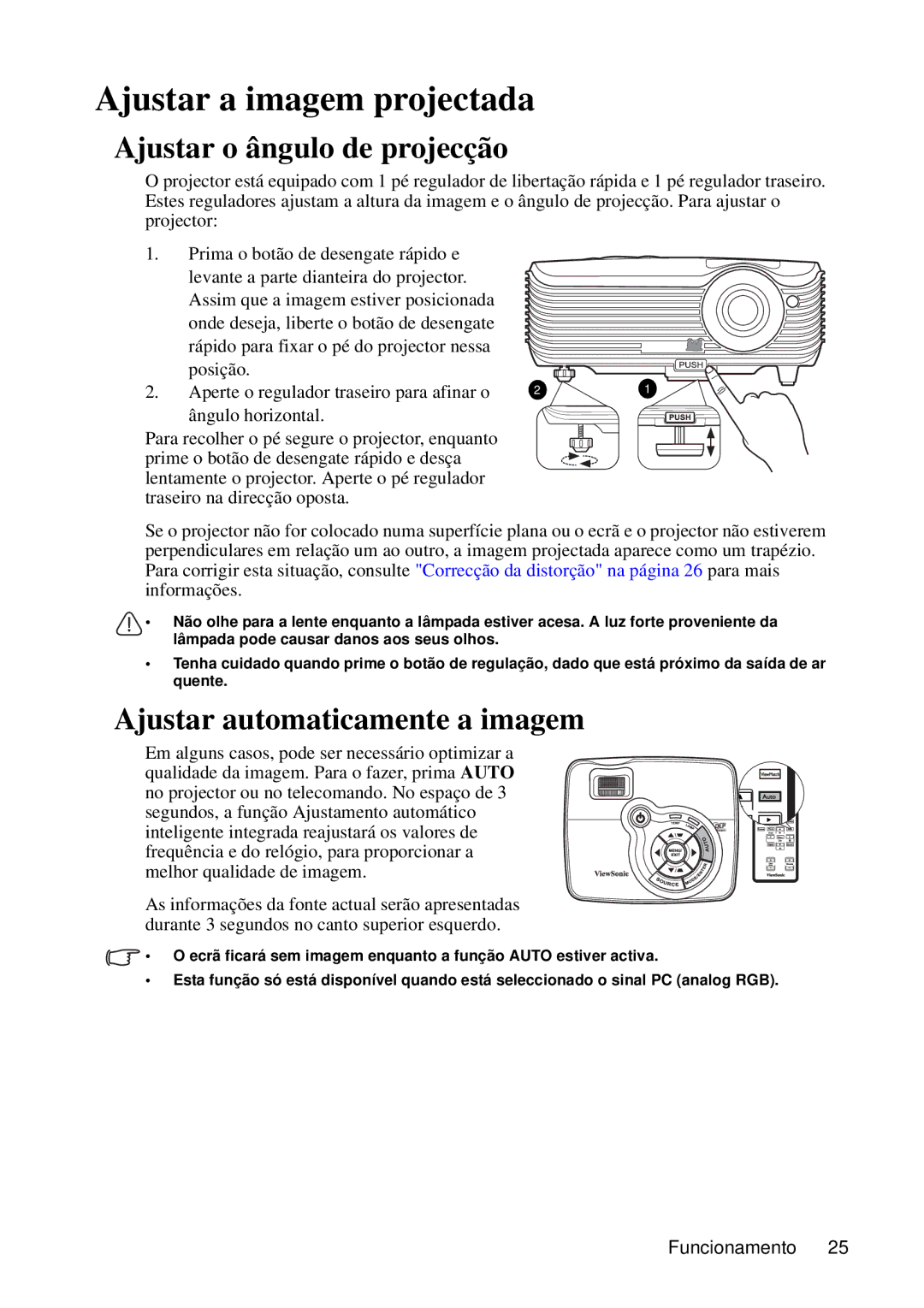
VS12440 specifications
The ViewSonic VS12440 is an innovative 4K LCD display designed for versatile applications in both professional and personal settings. Known for its superior image quality and advanced technologies, this display provides users with an immersive viewing experience that is essential for environments where detail and clarity are key.One of the standout features of the VS12440 is its 4K Ultra HD resolution, boasting a stunning 3840 x 2160 pixels. This high resolution ensures that images are displayed with remarkable detail, making it ideal for graphic designers, video editors, and anyone who relies on visuals for their work. The sharpness and clarity of the images enhance productivity, making it a valuable asset in any office or creative space.
Color accuracy is another important aspect of the VS12440. Equipped with advanced color calibration technologies, the display covers a wide color gamut, delivering vibrant and true-to-life colors. This capability is particularly beneficial for photographers and videographers who require precise color representation to ensure their work meets industry standards.
The VS12440 also incorporates ViewSonic's proprietary Vivid Color technology, which enhances color performance and ensures dynamic visuals. This feature makes the display suitable for multimedia presentations, gaming, and watching movies, providing an engaging experience across various formats.
Another remarkable characteristic of the VS12440 is its connectivity options. The display includes multiple HDMI and DisplayPort ports, allowing users to easily connect a variety of devices. This flexibility is crucial in multi-device setups where efficiency and performance are paramount.
Moreover, the ergonomic design of the VS12440 features a sleek and modern look, with adjustable stand options that contribute to user comfort during long hours of use. The display also supports VESA mounting, providing the flexibility to position it in a way that best suits any workspace or entertainment area.
In summary, the ViewSonic VS12440 is a feature-rich display that meets the needs of professionals and casual users alike. With its 4K resolution, advanced color technologies, diverse connectivity options, and ergonomic design, it stands out as a top choice for anyone seeking high-quality visual performance. Whether for work or play, the VS12440 exemplifies the ideal blend of functionality and aesthetics in a modern display.