BUTTON & OPERATION OF AV SYSTEM
Zoom In/Out
 Press the “WIDE” button to adjust the picture size
FULL  4:3 (NORMAL)
  ZOOM1
ZOOM1  FULL
FULL 

FULL |
| 4 : 3 (NORMAL) |
|
|
|
 ZOOM1
ZOOM1
ADDITIONAL FEATURE AND OPERATION
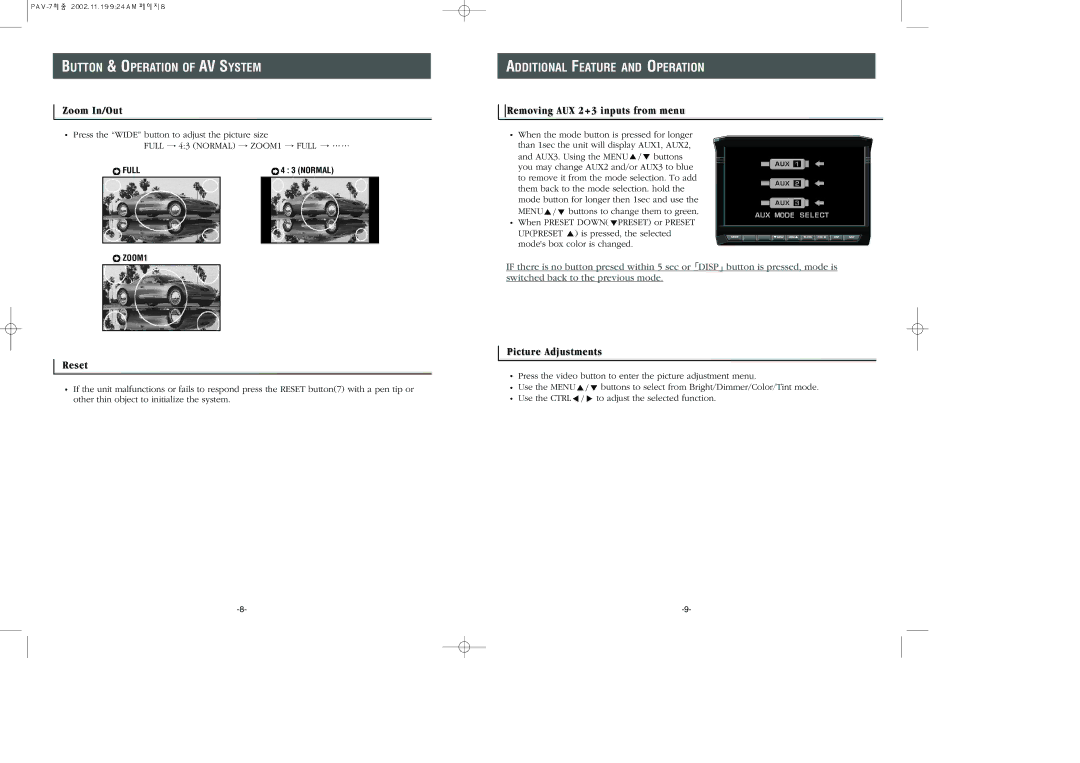
Removing AUX 2+3 inputs from menu
 When the mode button is pressed for longer than 1sec the unit will display AUX1, AUX2,
and AUX3. Using the MENU
 buttons you may change AUX2 and/or AUX3 to blue to remove it from the mode selection. To add them back to the mode selection. hold the mode button for longer then 1sec and use the
MENU
 buttons to change them to green.
  When PRESET DOWN(
 PRESET) or PRESET
UP(PRESET  ) is pressed, the selected mode's box color is changed.
IF there is no button presed within 5 sec or DISP button is pressed, mode is switched back to the previous mode.
Reset
 If the unit malfunctions or fails to respond press the RESET button(7) with a pen tip or other thin object to initialize the system.
Picture Adjustments
 Press the video button to enter the picture adjustment menu.
Use the MENU | buttons to select from Bright/Dimmer/Color/Tint mode. |
Use the CTRL | to adjust the selected function. |