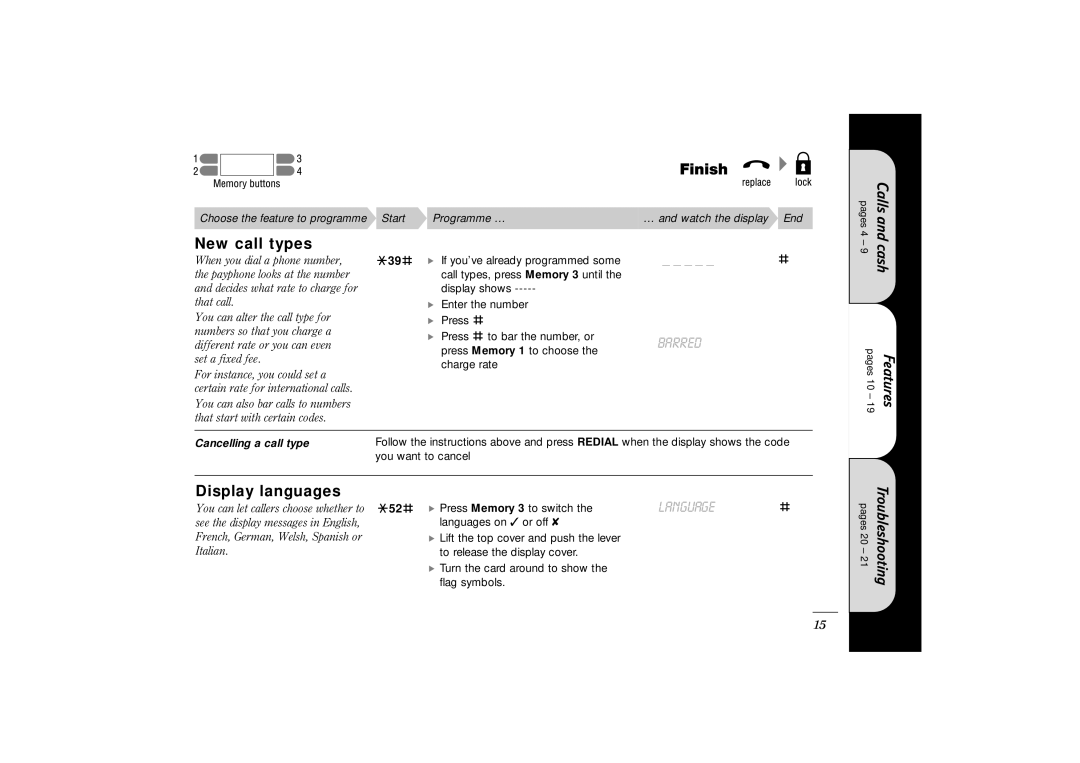
Choose the feature to programme Start Programme …… and watch the display End
New call types
When you dial a phone number, | S39H | • If you’ve already programmed some | _ _ _ _ _ | H |
the payphone looks at the number |
| call types, press Memory 3 until the |
|
|
and decides what rate to charge for |
| display shows |
|
|
that call. |
| • Enter the number |
|
|
You can alter the call type for |
| • Press H |
|
|
numbers so that you charge a |
| • Press H to bar the number, or | BARRED |
|
different rate or you can even |
|
| ||
| press Memory 1 to choose the |
| ||
set a fixed fee. |
|
|
| |
| charge rate |
|
| |
For instance, you could set a |
|
|
| |
|
|
|
| |
certain rate for international calls. |
|
|
|
|
You can also bar calls to numbers |
|
|
|
|
that start with certain codes. |
|
|
|
|
|
| |||
Cancelling a call type | Follow the instructions above and press REDIAL when the display shows the code | |||
| you want to cancel |
|
| |
|
|
|
|
|
Display languages |
|
| LANGUAGE |
|
You can let callers choose whether to | S52H | • Press Memory 3 to switch the | H | |
see the display messages in English, |
| languages on ✓ or off ✘ |
|
|
French, German, Welsh, Spanish or |
| • Lift the top cover and push the lever |
|
|
Italian. |
| to release the display cover. |
|
|
|
| • Turn the card around to show the |
|
|
|
| flag symbols. |
|
|
pages 4 – 9
pages 10 – 19
pages 20 – 21
Calls and cash
Features
Troubleshooting
15