Selecting items in Windows Media Center
You can control the Windows Media Center functions and navigate Windows Media Center windows by using the remote control, the keyboard, or a mouse.
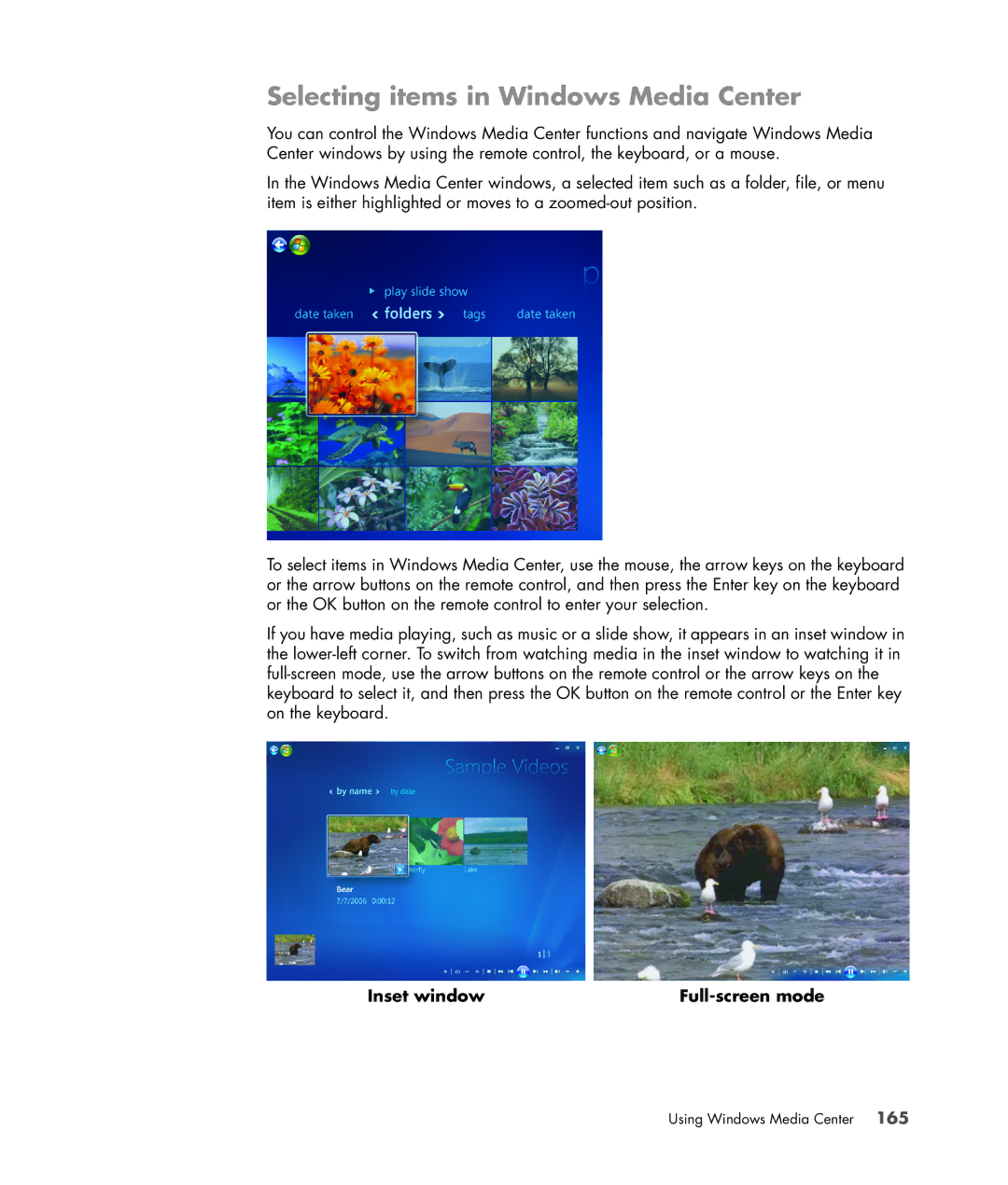
In the Windows Media Center windows, a selected item such as a folder, file, or menu item is either highlighted or moves to a
To select items in Windows Media Center, use the mouse, the arrow keys on the keyboard or the arrow buttons on the remote control, and then press the Enter key on the keyboard or the OK button on the remote control to enter your selection.
If you have media playing, such as music or a slide show, it appears in an inset window in the
Inset window |
|