34EN

RECORDINGAdvanced Features (Cont.)

ZOOM (Zoom magnification)

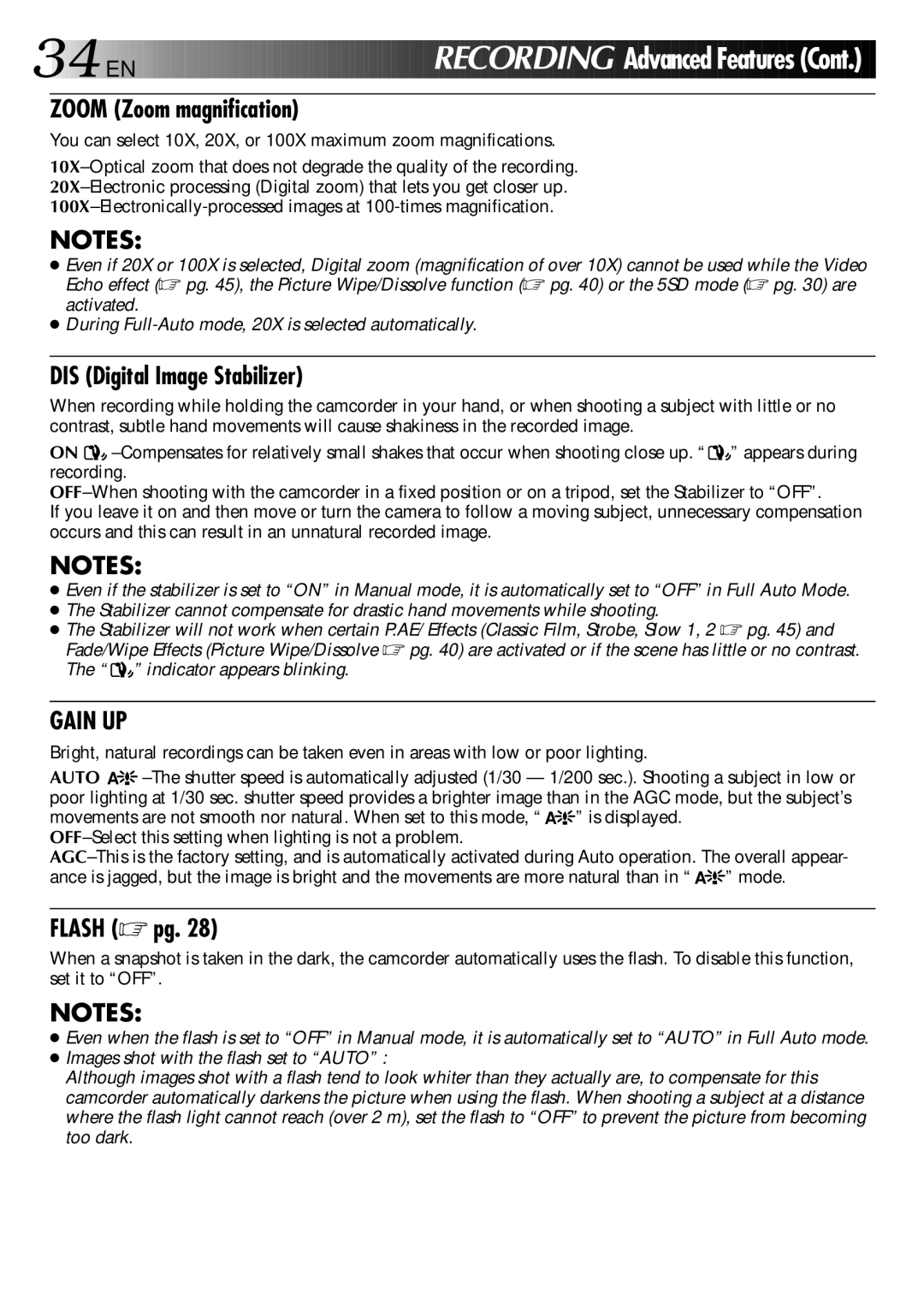
You can select 10X, 20X, or 100X maximum zoom magnifications.

10X–Optical zoom that does not degrade the quality of the recording. 20X–Electronic processing (Digital zoom) that lets you get closer up. 100X–Electronically-processed images at 100-times magnification.

NOTES:

Even if 20X or 100X is selected, Digital zoom (magnification of over 10X) cannot be used while the Video Echo effect (pg. 45), the Picture Wipe/Dissolve function (pg. 40) or the 5SD mode (pg. 30) are activated.

During Full-Auto mode, 20X is selected automatically.

DIS (Digital Image Stabilizer)

When recording while holding the camcorder in your hand, or when shooting a subject with little or no contrast, subtle hand movements will cause shakiness in the recorded image.

ON –Compensates for relatively small shakes that occur when shooting close up. “” appears during recording.

OFF–When shooting with the camcorder in a fixed position or on a tripod, set the Stabilizer to “OFF”.

If you leave it on and then move or turn the camera to follow a moving subject, unnecessary compensation occurs and this can result in an unnatural recorded image.

NOTES:

Even if the stabilizer is set to “ON” in Manual mode, it is automatically set to “OFF” in Full Auto Mode.

The Stabilizer cannot compensate for drastic hand movements while shooting.

The Stabilizer will not work when certain P.AE/ Effects (Classic Film, Strobe, Slow 1, 2 pg. 45) and Fade/Wipe Effects (Picture Wipe/Dissolve pg. 40) are activated or if the scene has little or no contrast. The “” indicator appears blinking.

GAIN UP

Bright, natural recordings can be taken even in areas with low or poor lighting.

AUTO A –The shutter speed is automatically adjusted (1/30 — 1/200 sec.). Shooting a subject in low or poor lighting at 1/30 sec. shutter speed provides a brighter image than in the AGC mode, but the subject’s movements are not smooth nor natural. When set to this mode, “ A” is displayed.

OFF–Select this setting when lighting is not a problem.

AGC–This is the factory setting, and is automatically activated during Auto operation. The overall appear- ance is jagged, but the image is bright and the movements are more natural than in “ A” mode.

FLASH (pg. 28)

When a snapshot is taken in the dark, the camcorder automatically uses the flash. To disable this function, set it to “OFF”.

NOTES:

Even when the flash is set to “OFF” in Manual mode, it is automatically set to “AUTO” in Full Auto mode.

Images shot with the flash set to “AUTO” :

Although images shot with a flash tend to look whiter than they actually are, to compensate for this camcorder automatically darkens the picture when using the flash. When shooting a subject at a distance where the flash light cannot reach (over 2 m), set the flash to “OFF” to prevent the picture from becoming too dark.

Page 34
Image 34
JVC GR-DVX manual Zoom Zoom magnification, DIS Digital Image Stabilizer, Flash pg

GR-DVX specifications

The JVC GR-DVX is a compact and versatile MiniDV camcorder that gained popularity in the early 2000s for its combination of high-quality video capture, user-friendly interface, and innovative features. This camcorder is a testament to JVC's commitment to advancing imaging technology while providing value to both amateur videographers and seasoned professionals.

One of the standout features of the JVC GR-DVX is its 680,000-pixel CCD sensor, which offers superior image quality. This sensor allows users to capture clear and vibrant images, whether shooting in bright daylight or low-light conditions. The MiniDV format enables the camcorder to record high-resolution video, producing sharp images with natural colors and excellent detail.

The GR-DVX also boasts a powerful 16x optical zoom lens, providing videographers with the ability to capture subjects at a distance without sacrificing image quality. This is complemented by a 100x digital zoom option, allowing further flexibility in storytelling. The lens features a wide f-stop ranging from f/1.6 to f/3.1, enabling better performance in varying lighting conditions.

With an eye towards ease of use, the camcorder includes a 3.5-inch vari-angle LCD screen that facilitates various shooting angles and compositions. This versatile screen allows users to easily frame their shots, while the intuitive menu system simplifies navigation through settings. Additionally, the built-in image stabilization technology helps reduce blurriness caused by hand movements, ensuring that recordings are smooth and stable.

The JVC GR-DVX comes equipped with various connectivity options, including FireWire (IEEE 1394) for fast digital transfer of video to a computer or editing suite. This feature enhances the editing workflow, allowing users to seamlessly transition from recording to post-production.

Furthermore, the camcorder supports a variety of shooting modes, including night mode and various manual settings, which give users the control to tailor their filming experience. It also offers built-in digital effects and transitions to enhance creativity in video projects.

In summary, the JVC GR-DVX is a well-rounded camcorder that combines effective imaging technology, versatile shooting capabilities, and user-friendly features. Its robust design, high-quality imaging, and comprehensive connectivity options make it a valuable tool for anyone looking to capture impactful video content.