Page
Limited Warranty Statement
Consumables such as fuses
What LG will do
CU720
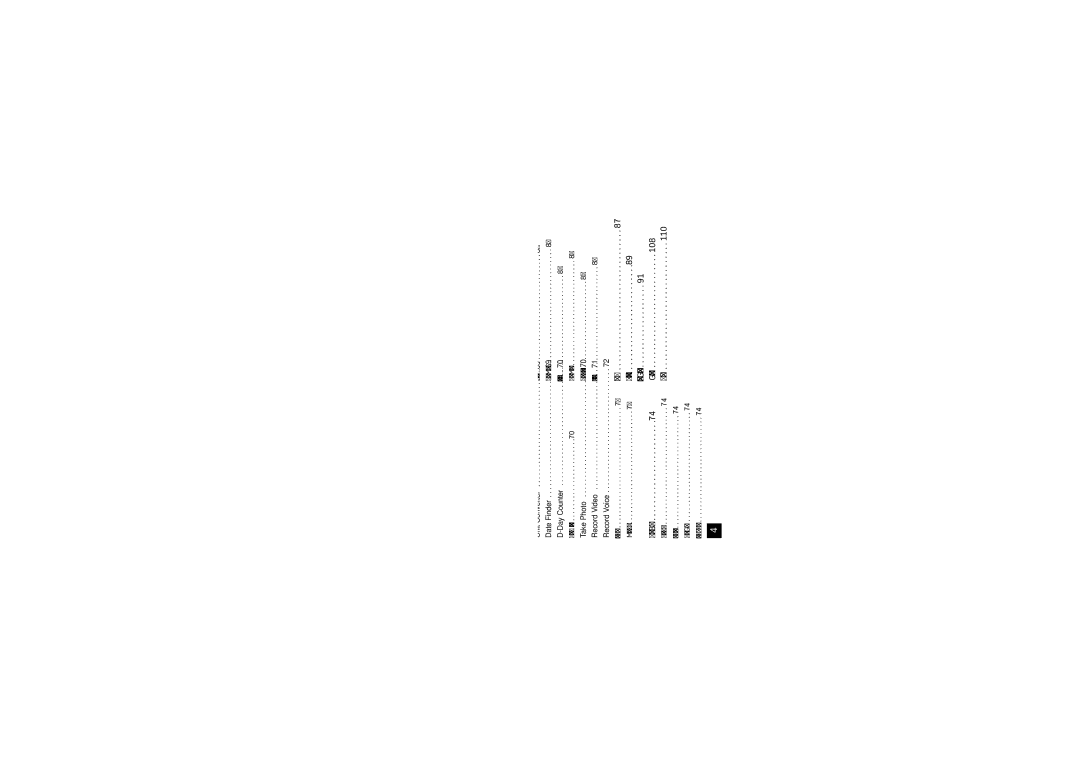
Table of Contents
AT&T Mall
108
Important Information
For Your Safety
Safety Instructions
Safety Information
Store the battery in a place out of reach of children
For Your Safety
Do not disassemble the phone
If the damage cannot be fixed, format the memory card
Memory card information and care
FCC RF Exposure Information
Do not disassemble or modify the memory card
FCC Part 15 Class B Compliance
Body-worn Operation
Avoid damage to your hearing
Battery Disposal
Adapter or battery charger is intended for indoor use only
Adapter Charger Cautions
Phone Components
Your Phone
Microphone Can be muted during a call for privacy
Your Phone’s Features
Your Phone
Earpiece
Front view Side view
Advice to the customer
Lines
Display Information
Area Description
Displays various icons
Icon
On-Screen Icons
Indicates that the TTY has been set and is on
Remove the battery. To do so
Installing the SmartChip
Getting Started
Getting Started
Charging the Battery
To use the travel charger provided with your phone
Removing the memory card
Memory card slot
Security code 4 digits
Access Codes
Barring Password
Turning Your Phone On and Off
Making a Call
General Functions
Answering a Call
Adjusting the Volume
Vibrate Mode Quick
Signal Strength
Symbolic Mode
T9 Mode
ABC Mode
Mode Numbers Mode
Using the 123 Numbers Mode
Using the ABC Mode
T9 dictionary
Using the Symbol Mode
Selecting Functions and Options
Press the right soft key to access the available Options
During a Call
In-Call Menu
In-Call Menu
Using the Speakerphone
Video Share Calling
Making and Answering a Video Share Call
When the voice call is disconnected
Brightness adjusts the brightness of the screen
Stop stops video sharing and proceeds with voice call only
To receive a Video Share session
When holding or being held in a call
Enter a number directly
Conference Calls
Saving your Video Share
Will not be able to select from this menu item
Adding Calls to the Conference
Setting Up a Conference Call
Ending a Conference Call
Activate the Conference Call on Hold
MEdia Net see
Menu Tree
Cellular Video see Messaging see
Recent Calls see
Take Photo Record Video Record Voice
AT&T Mall see
AT&T Music see
Menu Tree My Stuff see
Address Book see
Settings see
Turn On/Off Search New Device Paired Devices Settings
Menu Tree
Settings
Cellular Video
To access CV
New Message
Messaging
Editing a message
Template
Default Settings Allows you to set to the default settings
Using Options
Messaging
Sending a Message
Inbox
Press the right soft key Options
Through the Main Menu
Cancel Allows you to exit the options menu
Offline Menu Sign On
IM Information
When cursor is located on a Conversations List
Settings
Online Menu To 1 conversation
When cursor is located on a Conversation
When cursor is located on a Contact List
Back To List This brings the screen back to the contacts
When cursor is located on a Contact
Delete Contact This deletes the selected Contact
Menu options available in the Conversation screen
Log
To Set Up Mobile Email
Mobile Email
Drafts
Sent
Outbox
Edit Allows you to edit the selected message
Multimedia Templates Menu
Voicemail
Templates
Text Templates Menu
Download Options
Message Settings
Text Message Menu
Multimedia Message Menu
Voicemail Menu
Service Messages Menu
Recent Calls
All Calls
Data Counter
Recent Calls
MEdia Net Home
MEdia Net
Bookmarks
Recent Pages
Browser Settings
Saved Pages
Enter URL
Clear Cache Remove all cached data in the memory
Cache Settings Menu
Primary Storage Menu
Proxy Port Number Proxy server’s port number
Online menu
Cookie Settings Menu
Scrolling Control Menu
Character Encoding Menu
AT&T Mall
Playing Music
AT&T Music
Music Player
Adding Music To Your Handset
AT&T Music
Transferring music using Windows Media Player
Adding Music to your Handset
File explore in a new window for desired music files
See page 85 USB Connection Mode for details
Transferring Music from the Digital Music Stores
Highlight the song you wish to download to the handset
Importing a Playlist from a 3rd Party Application
It is now safe to unplug the USB connector from the handset
Format external memory using Mass Storage
MusicID
Deleted a file using delete function on the phone
Additional charges may incur when downloading ringtone
Shop Music
To sign up for the MEdia Max package if needed
XM Radio
Music Videos
Buzz
Music Apps
Community
Audio & Ringtones
My Stuff
Games
Applications
Tools
Voice Command Menu
Pictures
Videos
Train
Commands available to user
Voice command also has menu options Mode
Speakerphone Mode
Calendar Menu
Alarm Clock Menu
For the alarm using the key Memo Input alarm name
Delete Allows you to delete the selected schedule
Press the left soft key New to create a new memo
This feature allows you to save and manage a task
Tip Calculator Menu
World Clock Menu
New Time
Key To reset the stop watch, press the left soft key Reset
Unit Converter Menu
Date Finder Menu
Photo Gallery You can see saved images files
Input the Date and notes when you add an item
Advanced Settings
Day Counter Menu 7.6.#
Zoom scale
Resolution
Incandescent / Cloudy / Fluorescent / Night mode
Record Video Menu
Right soft key Options will bring up the following options
Record Voice Menu
Memory Card
Other Files
Sort By You can sort the folders by name, date and type
Address Book
Address Book
View Options
My Numbers
My Business Card
Message Alert Tones Menu
Settings
Power On/Off Tones Menu
Increasing Ringtone Menu
Display
Bluetooth
Search New Device Menu
Turn On/Off Menu
Paired Devices Menu
My Device Visibility
Date & Time
Date Format Menu
Time Format Menu
Send My Number Menu
Auto Update Menu
Call
Call Forwarding Menu
Call Reject Menu
Answer Mode Menu
Minute Minder Menu
Call Waiting Menu
User
Initial Notification
Service
Send Dtmf Tones Menu
Video Share Menu
Fixed Dial Number Menu
Auto Key Lock Menu
Lock Handset Menu
PIN Code Request Menu
Change Codes Menu
Flight Mode
Software Update
Connection
Memory Card Menu
Reset Settings
Master Reset Menu 9.#.1
Check Memory
Why does the phone heat up?
Why does the LCD not turn on?
Why does the battery run out so quickly during normal use?
Why does the battery life get shorter in standby mode?
Travel Adapter
Accessories
Battery
Vehicle Power Adapter
Stereo headset
Accessories
Data Cable Kit
Antenna Care
Safety Guidelines
TIA Safety Information
Exposure to Radio Frequency Signal
Pacemakers
Tips on Efficient Operation
Driving
Electronic Devices
Posted Facilities
Other Medical Devices
Health Care Facilities
Vehicles
Battery usage by children should be supervised
Safety Information
For Vehicles Equipped with an Air Bag
Charger and adapter are intended for indoor use only
Charger and Adapter Safety
Battery Information and Care
Explosion, Shock, and Fire Hazards
Do not paint your phone
General Notice
Do wireless phones pose a health hazard?
FDA Consumer Update