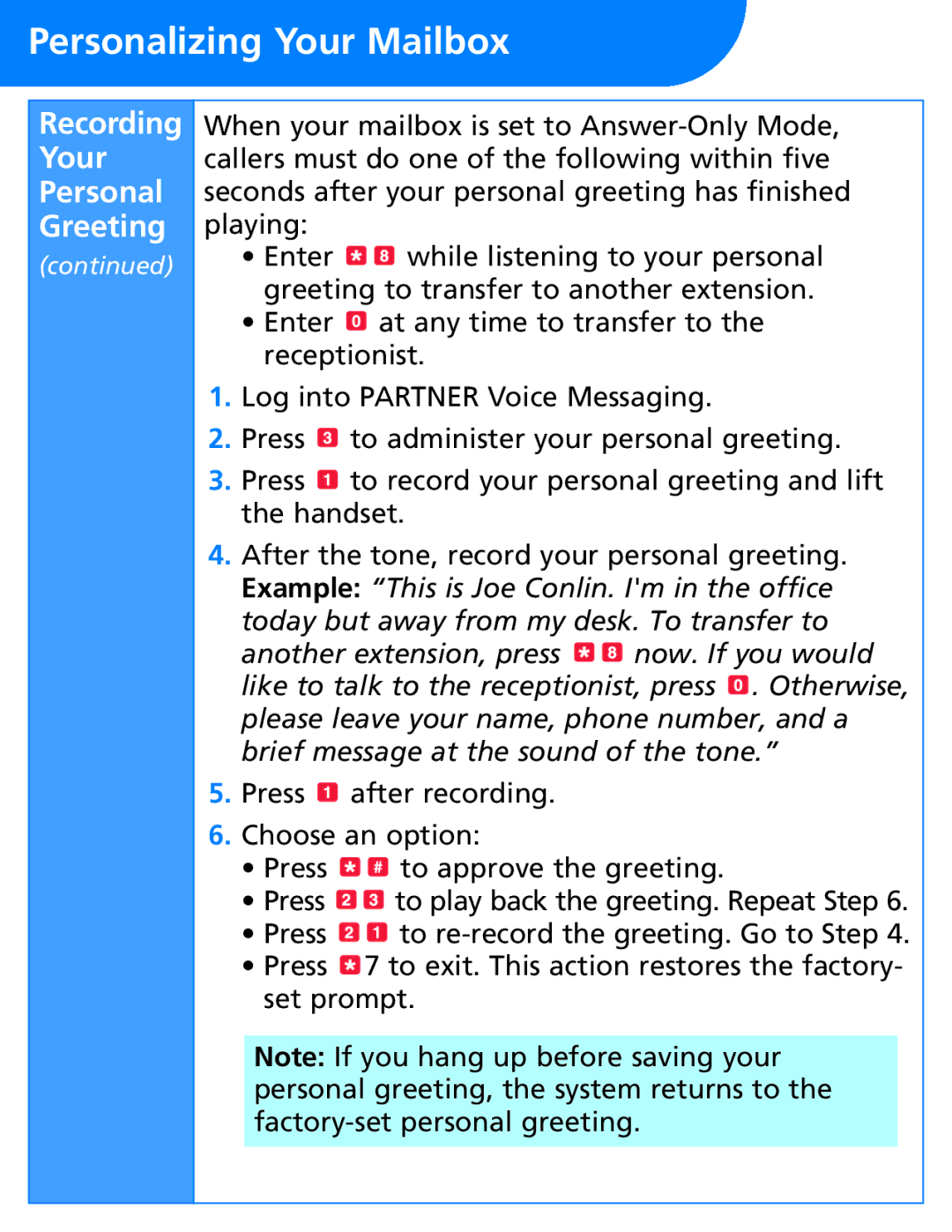
Personalizing Your Mailbox
Recording
Your
Personal
Greeting
(continued)
When your mailbox is set to
•Enter 
 while listening to your personal greeting to transfer to another extension.
•Enter  at any time to transfer to the receptionist.
1.Log into PARTNER Voice Messaging.
2.Press  to administer your personal greeting.
3.Press  to record your personal greeting and lift the handset.
4.After the tone, record your personal greeting. Example: “This is Joe Conlin. I'm in the office today but away from my desk. To transfer to
another extension, press 
 now. If you would like to talk to the receptionist, press
  . Otherwise, please leave your name, phone number, and a brief message at the sound of the tone.”
5.Press  after recording.
6.Choose an option:
•Press 
 to approve the greeting.
•Press 
 to play back the greeting. Repeat Step 6.
•Press 
 to
to
•Press  7 to exit. This action restores the factory- set prompt.
Note: If you hang up before saving your personal greeting, the system returns to the