OPERATION (CONTINUED)
TO PAUSE PLAYBACK |
| 2 |
|
| |
1 |
|
|
|
| |
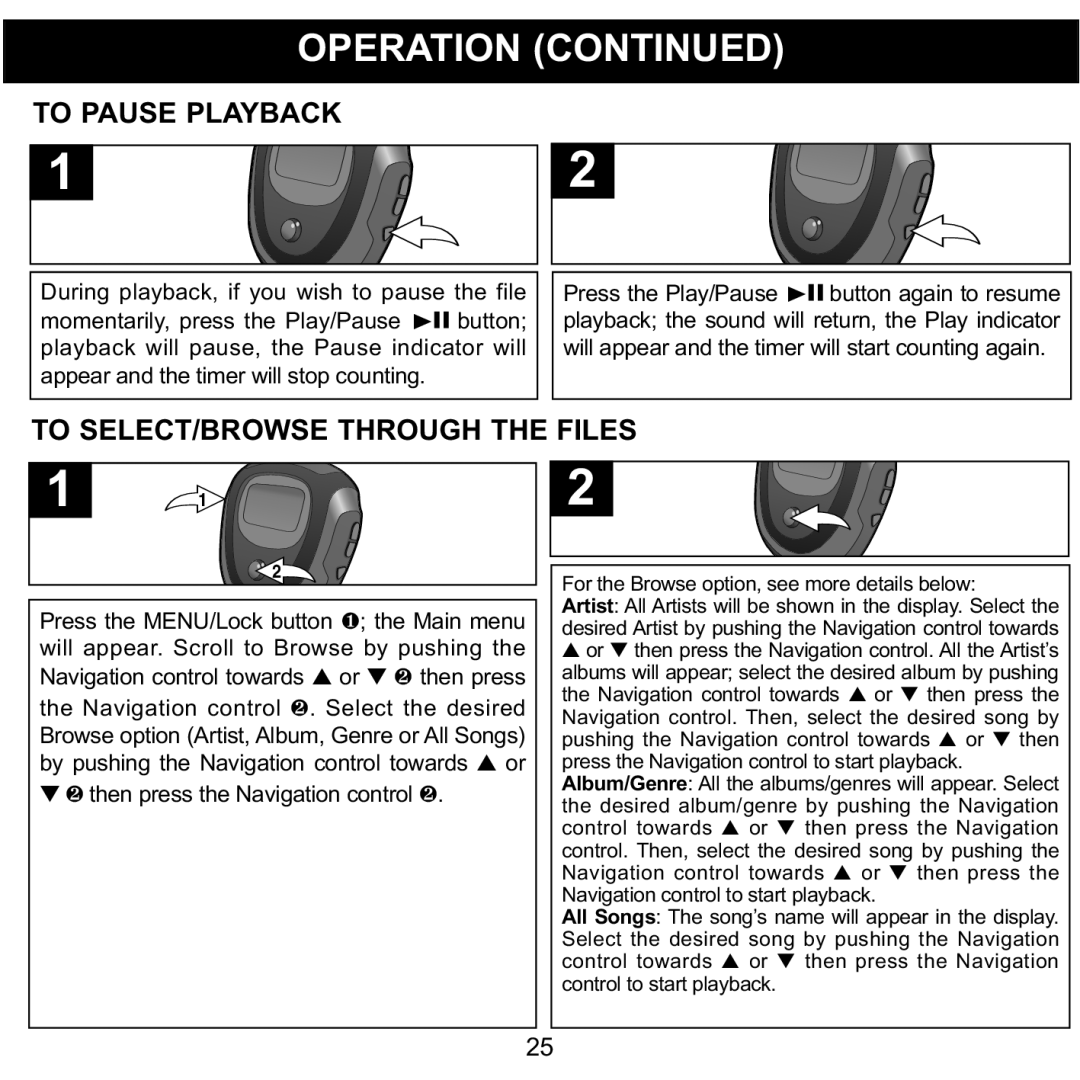
During playback, if you wish to pause the file | Press the Play/Pause ®p button again to resume | ||||
momentarily, press the Play/Pause | ®p button; | playback; the sound will return, the Play indicator | |||
playback will pause, the Pause indicator will | will appear and the timer will start counting again. | ||||
appear and the timer will stop counting. |
|
|
| ||
TO SELECT/BROWSE THROUGH THE FILES |
|
| |||
1 | 1 |
| 2 |
|
|
| 2 |
| For the Browse option, see more details below: | ||
Press the MENU/Lock button 1; the Main menu | Artist: All Artists will be shown in the display. Select the | ||||
desired Artist by pushing the Navigation control towards | |||||
will appear. Scroll to Browse by pushing the | ▲ or ▼ then press the Navigation control. All the Artist’s | ||||
Navigation control towards ▲ or ▼ 2 then press | albums will appear; select the desired album by pushing | ||||
the Navigation control 2. Select the desired | the Navigation control towards ▲ or ▼ then press the | ||||
Navigation control. Then, select the desired song by | |||||
Browse option (Artist, Album, Genre or All Songs) | pushing the Navigation control towards ▲ | or ▼ then | |||
by pushing the Navigation control towards ▲ or | press the Navigation control to start playback. |
| |||
▼ 2 |
| 2 | Album/Genre: All the albums/genres will appear. Select | ||
| then press the Navigation control . | the desired album/genre by pushing the Navigation | |||
|
|
| control towards ▲ or | ▼ then press the Navigation | |
|
|
| control. Then, select the desired song by pushing the | ||
|
|
| Navigation control towards ▲ or ▼ then press the | ||
|
|
| Navigation control to start playback. |
| |
|
|
| All Songs: The song’s name will appear in the display. | ||
|
|
| Select the desired song by pushing the Navigation | ||
|
|
| control towards ▲ or | ▼ then press the Navigation | |
|
|
| control to start playback. |
|
|
25