136
J
Sharing Custom Picture Controls
Custom Picture Controls created using the Picture Control Utility available with
ViewNX 2 or optional software such as Capture NX 2 can be copied to a memory card
and loaded into the camera, or custom Picture Controls created with the camera can
be copied to the memory card to be used in other D610 cameras and software and
then deleted when no longer needed.
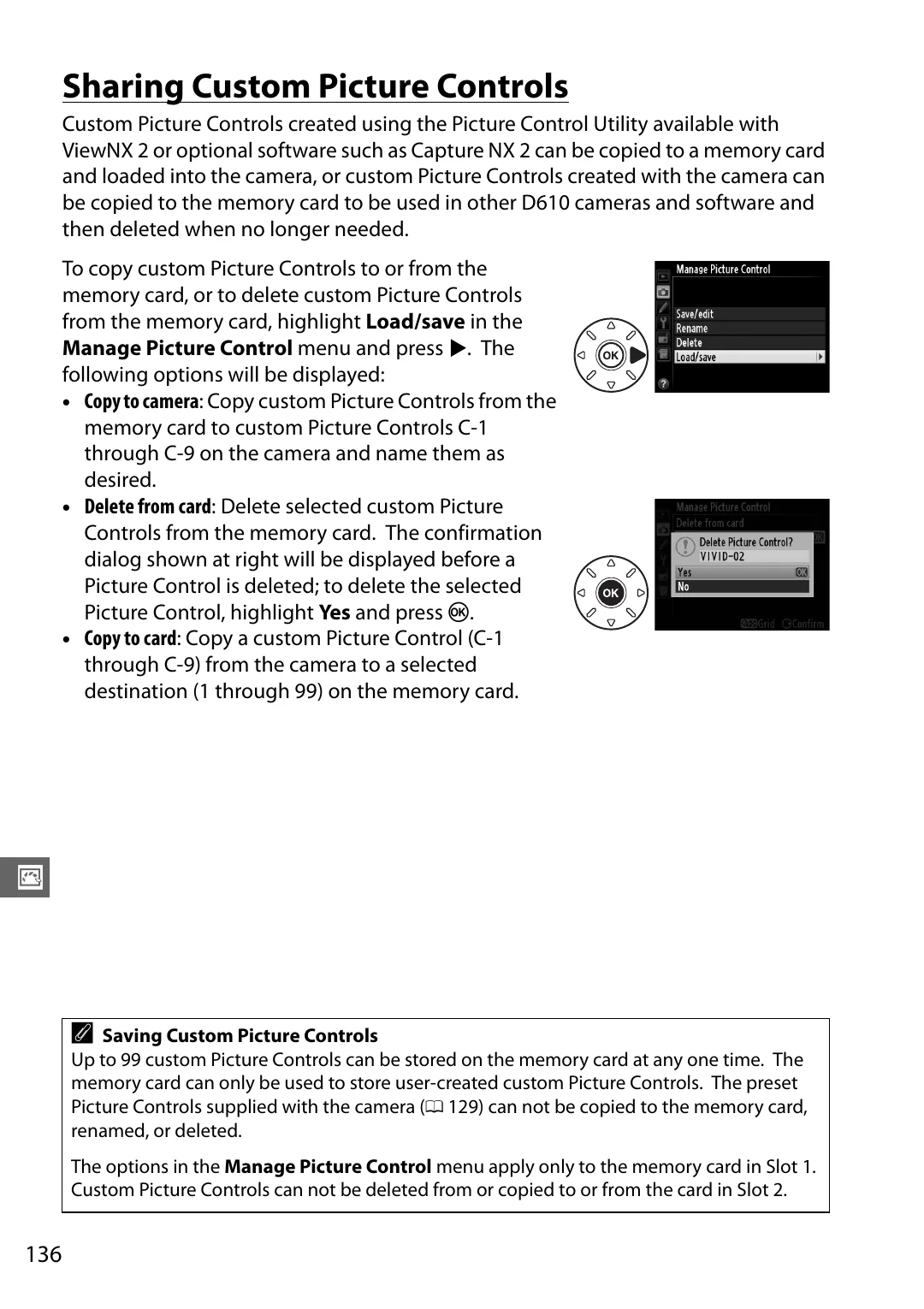
To copy custom Picture Controls to or from the
memory card, or to delete custom Picture Controls
from the memory card, highlight
Load/save
in the
Manage Picture Control
menu and press
2
. The
following options will be displayed:
•
Copy to camera
: Copy custom Picture Controls from the
memory card to custom Picture Controls C-1
through C-9 on the camera and name them as
desired.
•
Delete from card
: Delete selected custom Picture
Controls from the memory card. The confirmation
dialog shown at right will be displayed before a
Picture Control is deleted; to delete the selected
Picture Control, highlight
Yes
and press
J
.
•
Copy to card
: Copy a custom Picture Control (C-1
through C-9) from the camera to a selected
destination (1 through 99) on the memory card.
A
Saving Custom Picture Controls
Up to 99 custom Picture Controls can be stored on the memory card at any one time. The
memory card can only be used to store user-created custom Picture Controls. The preset
Picture Controls supplied with the camera (
129) can not be copied to the memory card,
renamed, or deleted.
The options in the
Manage Picture Control
menu apply only to the memory card in Slot 1.
Custom Picture Controls can not be deleted from or copied to or from the card in Slot 2.