Operating Your Printer
This section provides the following information:
•Using the front operator panel
•Setting printer features using the printer menu
•Using the printer software
•Using manual feed
•Printing envelopes
•Printing transparencies and labels
•Using recycled print media
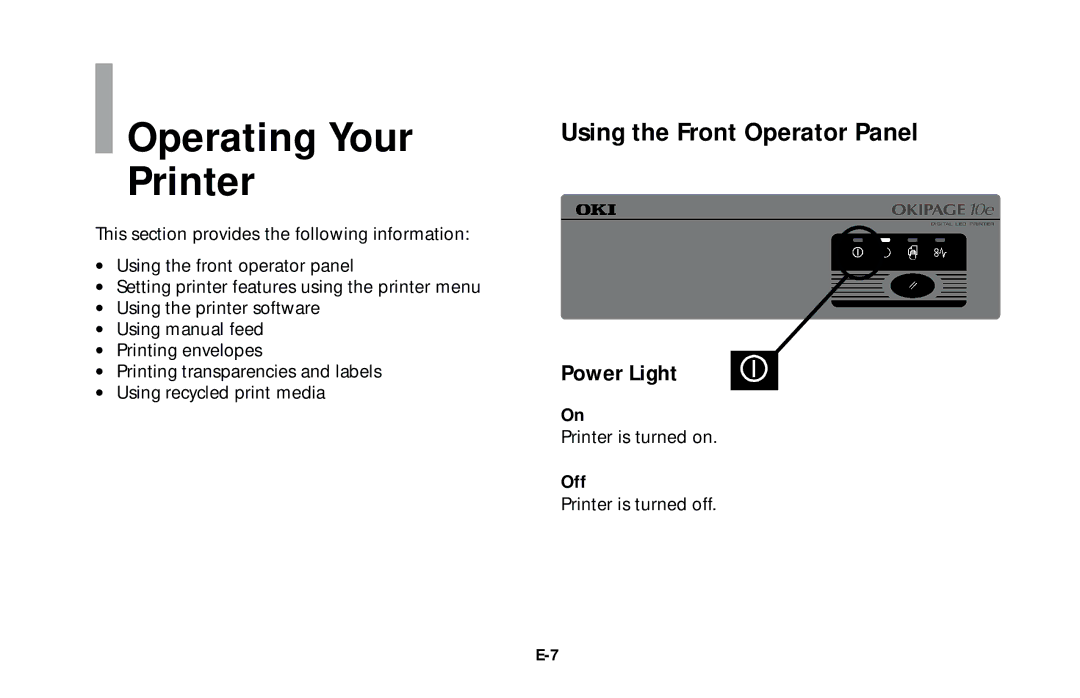
Using the Front Operator Panel
Power Light
On
Printer is turned on.
Off
Printer is turned off.