DVD Setup Menu Options
Rating
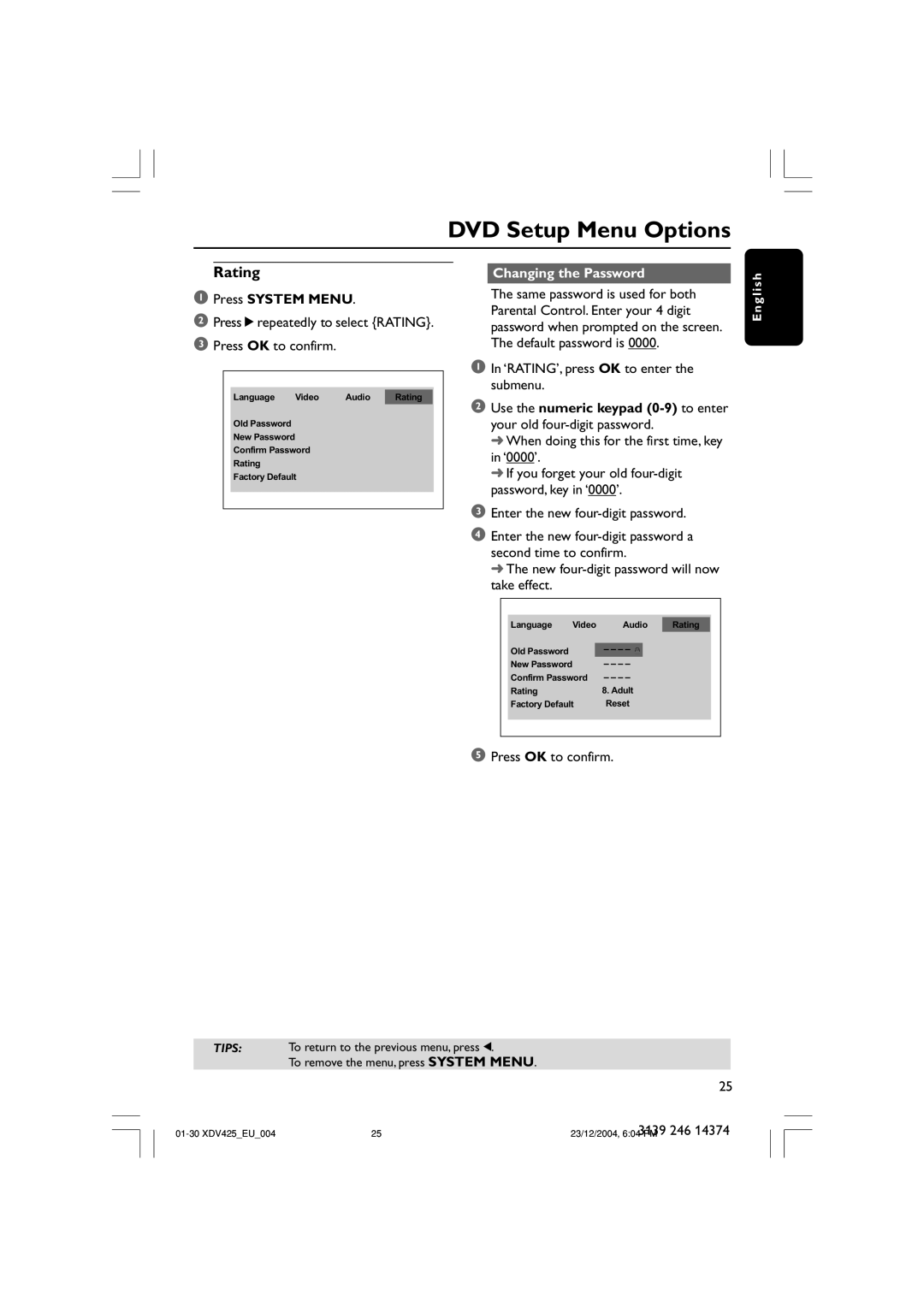
1Press SYSTEM MENU.
2Press 2 repeatedly to select {RATING}.
3Press OK to confirm.
Language Video Audio Rating
Old Password
New Password
Confirm Password
Rating
Factory Default
Changing the Password
The same password is used for both Parental Control. Enter your 4 digit password when prompted on the screen. The default password is 0000.
1In ‘RATING’, press OK to enter the submenu.
2Use the numeric keypad
➜When doing this for the first time, key in ‘0000’.
➜If you forget your old
3Enter the new
4Enter the new
➜ The new four-digit password will now take effect.
E n g l i s h
Language Video Audio Rating
Old Password |
|
New Password |
|
Confirm Password | 8. Adult |
Rating | |
Factory Default | Reset |
5Press OK to confirm.
TIPS: To return to the previous menu, press 1.
To remove the menu, press SYSTEM MENU.
25
3139 246 14374