user-friendly
c o n t r o l p a n e l
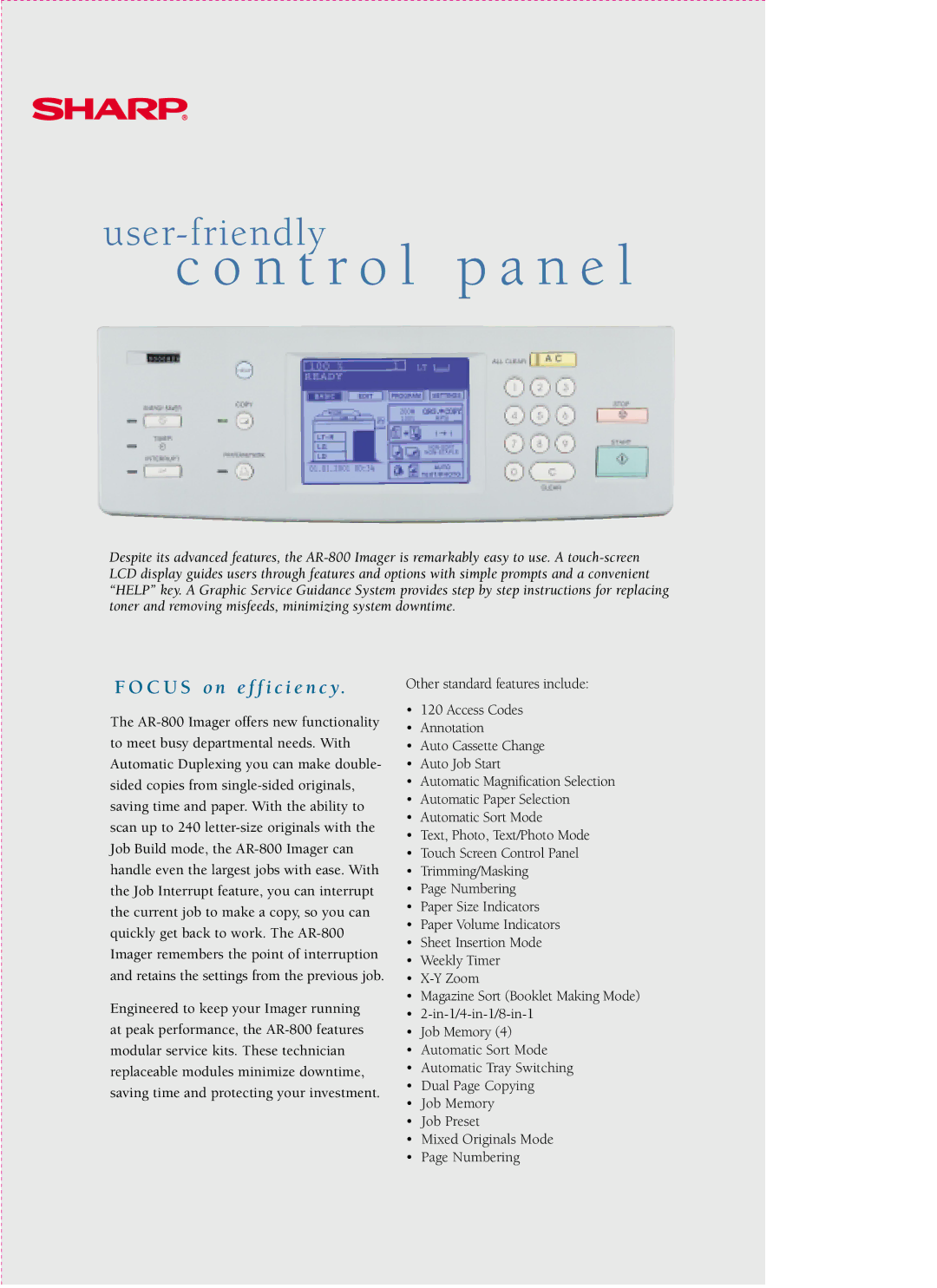
Despite its advanced features, the AR-800 Imager is remarkably easy to use. A touch-screen LCD display guides users through features and options with simple prompts and a convenient “HELP” key. A Graphic Service Guidance System provides step by step instructions for replacing toner and removing misfeeds, minimizing system downtime.
F O C U S o n e f f i c i e n c y.
The AR-800 Imager offers new functionality to meet busy departmental needs. With Automatic Duplexing you can make double- sided copies from single-sided originals, saving time and paper. With the ability to scan up to 240 letter-size originals with the Job Build mode, the AR-800 Imager can handle even the largest jobs with ease. With the Job Interrupt feature, you can interrupt the current job to make a copy, so you can quickly get back to work. The AR-800 Imager remembers the point of interruption and retains the settings from the previous job.
Engineered to keep your Imager running at peak performance, the AR-800 features modular service kits. These technician replaceable modules minimize downtime, saving time and protecting your investment.
Other standard features include:
•120 Access Codes
•Annotation
•Auto Cassette Change
•Auto Job Start
•Automatic Magnification Selection
•Automatic Paper Selection
•Automatic Sort Mode
•Text, Photo, Text/Photo Mode
•Touch Screen Control Panel
•Trimming/Masking
•Page Numbering
•Paper Size Indicators
•Paper Volume Indicators
•Sheet Insertion Mode
•Weekly Timer
•X-Y Zoom
•Magazine Sort (Booklet Making Mode)
•2-in-1/4-in-1/8-in-1
•Job Memory (4)
•Automatic Sort Mode
•Automatic Tray Switching
•Dual Page Copying
•Job Memory
•Job Preset
•Mixed Originals Mode
•Page Numbering