F O C U S o n c o n n e c t i v i t y.

The AR-800 Imager can also adapt to your changing business needs. When you’re ready, simply add the optional print controller to transform the AR-800 Imager from a powerful stand alone copier into a networkable printer. Compatible with multiple operating systems and protocols, the easy-to-use desktop printing and document management software will streamline your workflow like never before. With just a few keystrokes you can access print functions, finishing options— even track jobs—right from the convenience of your desktop.

p r i n t c o n t r o l l e r

p r i n t c o n t ro l l e r f e a t u re s

•Macintosh® & UNIX® (Sun®, HP®) Client Support

•Motorola® 200 MHz PowerPC Processor

•PCL5eTM, PCLXL, Postscript Level II emulation.

•Multi-Position Stapling plus Saddle-Stitch Control (with AR-FN9 finisher)

•N-Up Printing

•Automatic Duplexing (short or long edge)

•Page Enlargement/Reduction Modes

•Reverse Order Printing

•Watermark Feature

•Confidential/Secure (PIN) Printing Capability

•Automatic Language Switching

•Automatic Tray Switching

•Booklet Printing Mode

•Grouping for Tabulating Print Jobs

•Margin Shift

•RIP Once/Print many Technology

•SNMP Compliant

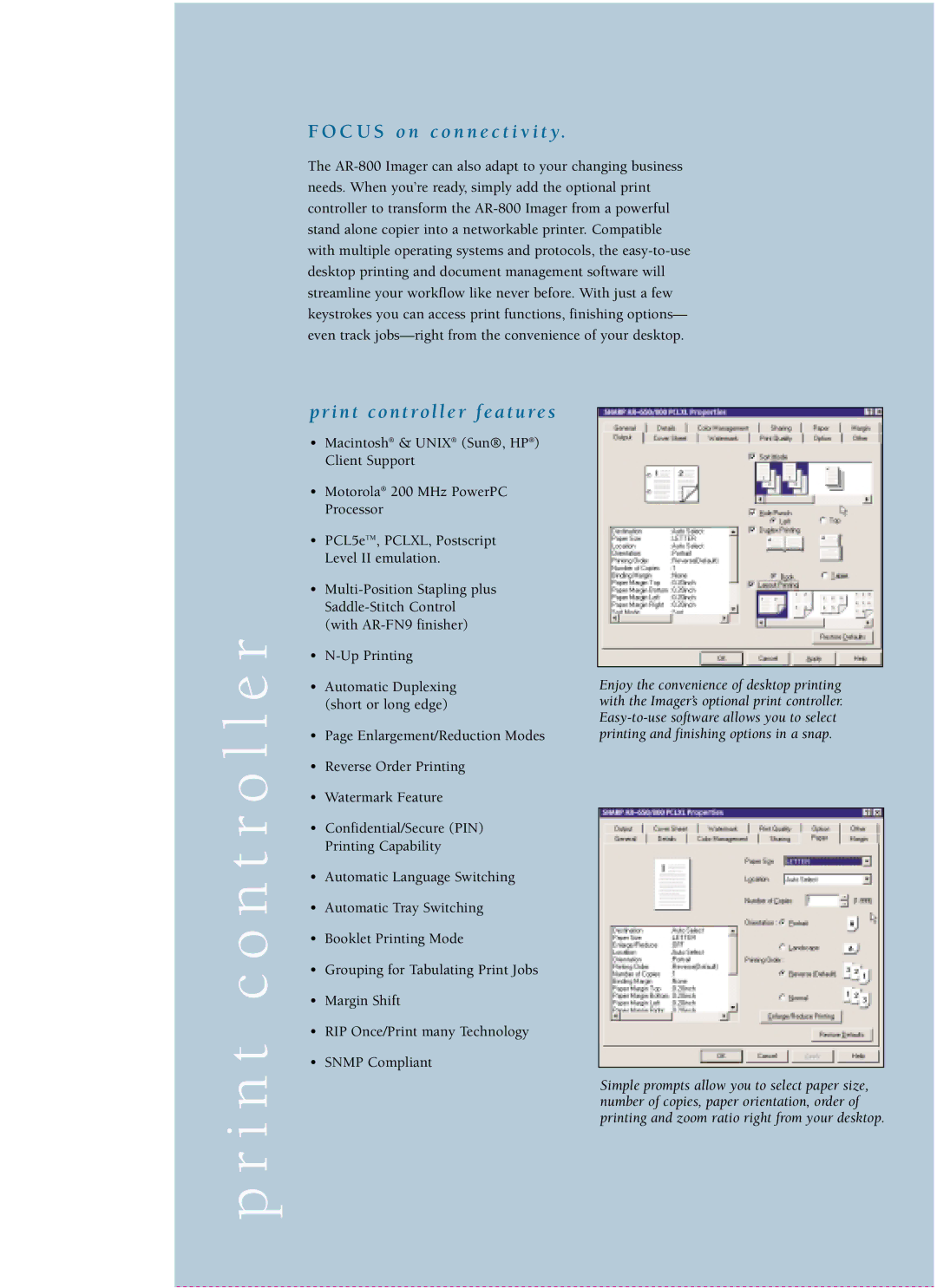
Enjoy the convenience of desktop printing with the Imager’s optional print controller. Easy-to-use software allows you to select printing and finishing options in a snap.

Simple prompts allow you to select paper size, number of copies, paper orientation, order of printing and zoom ratio right from your desktop.
Page 6
Image 6
Sharp AR-800 manual C U S o n c o n n e c t i v i t y, I n t c o n t ro l l e r f e a t u re s