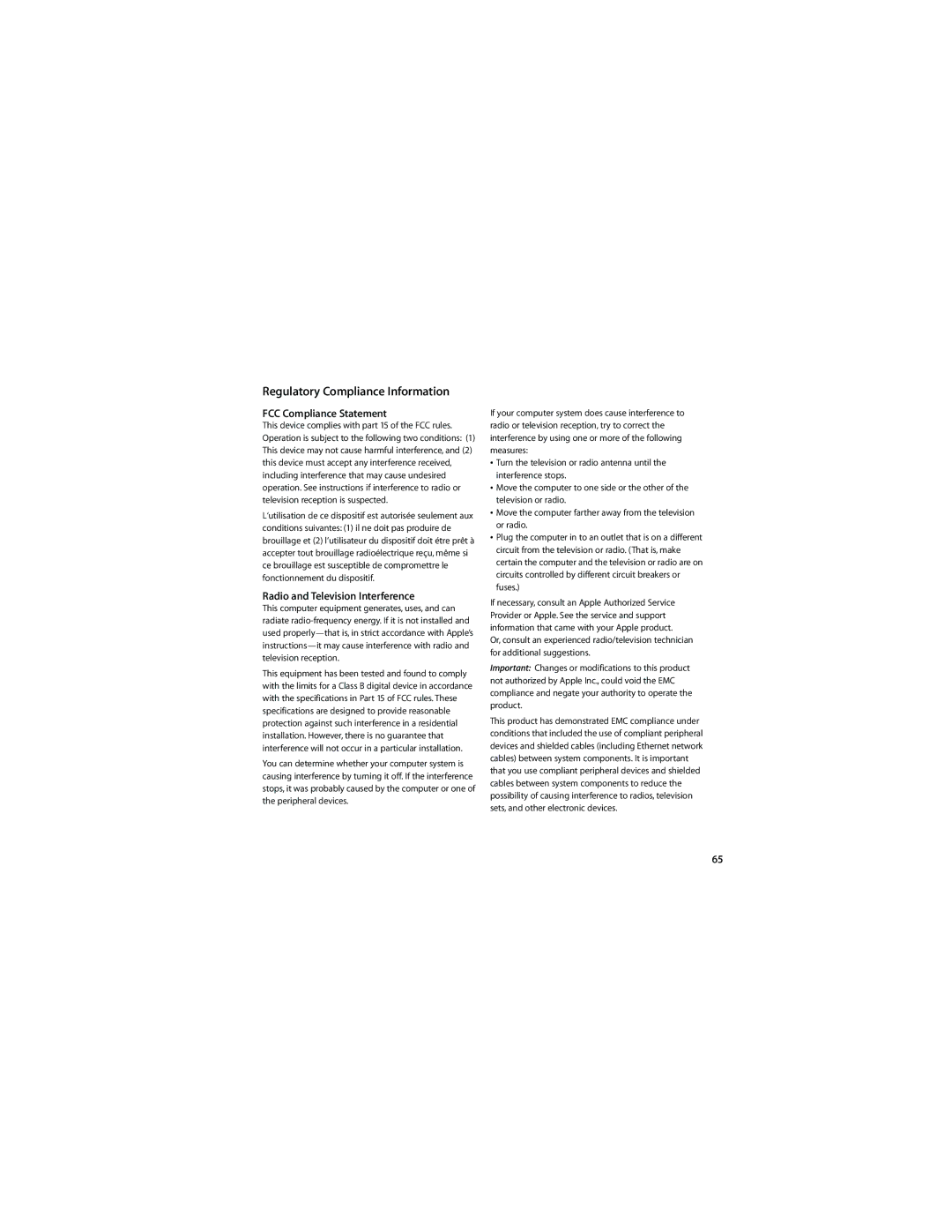
Regulatory Compliance Information

FCC Compliance Statement

This device complies with part 15 of the FCC rules. Operation is subject to the following two conditions: (1) This device may not cause harmful interference, and (2) this device must accept any interference received, including interference that may cause undesired operation. See instructions if interference to radio or television reception is suspected.

L‘utilisation de ce dispositif est autorisée seulement aux conditions suivantes: (1) il ne doit pas produire de brouillage et (2) l’utilisateur du dispositif doit étre prêt à accepter tout brouillage radioélectrique reçu, même si ce brouillage est susceptible de compromettre le fonctionnement du dispositif.

Radio and Television Interference

This computer equipment generates, uses, and can radiate radio-frequency energy. If it is not installed and used properly—that is, in strict accordance with Apple’s instructions—it may cause interference with radio and television reception.

This equipment has been tested and found to comply with the limits for a Class B digital device in accordance with the specifications in Part 15 of FCC rules. These specifications are designed to provide reasonable protection against such interference in a residential installation. However, there is no guarantee that interference will not occur in a particular installation.

You can determine whether your computer system is causing interference by turning it off. If the interference stops, it was probably caused by the computer or one of the peripheral devices.

If your computer system does cause interference to radio or television reception, try to correct the interference by using one or more of the following measures:

ÂTurn the television or radio antenna until the interference stops.

ÂMove the computer to one side or the other of the television or radio.

ÂMove the computer farther away from the television or radio.

ÂPlug the computer in to an outlet that is on a different circuit from the television or radio. (That is, make certain the computer and the television or radio are on circuits controlled by different circuit breakers or fuses.)

If necessary, consult an Apple Authorized Service Provider or Apple. See the service and support information that came with your Apple product.

Or, consult an experienced radio/television technician for additional suggestions.

Important: Changes or modifications to this product not authorized by Apple Inc., could void the EMC compliance and negate your authority to operate the product.

This product has demonstrated EMC compliance under conditions that included the use of compliant peripheral devices and shielded cables (including Ethernet network cables) between system components. It is important that you use compliant peripheral devices and shielded cables between system components to reduce the possibility of causing interference to radios, television sets, and other electronic devices.

65

Page 65
Image 65
Apple Laptop manual Regulatory Compliance Information, FCC Compliance Statement

Laptop specifications

Apple laptops, particularly the MacBook lineup, have long set a benchmark for design, performance, and innovation in the world of portable computing. With a rich history that dates back to the original MacBook in 2006, Apple has continuously evolved its laptop offerings to meet the demands of users in diverse fields, from students to professionals.

One of the standout features of Apple laptops is their sleek and minimalist design. The unibody aluminum construction not only enhances durability but also gives the devices a premium feel. The Retina display is another hallmark, providing stunning visuals with vibrant colors and high resolution, making them ideal for graphic design, video editing, and multimedia consumption. The latest models, such as the MacBook Air and MacBook Pro, feature Liquid Retina XDR displays, offering enhanced brightness, contrast, and color accuracy that elevate the viewing experience.

Under the hood, Apple has transitioned from Intel processors to its own Apple Silicon, starting with the M1 chip in late 2020. This transition has been revolutionary, delivering unprecedented performance and energy efficiency. The M1 chip features an 8-core CPU and a 7- or 8-core GPU, enabling users to run demanding applications seamlessly while extending battery life to up to 18 hours or more, depending on the model. The M1 Pro and M1 Max variants further push the envelope, offering even higher performance for professionals requiring heavy computational power.

Apple also emphasizes a robust software ecosystem. The laptops run macOS, which is designed to work flawlessly with Apple hardware. Features such as Continuity allow users to seamlessly transition tasks across their Apple devices, while the built-in applications like Final Cut Pro and Logic Pro cater to creative professionals. Enhanced security features, including Touch ID and the T2 security chip, provide peace of mind for users concerned about data protection.

In terms of connectivity, Apple laptops offer Thunderbolt/USB 4 ports, which support a wide range of peripherals and high-speed data transfer. The latest models also include advanced wireless technologies like Wi-Fi 6 and Bluetooth 5.0, ensuring fast and stable connections to the internet and other devices.

The keyboard and trackpad experience on Apple laptops is also noteworthy. The Magic Keyboard provides a comfortable and responsive typing experience, while the Force Touch trackpad offers precision and gesture control, making everyday tasks effortless.

In conclusion, Apple laptops are a blend of exceptional design, cutting-edge technology, and user-centric features, making them a preferred choice among many. Whether for casual use, professional work, or creative endeavors, Apple laptops continue to push the boundaries of what users can expect from portable computing devices.