3-9 Macro Switch
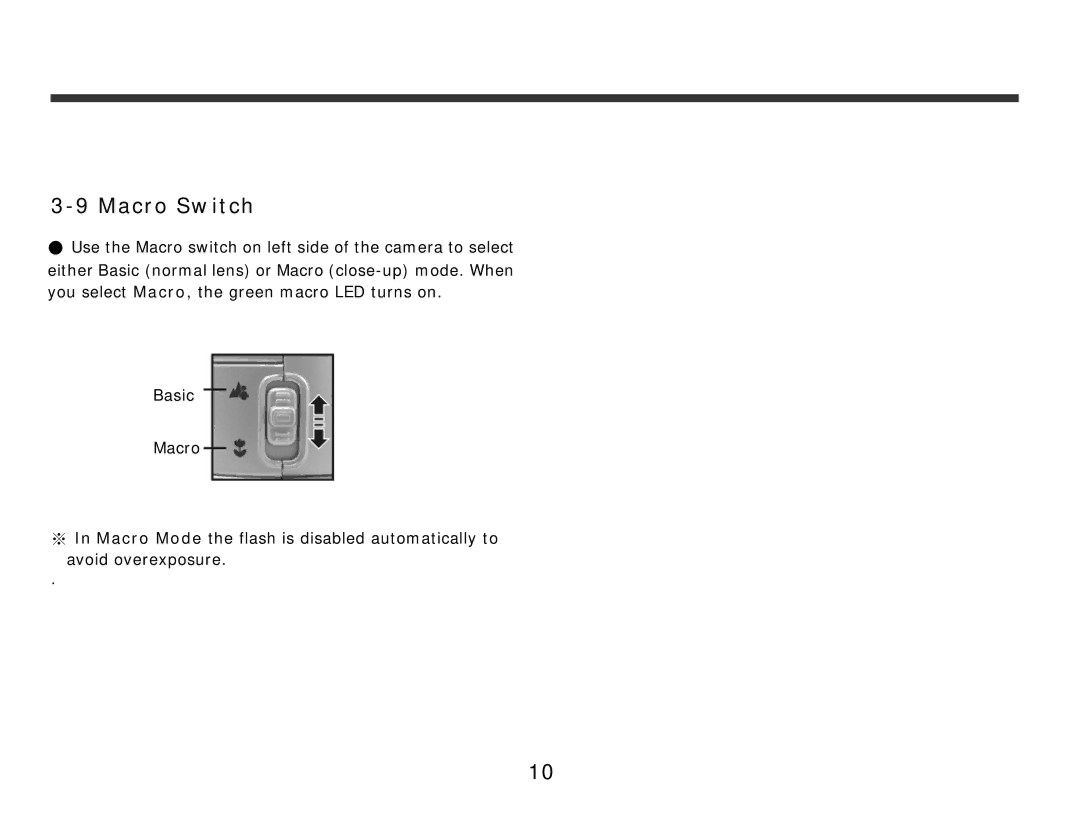
●Use the Macro switch on left side of the camera to select either Basic (normal lens) or Macro
Basic
Macro
※In Macro Mode the flash is disabled automatically to
avoid overexposure.
.
10
●Use the Macro switch on left side of the camera to select either Basic (normal lens) or Macro
Basic
Macro
※In Macro Mode the flash is disabled automatically to
avoid overexposure.
.
10