Viewing photos and videos
Exit
Edit Movie
First frame Following
Page
Editing video
Thumbnail view
Using zoom playback for still pictures only
Using the Delete button
To delete a photo or video Turn your camera to Playback mode
Using the Menus
Still menu
AF mode Auto-Focus mode
AF-assist beam
Expo Metering Exposure Metering
Only the last 5 shots are recorded
Grid
Position the subject in your composition
Quick Review
Four options are available
Digital Zoom
Histogram
Off
Is available only in manual mode
Slow Shutter
Date Imprint
Include a date/time stamp in the photo image
Movie menu
Expo Metering Exposure Metering
Playback menu
Protect
Want to protect
Delete
Delete One
Deleting files will cause Dpof settings to be reset
Delete All
Delete Selected
Viewing
Dpof Digital Print Order Format
Info. Box Information Box
Button to cancel and return to
Trim
Playback menu Resize
If the message The image cannot be
Rotate
Slide show
Red-eye removal
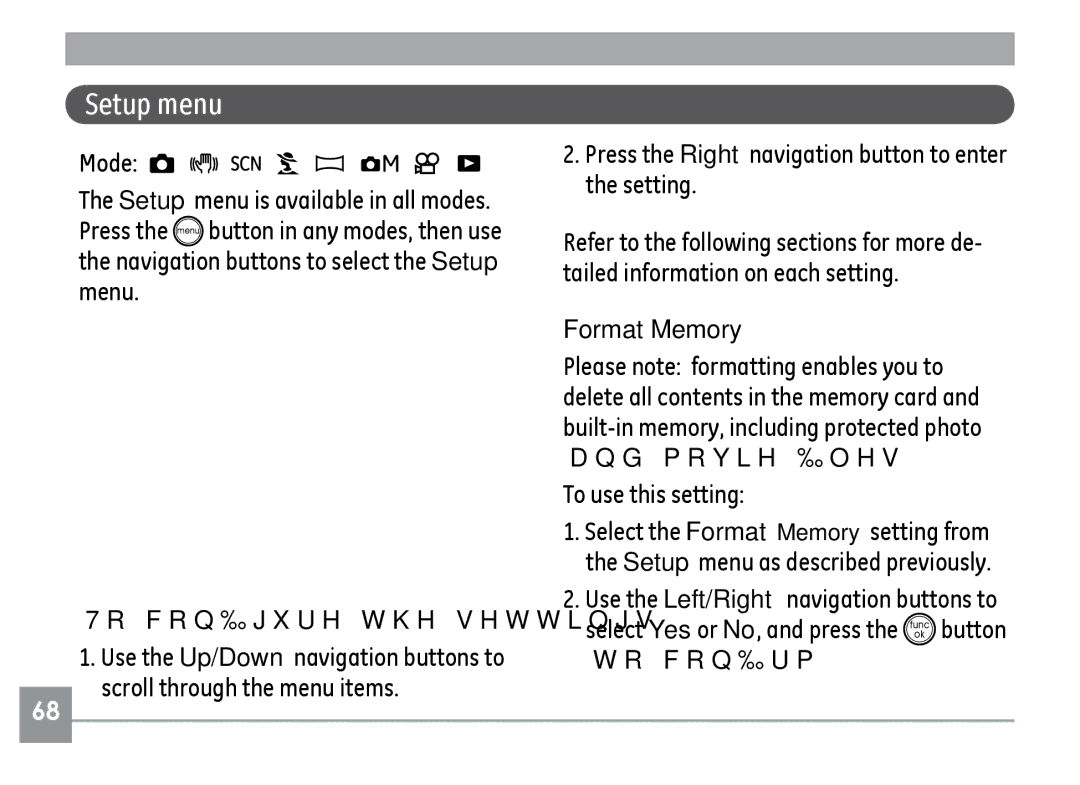
Setup menu
Press the Right navigation button to enter the setting
Format Memory
Beep
Power Saver
LCD Brightness
See Setting the Date and Time section on
Date/Time
World time
While you are overseas
File Numbering
Language
Video system
Copy to Card Copy internal memory to memory card
Reset Settings
FW Ver. Firmware version
Connecting to a TV
Connections
Connecting to a PC
Setting the USB mode
Transferring files to your PC
Disconnect the camera once transfer is completed
If the USB option is set to PC
Drag the untitled icon to the Trash. Untitled
Window 2000 Professional
Connecting to a PictBridge compatible printer
Back to PC mode
Connecting the camera and printer
Using the PictBridge menu
Print with date
Print without date
Print index
Print Dpof Digital Print Order Format
Exit
Specifications G2
Audio Wave Monaural Max 60 seconds
Shooting Modes
Panorama, Portrait
TFT color LCD 230,400 pixels
AF Method
Playback Modes
Audio , Histogram Display White Balance Control
CWF, Incandescent, Manual
Power
Specifications A735/A835
36mm Wide ~ 108mm Tele
A735 7MP3072x2304, 326MP
Still Image A835 8MP3264x2448,327MP3264x2176
1696MP3264x1836, 5MP
Pixels 3MP, 2MP, 1MP, 0.3MP Movie
Panorama Stitching Yes LCD Display
Color LCD 153,600 pixels
ISO Sensitivity Auto, ISO 80/100/200/400/800/1600 AF Method
Spot Fixed to center of frame
Auto/Red-Eye Reduction/Forced Flash/No Flash
Specifications E840s/E1035/E1235
DCF, Dpof
Model name E840s E1035 E1235 File Format
AF Method
Model name E840s E1035 E1235
Page
Error messages
Memory Lens error
Nal memory Image cannot be saved
Lock position
Cannot record movie
Sound file cannot be saved
Back No connection
Appears when tak On your camera Ing pictures
Use the Image Stabilization
Images, video clips, Memory card is full
Or out of ink
Paper is jammed


 button in any modes, then use the navigation buttons to select the Setup menu.
 button to confirm.