Battery and Charging System
P
Inserting Battery
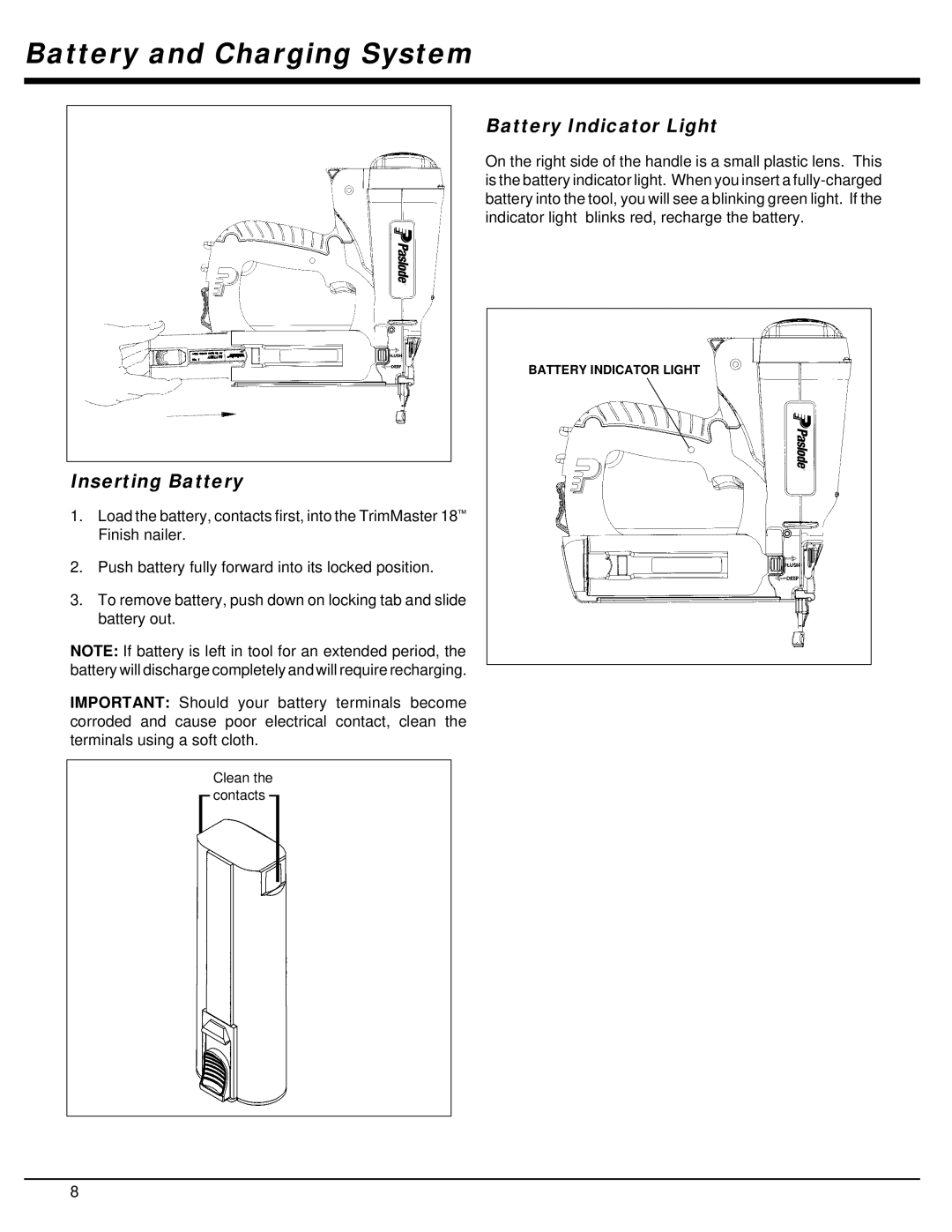
1.Load the battery, contacts first, into the TrimMaster 18™ Finish nailer.
2.Push battery fully forward into its locked position.
3.To remove battery, push down on locking tab and slide battery out.
NOTE: If battery is left in tool for an extended period, the battery will discharge completely and will require recharging.
IMPORTANT: Should your battery terminals become corroded and cause poor electrical contact, clean the terminals using a soft cloth.
Clean the contacts
Battery Indicator Light
On the right side of the handle is a small plastic lens. This is the battery indicator light. When you insert a
BATTERY INDICATOR LIGHT
P
8