For videos of your camera For help with your camera
Kodak Easyshare
Eastman Kodak Company Rochester, New York
Shutter button
Front view
USB port
Back view
Table of contents
Table of contents
Attaching the strap Loading the AA batteries
Setting up your camera
Turning on the camera Setting the language and date/time
Storing pictures on an optional SD or Sdhc Card
Taking pictures
Using the framing marks
Taking a video
Press the Mode Button, then until
Reviewing the picture/video just taken
To review and work with videos, see
Know when your batteries need attention
Understanding the picture-taking icons
For more about shortcuts, see
Using the optical zoom
Using digital zoom
Use the LCD to frame your subject
Than when using preflash
Using the flash
When the light is behind the subject
Red-eye Reduction
Suits your subjects and surroundings, then press OK
Use this mode For Smart Capture
Program
Scene
Press OK to choose a Scene mode
Using Scene SCN modes
Museum Camera on a steady surface or tripod Text
Beach Bright beach scenes Snow Bright snow scenes Fireworks
Using shortcuts
Press to choose a setting
SCN mode For
Using burst
Using the self-timer
Press the Menu button
Seconds
Taking panoramic pictures
Take the first picture
Take Or 3 pictures Get 1 panoramic picture
Sharing through social networks
Press to choose a social networking site, then press OK
Press to choose Done, then press OK
Manage email addresses and Kodak Pulse Digital Frames
When finished, press to choose Done, then press OK
Tagging pictures
Tagging people
Tip Are faces not always detected?
Tagging with keywords
Need to update a name?
People Tags, press to choose Yes, then press OK
Press the Review button, then to find a picture to tag
Marking pictures/videos for emailing
Using the keyboard
Playing a video
Reviewing pictures/videos
Find your pictures like a pro
During playback
Deleting pictures/videos
Using the undo delete picture feature
Protecting pictures/videos from deletion
Press the Menu button to exit the menu
Viewing pictures/videos in different ways
Magnifying a picture
Viewing as thumbnails multi-up
People All Date
Smarter way to find and enjoy your pictures
Understanding the review icons
Know when your batteries need attention
Creating a slide show
Make a slide show
Play a slide show loop
Displaying pictures/videos on a television
Using the menu button in review
Review Edit Setup
Cropping pictures
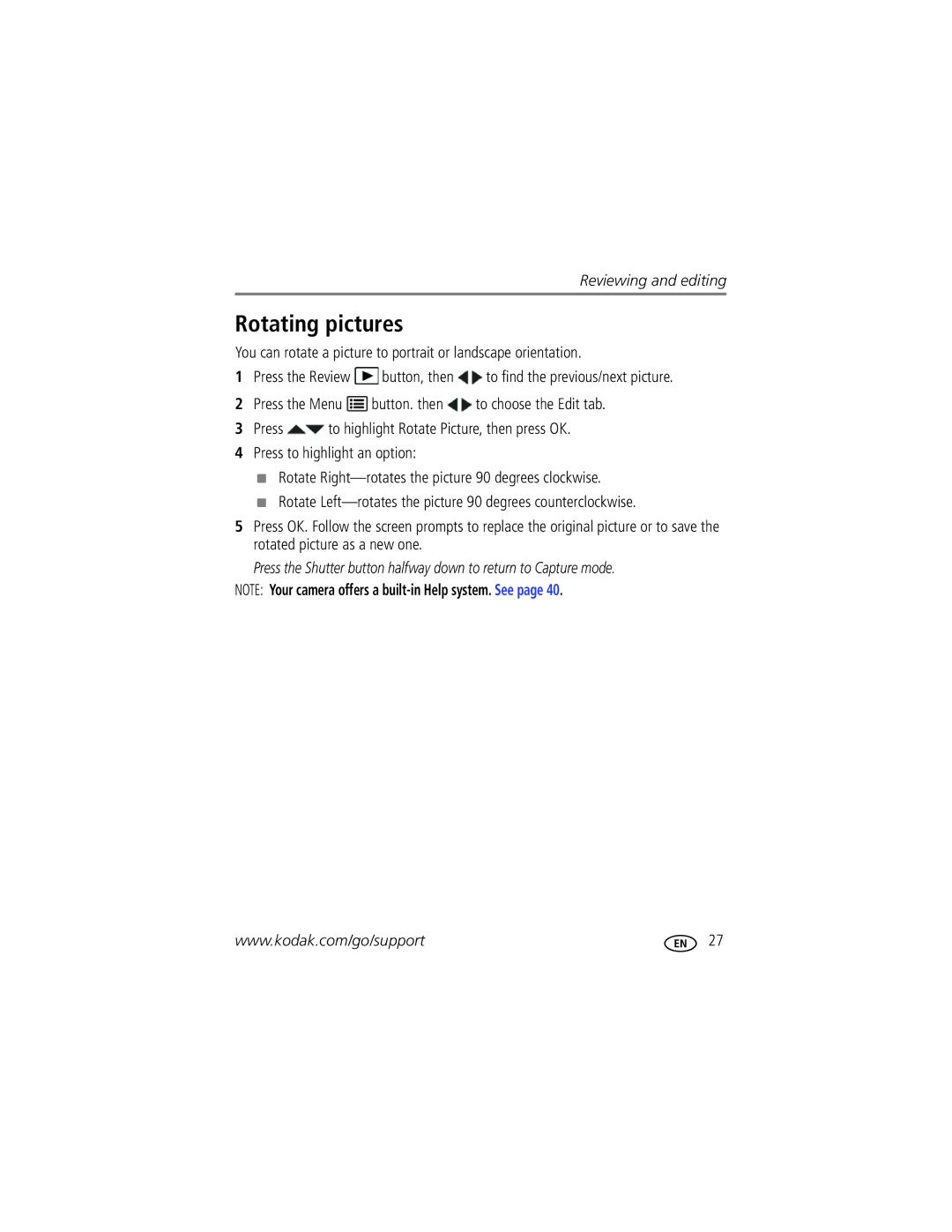
Rotating pictures
Editing videos
Making a picture from a video
Trimming a video
Copying pictures/videos
Selecting multiple pictures/videos
Press OK to select pictures/videos
Copy pictures/videos
Using the capture tab
Using the menu button to change settings
Self-timer/Burst
Picture Timer
Color Mode
Settings More information Exposure Compensation
ISO Speed
Long Time Exposure None
Video settings
Use Setup to customize other camera settings
Using the Setup menu
Reset All Camera Settings
Settings More information Red-eye Reduction
Video Out
Image Storage
Card during formatting may Damage the card
Formatting deletes all
Download software, transferring pictures
Turn off the camera
Download Kodak Software later Get Software help
Printing pictures
Connecting the camera to a Kodak All-in-One Printer
Direct printing with a Kodak All-in-One Printer
Printing from a Kodak All-in-One Printer
Disconnecting the camera from a Kodak All-in-One Printer
Ordering prints online
Printing from an optional SD or Sdhc Card
Marking your pictures for printing
Turning on camera Help
Getting help from your camera
Troubleshooting
Camera problems
Status Solution
Direct printing Pictbridge enabled Printer problems
Computer/connectivity problems
Picture quality problems
Camera
Getting help on the Web
Software
Other
Digital zoom-5X continuous
Specifications
Face detection-Yes Face recognition-Yes
Long time exposure-0.5-8 seconds
Still Exif 2.21 Jpeg compression file organization DCF
Image file format
Operating temperature-0-40C 32-104F
Care and maintenance
Upgrading your software and firmware
Pictbridge support-Yes
Storage capacities
Important safety instructions
Battery replacement, battery life
Extending battery life
Do not charge non-rechargeable batteries
Limited warranty
Limited warranty coverage
Limitations
Your rights
Regulatory compliance
Outside the United States and Canada
FCC compliance and advisory
Appendix
Australian C-Tick
Vcci Class B ITE Russian GOST-R
N137
China RoHS Korean Class B ITE
Audio/video
Index
Cleaning lens, 47 loading
Framing marks Guidelines, battery Help
Edit videos
Viewing pictures, videos
Multi-up Tagged pictures
Quickview, using
Self-timer, 12 set tag, 33 setting
Running slide show Safety
Setting up the camera
Search pictures
USB

 button, then
  to find the previous/next picture.
 button. then
  to choose the Edit tab.
 to highlight Rotate Picture, then press OK.