
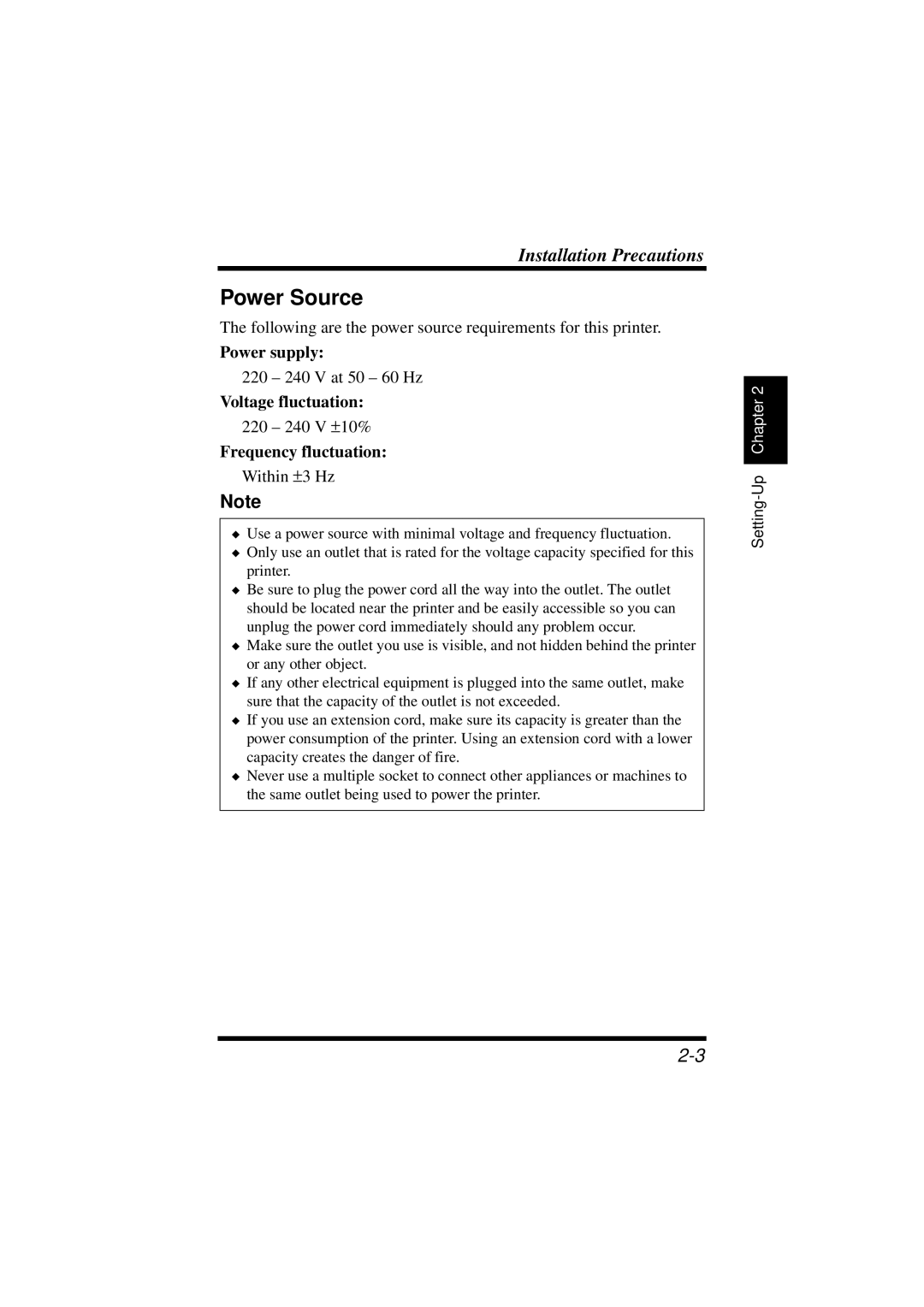
1100 specifications
The NEC 1100, introduced in the early 1980s, stands as a significant milestone in the evolution of computing technology. It is widely recognized for its role in pioneering advancements that shaped the landscape of computing during its time.One of the main features of the NEC 1100 is its architecture. It operates on a 16-bit microprocessor, specifically the NEC 780, which allows for efficient data processing and improved performance over its predecessors. This architectural design provided enhanced functionality, enabling the NEC 1100 to handle complex tasks that were challenging for earlier systems.
The NEC 1100 was equipped with a robust memory capacity, supporting both RAM and ROM configurations. Typically, it featured 64KB of RAM, expandable to accommodate increased processing demands, alongside a ROM that facilitated essential system instructions. This flexibility in memory management underscored its adaptability to various user needs, making it suitable for both personal and business applications.
Furthermore, the NEC 1100 employed advanced input/output (I/O) capabilities, which included multiple ports, enabling easy connectivity with peripherals such as printers, modems, and disk drives. This extensive range of I/O options contributed to its versatility, allowing users to customize their configurations according to specific requirements.
In terms of software, the NEC 1100 supported several operating systems, including Microsoft's MS-DOS and various other compatible systems. This compatibility made it a preferred choice among software developers, fostering a rich ecosystem of applications that could leverage the NEC 1100's capabilities.
One of the notable characteristics of the NEC 1100 is its commitment to reliability and durability. The design emphasized robust engineering, ensuring that the system could withstand continuous usage in various environments, a critical factor for businesses relying on consistent performance.
The NEC 1100 also featured pioneering display technologies, embracing CRT monitors that allowed for crisp visuals and effective graphical outputs. This was a significant advantage at a time when text-based interfaces were the norm, allowing users to engage with graphical applications seamlessly.
In summary, the NEC 1100 is not just a computer; it's a testament to the technological advancements of its era. With its 16-bit architecture, expandable memory, extensive I/O capabilities, and support for various operating systems, it laid the groundwork for future innovations in personal computing. Its reliability and adaptability made it a cornerstone in the transition from basic computing to more complex, user-oriented systems, influencing generations of technology to come.