viii
B
SETUP MENU (
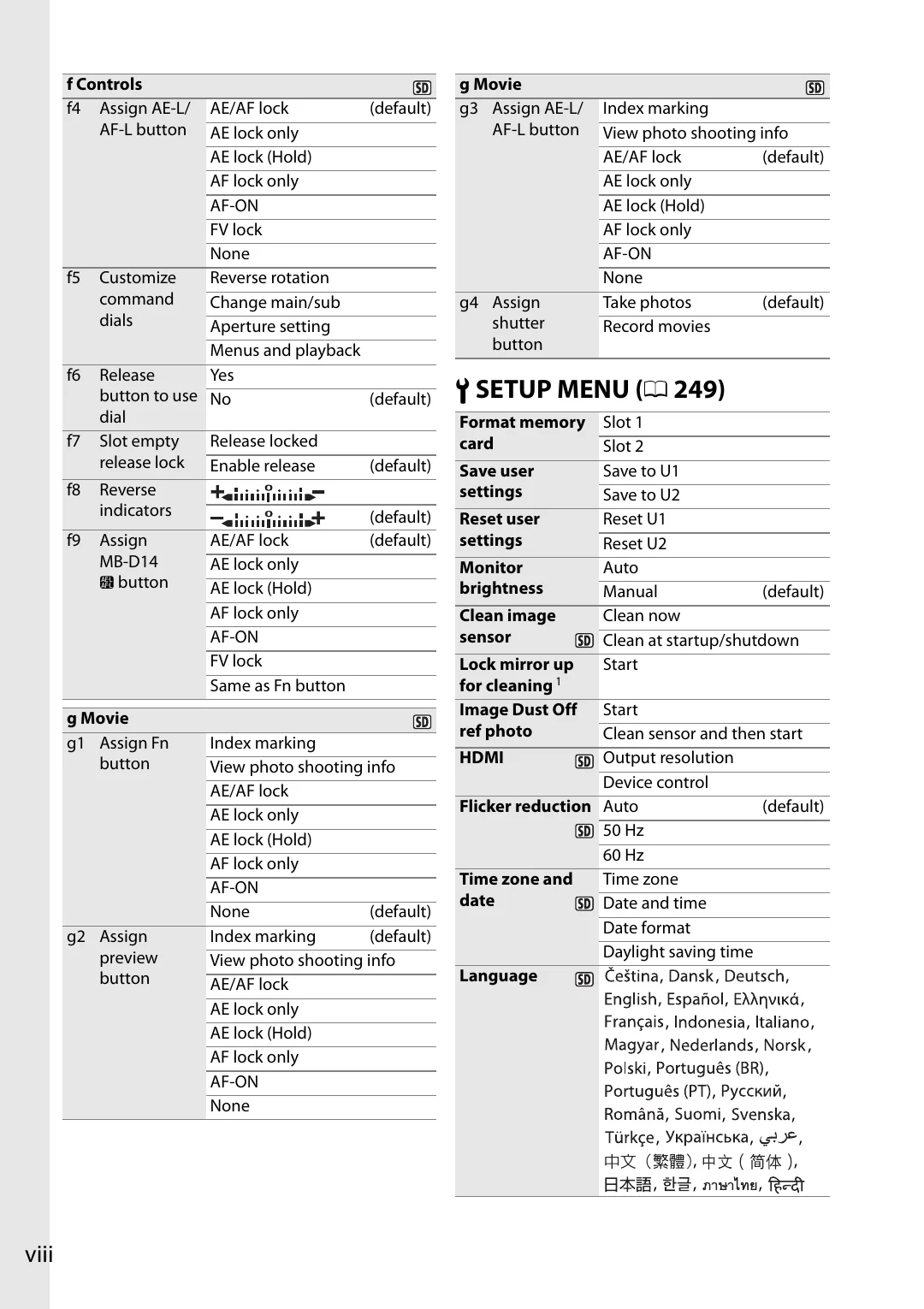
f4
Assign AE-L/
AF-L button
AE/AF lock
(default)
AE lock only
AE lock (Hold)
AF lock only
AF-ON
FV lock
None
f5
Customize
command
dials
Reverse rotation
Change main/sub
Aperture setting
Menus and playback
f6
Release
button to use
dial
Yes
No
(default)
f7
Slot empty
release lock
Release locked
Enable release
(default)
f8
Reverse
indicators
(default)
f9
Assign
MB-D14
4
button
AE/AF lock
(default)
AE lock only
AE lock (Hold)
AF lock only
AF-ON
FV lock
Same as Fn button
g Movie
g1 Assign Fn
button
Index marking
View photo shooting info
AE/AF lock
AE lock only
AE lock (Hold)
AF lock only
AF-ON
None
(default)
g2 Assign
preview
button
Index marking
(default)
View photo shooting info
AE/AF lock
AE lock only
AE lock (Hold)
AF lock only
AF-ON
None
f Controls
g3 Assign AE-L/
AF-L button
Index marking
View photo shooting info
AE/AF lock
(default)
AE lock only
AE lock (Hold)
AF lock only
AF-ON
None
g4 Assign
shutter
button
Take photos
(default)
Record movies
Format memory
card
Slot 1
Slot 2
Save user
settings
Save to U1
Save to U2
Reset user
settings
Reset U1
Reset U2
Monitor
brightness
Auto
Manual
(default)
Clean image
sensor
Clean now
Clean at startup/shutdown
Lock mirror up
for cleaning
1
Start
Image Dust Off
ref photo
Start
Clean sensor and then start
HDMI
Output resolution
Device control
Flicker reduction
Auto
(default)
50 Hz
60 Hz
Time zone and
date
Time zone
Date and time
Date format
Daylight saving time
Language
,
,
,
,
,
,
,
,
,
,
,
,
,
,
,
,
,
,
,
,
,
,
,
,
,
,
,
g Movie