Declaration of Conformity
Export Controls
Contents
100
103
105
107
108
For your safety
Only qualified personnel may install or repair this product
Your device is not water-resistant. Keep it dry
About your device
Enhancements, batteries, and chargers
For your safety
Insert the SIM card and battery
Get started
Insert a memory card
Charge the battery
Switch on your device
Enter basic settings
Keys and parts
Fold open
Keypad lock keyguard
Fold closed
Connectors
Antennas
Your device has two internal antennas
Active standby mode
Standby mode
Picture shows a the display in the standby mode
About the display
Display indicators
Shortcuts in standby mode
Volume control
Change writing language
Memory
Memory card
Select Menu Options Memory details
Transfer content between devices
Nokia support and contact information
MiniSD
Synchronize data with another device
Infrared connectivity
Settings
Your device
Menu
Help and tutorial
Common actions in several applications
Device help
Tutorial
Tip To select almost all items, first select
Your device
Make calls
Speed dial
Select Menu Tools Settings Call barring
Answer a call
Divert calls
Call barring
Video calls
Net call barring
Open active standby Open the active standby view
User settings
Select Options Settings User settings
Log
Push to talk
Log in to push to talk service
Connection settings
Push to talk calls
Select Options PTT contacts
Callback requests
Contacts view
Create a channel
Register PTT channels
Net calls
Push to talk log
Exit push to talk
Define security settings
Device security
Preferred profile
Register profiles
Change the barring password
Fixed dialing
Make calls
Contacts
Manage contact groups
Select Menu Contacts
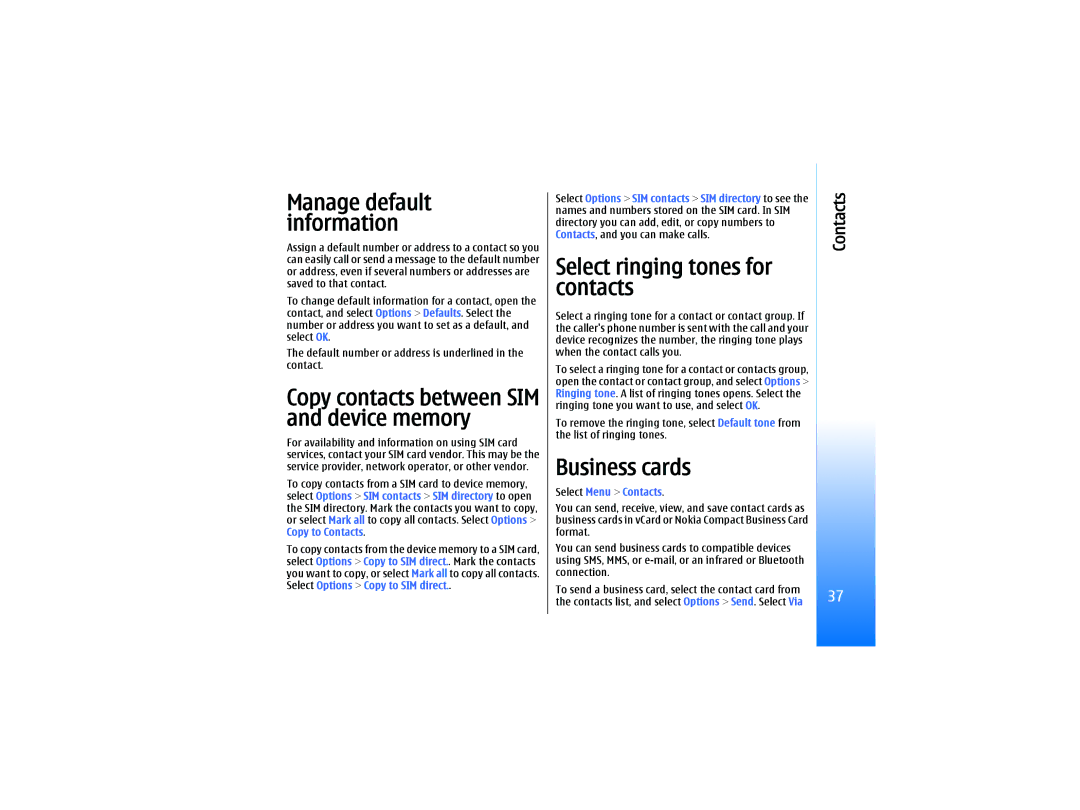
Copy contacts between SIM and device memory
Select ringing tones for contacts
Business cards
Contacts
Messages
Organize messages
Select Menu Messag
Messaging settings
Other settings
Search for messages
Text messages
Text message settings
Select Options Settings Text msg
Reply to received text messages
Text messages on the SIM card
Multimedia messages
Picture messages
Create and send multimedia messages
Forward picture messages
Create presentations
Address fields
Select New message Multimedia message
Receive and reply to multimedia messages
View presentations
View media objects
Reply
Multimedia message settings
Mail messages
Set up your e-mail
To start entering the e-mail settings, select Start
Mailbox type, select IMAP4 or POP3, and select Next
Choose which messages to download to your device
Select your default mailbox
Connect to mailbox
View e-mail offline
Read and reply to e-mail
Delete messages
Some options require you to connect to your remote mailbox
Mail account settings
Settings for the received e-mail
Mail folders
Write and send e-mail
Retrieval settings
Settings for sent e-mail
Select Retrieval settings and from the following settings
Automatic retrieval settings
Instant messaging
Connect to an IM server
Folder subscriptions for IMAP4 mailboxes
Search IM users or IM groups
Conversations with a single IM user
IM groups
IM contacts
Ban from groups
Blocked contacts
To remove an IM group, press the clear key
Settings
IM server settings
Special messages
Send service commands
Internet access points
Set up an Internet access point for packet data Gprs
Select Menu Tools Settings Connection Access points
Connectivity
Set up an Internet access point for wireless LAN
Data bearer Select Wireless LAN
Bluetooth
Cable connection
Select Menu Connect. Data cbl
To save your selection, select Back
Start using Bluetooth
Select Menu Connect. Bluetooth
Security tips
Send data
Bluetooth connectivity indicators
Bluetooth is active
Pair devices
SIM access profile
Manage the SIM access profile
Receive data
Authorize a device
Infrared
Data connections
Packet data
Send and receive data
Wireless local area network Wlan
GSM network is indicated with , the Umts network with
Connection manager
View and end active connections
Select Menu Connect. Conn. mgr
Search for wireless LAN
Modem
Mobile VPN
Select Menu Connect. Modem
Access point groups
Select Menu Tools Settings Connection Access point groups
Email data roaming
Access points
Select Menu Web network service
Web
Browse the Web
Bookmarks
Download items
End a connection
To purchase items
Web settings
Select Menu Web Options Settings
News feeds and blogs
Clear the cache
Services
Media applications
Gallery
Images
RealPlayer
Play video clips and stream links
Manage image files
Select Menu Media RealPlayer
Video settings
Proxy settings
Network settings
Adjust music volume
Music player
Listen to music
Track lists
Voice recorder
Flash player
Play a voice recording
Select Menu Media Recorder
Available options may vary
Camera
Take a picture
Record a video clip
Select Menu Media Camera
Insert pictures into messages
Insert videos into messages
Office applications
File manager
Documents
View objects in a document
Edit documents
View document structure
Preview the page layout
Sheet
Find text
Table editor
Work with worksheets
Create and modify charts
Presentation
Work with cells
Select Menu Office Presentat
Work with different views
View slide shows
Layout view
Outline view
Show screen content
Screen export
Edit presentations
Find text in a presentation
Print
Settings
Phone settings
General settings
Standby mode settings
Call settings
Display settings
Select Call and from the following
Connection settings
Access points
Net call settings
Data call settings
Packet data settings
Select Menu Tools Settings Connection Packet data
Wireless LAN
VPN access points
VPN access point settings
Advanced Wlan settings
Security settings for wireless LAN access points
WEP security settings
Authentication type Select Open or Shared
WEP key settings
WPA security settings
EAP settings
Date and time settings
Security settings
Enhancement settings
Configurations
Organiser
Calendar
Create calendar entries
To-do
Calculator
Calendar views
Add a received calendar entry to your calendar
Select Menu Organiser Notes
Converter
Voice mailbox
Clock
Convert measurements
Clock settings
Date and time settings
Add and delete cities
Time format Select 24-hour or 12-hour
Tools
Positioning
Navigator
Voice commands
Use a voice command to make a call
Landmarks
Select Menu Tools Landmarks
Use a voice command to launch an application
Use voice commands for profiles
Voice command settings
Voice aid
Tip When you add a new certificate, check its authenticity
Application manager
Nokia Catalogs
Certificate manager
102
Remote configuration settings
Device manager
Data synchronization
Select Menu Connectivity Dev. mgr
Create a synchronization profile
Personalization
Profiles
Select Menu Tools Profiles
Themes
Select Menu Tools Themes
Nokia original enhancements
Enhancements
Active standby mode
Shortcuts
Fold closed
Fold open
109
Battery information
Li-Ion battery BL-6C information
Care and maintenance
Additional safety information
Operating environment
Medical devices
Pacemakers
Vehicles
Emergency calls
Hearing aids
Certification Information SAR
115
Limited Warranty