Media applications

72

To open the next or previous image for viewing, scroll right or left in the image viewer.

To enlarge the viewed image on the display, select Options > Zoom in, or press 5 or 7. To reduce the viewed image on the display, select Zoom out or press 0.

To view the image in full screen size, select Options > Full screen or press 7 twice. To return to normal view, select Options > Normal screen.

To rotate an image, select an image, and Options > Rotate. Select Right to rotate the image clockwise by 90 degrees, or select Left to rotate the image counterclockwise by 90 degrees.

Manage image files

Copyright protections may prevent some images, ringing tones, and other content from being copied, modified, transferred or forwarded.

To view detailed information about an image, select an image and Options > View details. Size and format of the file, the time and date the file was last modified and the resolution of the image in pixels are displayed.

To send an image, select the image, Options > Send, and the method for sending.

To rename an image, select an image and Options > Rename. Enter a new name, and select OK.

To set an image as wallpaper, select the image and Options > Set as wallpaper.

To add an image to a contact card, select an image and Options > Assign to contact. The contacts view opens, and you can select the contact for the image.

RealPlayer

Copyright protections may prevent some images, ringing tones, and other content from being copied, modified, transferred or forwarded.

Select Menu > Media > RealPlayer.

RealPlayer can play video clips and audio files that are stored in the device memory or on a memory card, transferred to your device from e-mail or compatible PC, or streamed to your device over the Web. Formats supported by RealPlayer include MPEG-4, MP4 (not streaming), 3GP, RV, RA, AAC, AMR, and Midi.RealPlayer does not necessarily support all variations of a media file format.

Tip: Streaming audio and video files means playing them directly from the Web without downloading them first to your device.

Play video clips and stream links

To select audio and video files to play with RealPlayer, select Options > Open, and scroll to a media clip in your device or on a memory card.

To play streaming media, select a Web link that points to a media clip, and select Play; or connect to the Web, browse to a video clip or audio file, and select Play.

RealPlayer recognizes two kinds of links: an rtsp:// URL and an http:// URL that points to a RAM file. Before the content begins streaming, your device must connect to a Web site and buffer the content. If a network connection problem causes a playback error,

Page 71
Image 71
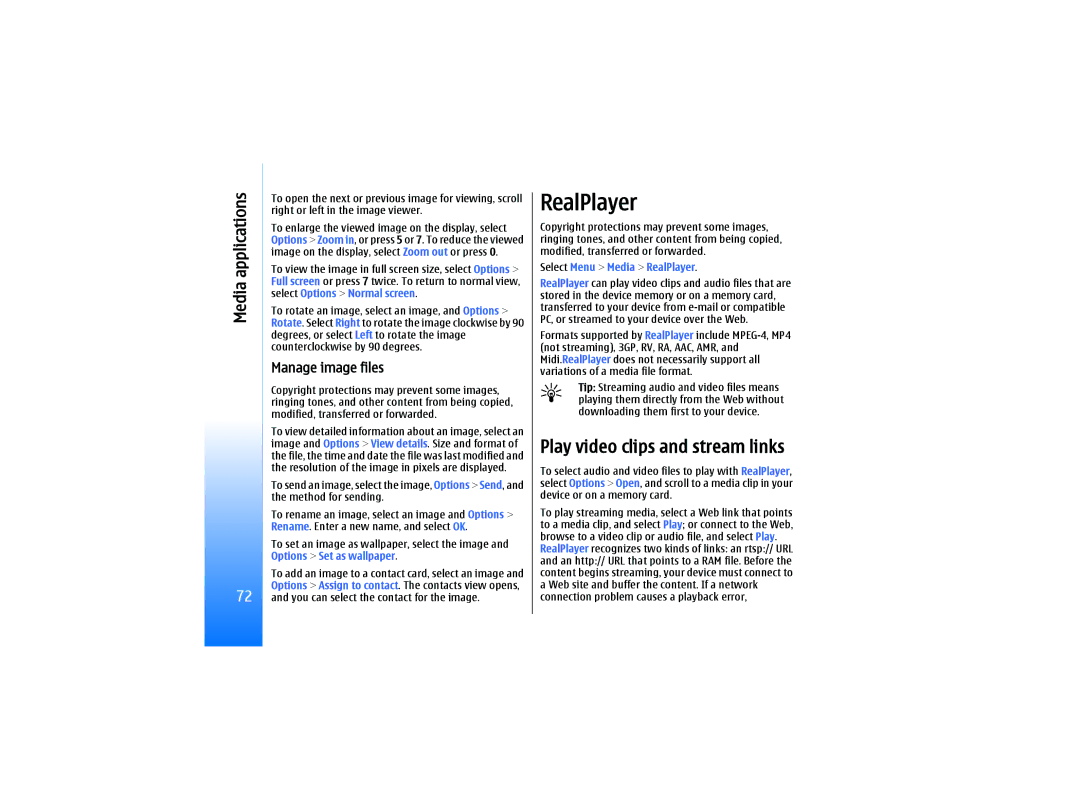
Nokia RM-10 manual Play video clips and stream links, Manage image files, Select Menu Media RealPlayer

RM-10 specifications

The Nokia RM-10, also known as the Nokia Lumia 610, is a smartphone that embodies the brand's commitment to merging elegant design with functional technology. Launched as part of Microsoft's Windows Phone lineup, the Nokia RM-10 targets consumers looking for an affordable yet capable device that does not compromise on essential features.

One of the standout characteristics of the RM-10 is its display. It boasts a 3.7-inch LCD touchscreen with a resolution of 800x480 pixels, ensuring that users enjoy clear and vibrant visuals. The ClearBlack technology enhances outdoor readability, making it a practical choice for users who spend time outdoors. The phone’s design is compact and lightweight, making it easy to handle and carry.

Under the hood, the Nokia RM-10 is powered by a 1 GHz Qualcomm Snapdragon S1 processor, which, combined with 256 MB of RAM, provides decent performance for basic tasks, including web browsing, messaging, and light gaming. It runs on Windows Phone 7.5, which is known for its user-friendly interface and seamless integration with Microsoft services, such as OneDrive and Skype.

In terms of camera capabilities, the Nokia RM-10 features a 5-megapixel rear camera equipped with features like auto-focus and LED flash. While the camera may not compete with high-end smartphones, it still delivers satisfactory results for casual photography and social media sharing. However, there's no front-facing camera, which may be a downside for users interested in selfies or video calls.

Battery life is another significant advantage of the Nokia RM-10. With a 1300 mAh removable battery, users can expect a solid performance that allows for extended usage throughout the day without frequent recharging.

Connectivity options are well-rounded, including 3G support, Wi-Fi, Bluetooth 2.1, and GPS. The inclusion of Nokia’s proprietary applications, such as Nokia Maps and Nokia Music, enhances the overall user experience, providing access to additional services directly from the device.

Overall, the Nokia RM-10 exemplifies a blend of practicality and essential technology, making it a suitable choice for first-time smartphone users or those looking for a reliable secondary device. Its accessible price point, coupled with its array of features, underscores Nokia's legacy of delivering quality mobile experiences.