Printing Envelopes
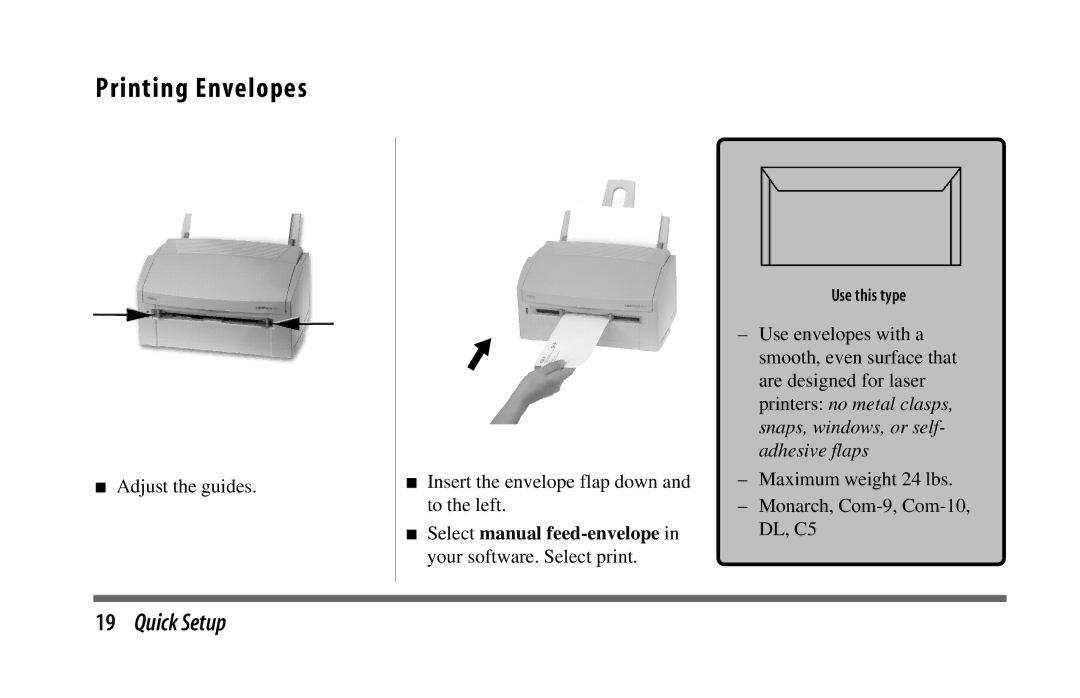
■Adjust the guides.
■Insert the envelope flap down and to the left.
■Select manual feed-envelope in your software. Select print.
Use this type
–Use envelopes with a smooth, even surface that are designed for laser printers: no metal clasps, snaps, windows, or self- adhesive flaps
–Maximum weight 24 lbs.
–Monarch,
19Quick Setup