Page
First connect the headset
Discover your phone
How to
Fkey first
Carousel
Events
Table of contents
Phonebook
Multimedia
Declaration of conformity
Insert the SIM card
Get started
To switch on the phone, press the key
Switch on the phone
Set date and time
Copy the SIM phonebook
Charge the battery
Access and consult the phonebook
Main features
Make a call
Answer and end a call
Listen to the radio
Activate the silence mode
Change the ringer
Lock / unlock the keypad
Activate the vibra alert
Adjust the earpiece volume
Read your mobile phone number
Mute the microphone
Clear the call list
Other features during a call
Clear the SMS list
Clear the phonebook
Settings p34
Send a SMS / Read SMS / SMS settings / SMS Archive
Menu tree
Screen saver / Animation / Backlight / Wall- paper
Create an MMS / Receive an MMS / Manage folders / Settings
Settings / Open mailbox / Send mail
Reception / Topics / District codes
Multimedia p69
Operator services p84
Call list / Reset
GSM counters / Gprs counters
Call information p75
FM radio
Music & Mix
How to
Plug in the headset
Seek a station
Preset a station
Turn on the radio
Make a call
Record music
Receive a call
Help
BeDJ
Turn off the radio
Press cto deactivate all
Change track melodies and instruments
Get started
Activate tracks
While recording your mix, you can Press keys
Record a mix
Plays the mix you just recorded
Name and save your mix
Er for incoming calls and new events
Create your own style and mix
From existing files
From scratch
Save your own styles
How to use it?
Basic text input
SIM card phonebook
Phonebook
Add names in the phonebook
Phone’s phonebook
SIM card
Phone
Fotocall see & hear who’s calling
Fotocall feature allows you to personalize
Add a record in the phone’s phonebook
Own numbers
Delete Delete all
Edit and manage names
Once you have stored names in your phonebook, press
Number and press ,to confirm your choice
Other number
Make calls
Emergency number
To confirm
Press -and select the record of your choice
All cases, press to hang up
Sounds
Settings
Have stored in your phone and selected
Display
Screen saver
Hotkeys
External lights
Animation
Backlight
Opens the Read Messages menu
Opens the Send Messages menu
Displays the Total cost of outgoing calls
Subscription dependent
Mail» and «Alarm clock»
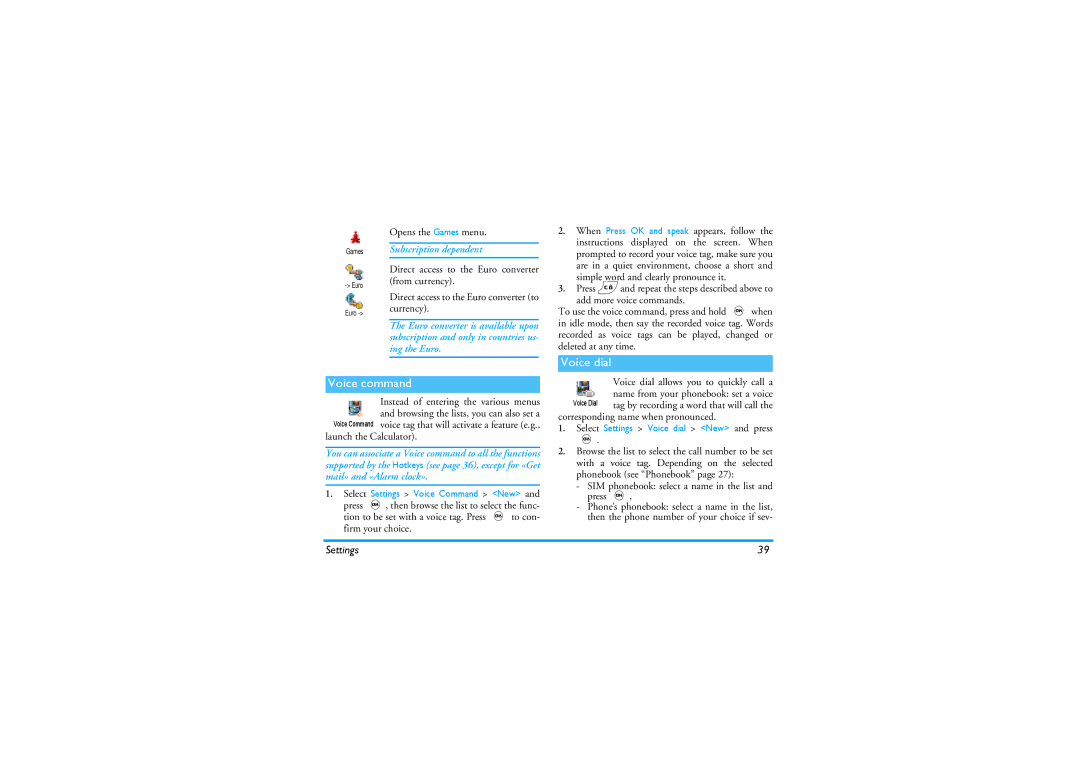
Voice command
Opens the Games menu
Launch the Calculator
Public names
Security
Keypad lock
Eral numbers were stored for this name and press
Or deleted
Call barring
Change codes
Network
Asked to enter your PIN code when switching your phone on
PIN protection
Gprs attach
Preferred list
Access settings
Set date
Time and date
Clock display
Date format
Language
Automatically switch to 1300 when turning the option to Off
Profiles
Daylight saving
Accessories
Changed the settings or not
High
Profiles
Send a SMS
Messages
Send SMS item of the Messages menu allows you to
To send a short message to someone whose number
Read SMS option in the Messages
Read SMS
Vice-versa
Messages you have received and already read are
Then re-attach it to your message see
SMS settings
Allows you to sign your SMS. By default
Mail
This feature is subscription dependent
SMS Archive
Can be set On or Off
Settings
Account name
Settings and press
mail server access
Move-to select Add addressee and press , to access the list
Authentication process with the Smtp server
Write and send an e-mail
Advanced
Case, your e-mail is lost
Receive and read e-mails
Picture and/or sound of your choice and press
With a sound or a picture
Download emails
Select a header, press ,, select Details and press
Connect to the server
Get and store attachments
To display these details
Delete emails
Add an email address to the phonebook
Reply to an email
Forward an email
Broadcast SMS feature is network-dependent
To this server when sending the e-mail
Broadcast Message
Instant message
From the list
Create an MMS
Select the addressees
Design your message
Delay between each slide
Press ,to send your message, or move to access the options
Access the options
Take to send it
Sent
Receive an MMS
Subject
To display the previous or the next slide
Slide
Manage folders
Network for connections
Isn’t available when connecting
This mode is deactivated when roaming
Folder
Delivery report
Position of devices
Infrared
Send data
Select an item
Receive data
Receiving is cancelled in the following cases
Send the selected item
Activate IrDA
Use the phone as a modem
Multimedia
Demo mode
Picture album
Sound album
Sound recording
Memory Status
Memory space for your own sounds and pictures
You must first connect the headset to listen to the radio
Games & Appli
Alarm clock
Euro converter
Calculator
Create a new event
Organiser
Modify an event
If «List full» appears, delete an event or name to be
Deleting an event
Change any information as needed and as described above
Views of events
Time zone
4and 6To move the racket left or right
Brick Game
Call information
Call settings
Call forward
Mailboxes
Any key answer
Auto redial
Call waiting
Allows you to set the auto redial On or
Call counters
This menu gives you access to the op- tions described below
GSM counters
Total duration
Gprs counters
This feature is subscription and network dependent
WAP
Internet services
Launch a WAP session
End a WAP session
Enter address
Bookmarks
Gprs network for WAP connections
Lected profile when launching a connection
Press and hold 0to enter a dot «.»
Connection
Push inbox
Options
Back
Confirm your choice
Refresh
Forward
Save as homepage
Save as
Other services
Operator services
GSM strings
Dtmf tones
Answer a second call
For example access your answering machine
Make a second call
Conference call
Answer a third call
If you receive a second call, press,, then you can
You can activate the conference call by
Explicit call transfer
Camera management
Taking pictures
Plug in the camera
Pictures shots
General principles
Lens of the camera is automatically focused
Take a picture
Then press cor magain to go back to pre- view mode
Colour mode
Settings
Review the pictures
Memory available in your phone
Picture resolution
Camera mode
Self-timer
Sounds
Troubleshooting
Your Subscription
This problem is related to
Your operator
Mation on this subject
Troubleshooting
Ref /336/EEC and low voltage directives Ref /23/EEC
Precautions
Radio waves
Users of pacemakers
Always switch off your phone
Users of hearing aids
Will not be affected by radio energy
Phone you are recommended to use
Information displayed on the battery
Performance improvement
Environmental care
Do not use your phone while driving
EN 60950 Norm
Icons & symbols
Charger
Philips authentic Accessories
Handsfree kits
Digital camera
Declare under our sole responsibility that the product
Declaration Conformity
Le Mans, 30, June
Quality Manager