T- C
àá
íÇ É ë
REPEAT REPEAT | SHUFFLE |
Still Picture and Frame-by-frame playback
●Select e (picture by picture) in the menu bar.
●Use the w key to enter the picture by picture menu. ➤ The player will now go into PAUSE mode.
●Use the cursor keys t u to select the previous or next picture frame.
●To exit Picture by picture mode, press 2 or v.
You can also step forward by pressing ; repeatedly on the remote control.
T- C
àá
íÇ É ë
REPEAT REPEAT | SHUFFLE |
Search
●Select g (Fast motion) in the menu bar.
●Use the w keys to enter the Fast Motion menu.
●Use the t u keys to select the required speed:
●Select 1 to play at normal speed again.
●To exit Fast Motion mode, press 2 or v.
To search forward or backward through different speeds, you can also hold down Q or R.
CHAPTER
REPEAT
T- C
à |
| á |
í | Ç | É ë |
REPEAT | REPEAT | SHUFFLE |
| Å |
TITLE |
|
REPEAT | REPEAT |
TRACK
REPEAT
REPEAT
Repeat
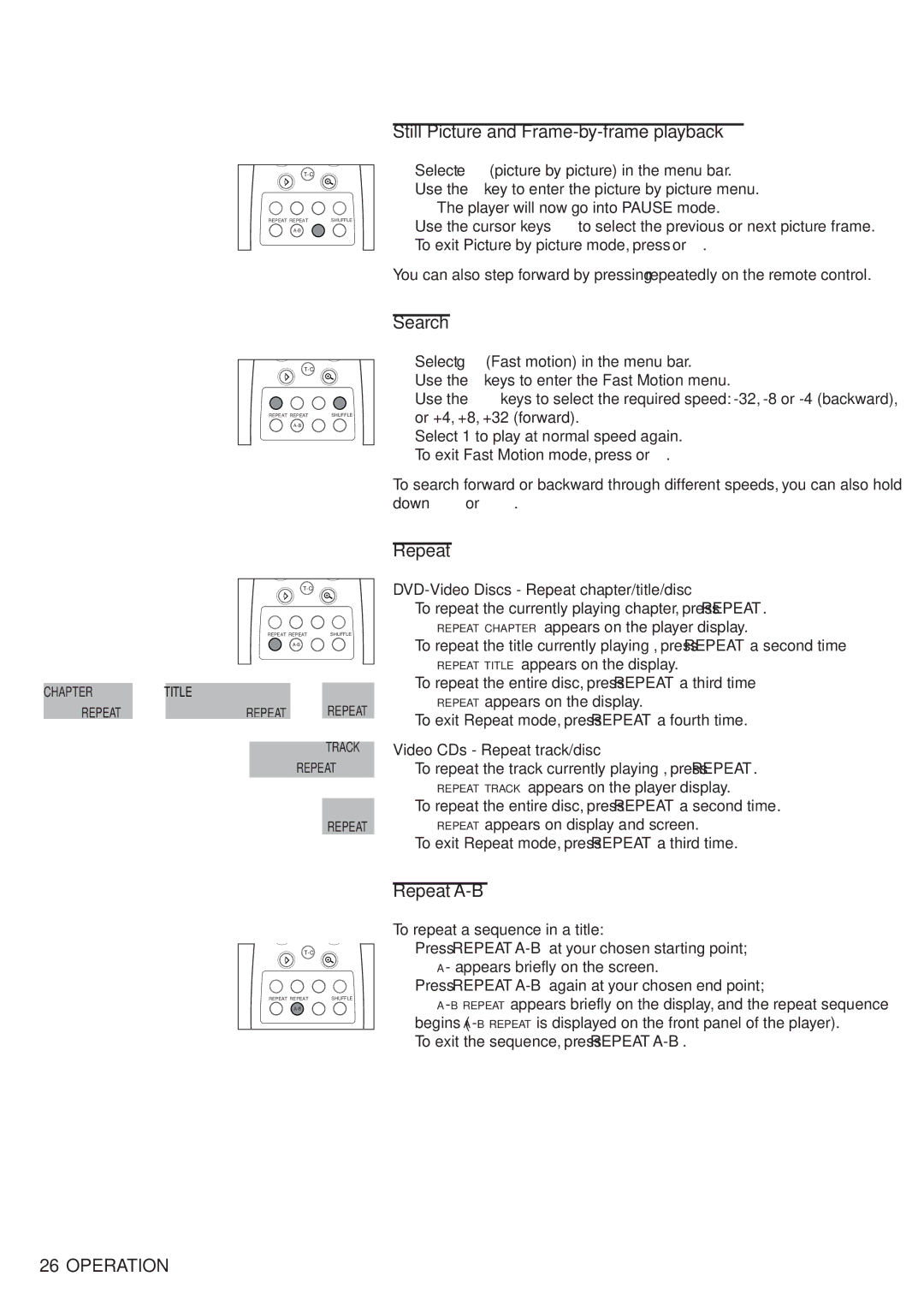
DVD-Video Discs - Repeat chapter/title/disc
●To repeat the currently playing chapter, press REPEAT.
➤REPEAT CHAPTER appears on the player display.
●To repeat the title currently playing , press REPEAT a second time
➤REPEAT TITLE appears on the display.
●To repeat the entire disc, press REPEAT a third time
➤REPEAT appears on the display.
●To exit Repeat mode, press REPEAT a fourth time.
Video CDs - Repeat track/disc
●To repeat the track currently playing , press REPEAT.
➤REPEAT TRACK appears on the player display.
●To repeat the entire disc, press REPEAT a second time.
➤REPEAT appears on display and screen.
●To exit Repeat mode, press REPEAT a third time.
T- C
àá
íÇ É ë
REPEAT REPEAT | SHUFFLE |
Repeat A-B
To repeat a sequence in a title:
●Press REPEAT
➤A- appears briefly on the screen.
●Press REPEAT
➤
●To exit the sequence, press REPEAT
26OPERATION