
DVD963SA/P01 specifications
The Philips DVD963SA/P01 is a versatile and reliable DVD player that packs an impressive array of features and technologies designed to enhance your viewing experience. Featuring a sleek, compact design, this player blends seamlessly into any home entertainment setup while offering high-quality playback of various disc formats.One of the standout characteristics of the Philips DVD963SA/P01 is its exceptional video performance. It supports progressive scan output, which significantly improves the picture quality by delivering smoother images with enhanced detail. This is particularly beneficial when watching movies or high-definition content, as it reduces the flicker and provides clearer visuals that make the viewing experience more enjoyable.
In terms of audio capabilities, the DVD963SA/P01 is equipped with advanced audio processing technologies. It supports multiple audio formats, including Dolby Digital and DTS, allowing for an immersive surround sound experience. This feature is ideal for home theater enthusiasts who seek to create a cinematic atmosphere in their living rooms.
Another significant highlight of the Philips DVD963SA/P01 is its compatibility with various media. It can play not only standard DVDs but also CDs, MP3 CD, JPEG discs, and even DivX files. This versatility means you can enjoy a wide range of content without needing multiple devices. The player also features a USB port, enabling users to connect external storage devices and access their multimedia files easily.
The Philips DVD963SA/P01 is also user-friendly, with a straightforward interface that allows for easy navigation through menus and settings. The remote control features large buttons and intuitive layout, making it simple to operate for people of all ages.
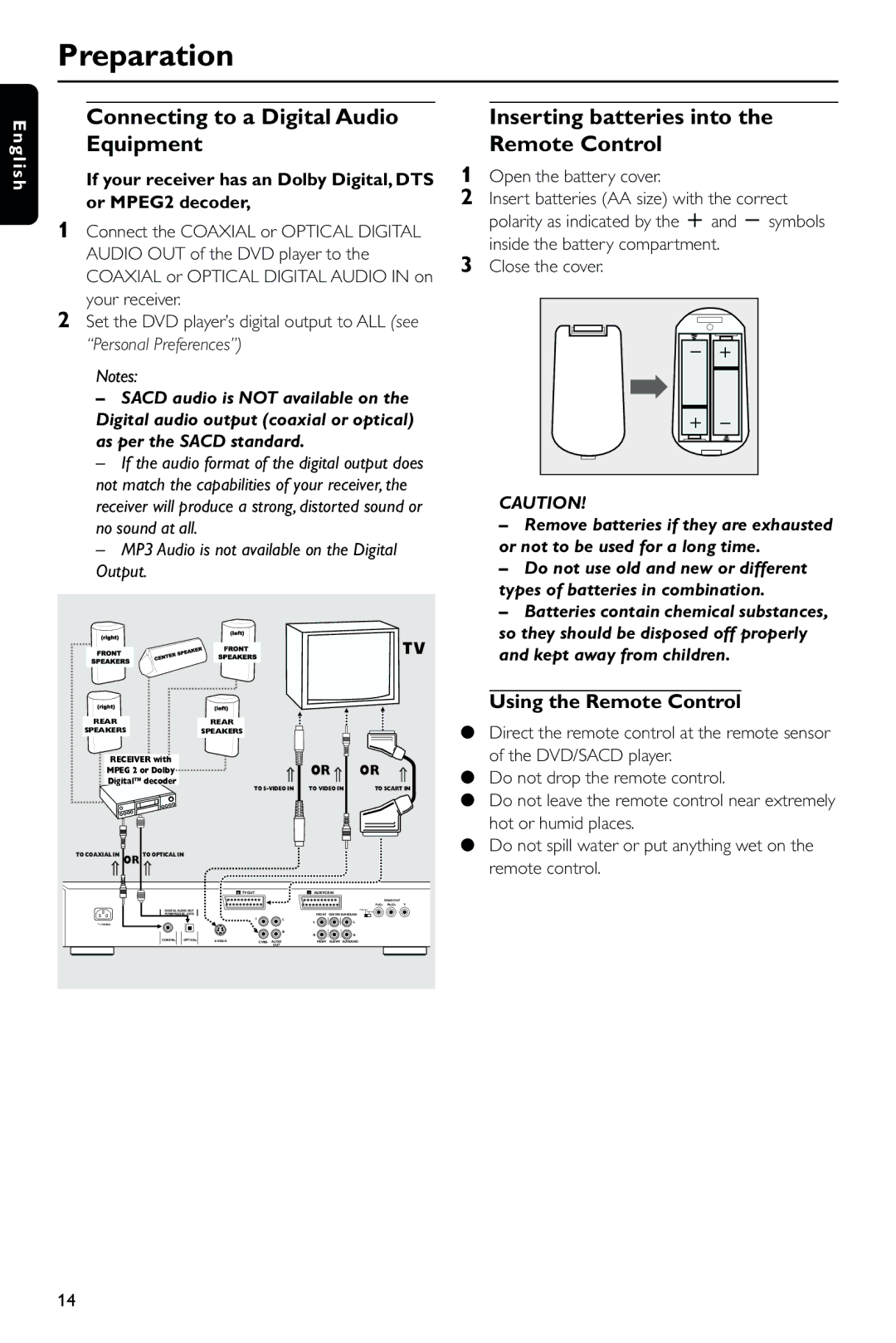
Moreover, the DVD player is designed with connectivity in mind. It includes composite video, S-Video, and component video outputs, ensuring that it can be connected seamlessly to various televisions and display devices. This flexibility allows users to optimize their setup according to their specific requirements.
In conclusion, the Philips DVD963SA/P01 combines advanced technology with user-friendly features to deliver a high-quality home entertainment experience. With its excellent video and audio performance, broad media compatibility, and convenient design, this DVD player is a great choice for anyone looking to enhance their movie and music enjoyment at home.