English
Troubleshooting
WARNING
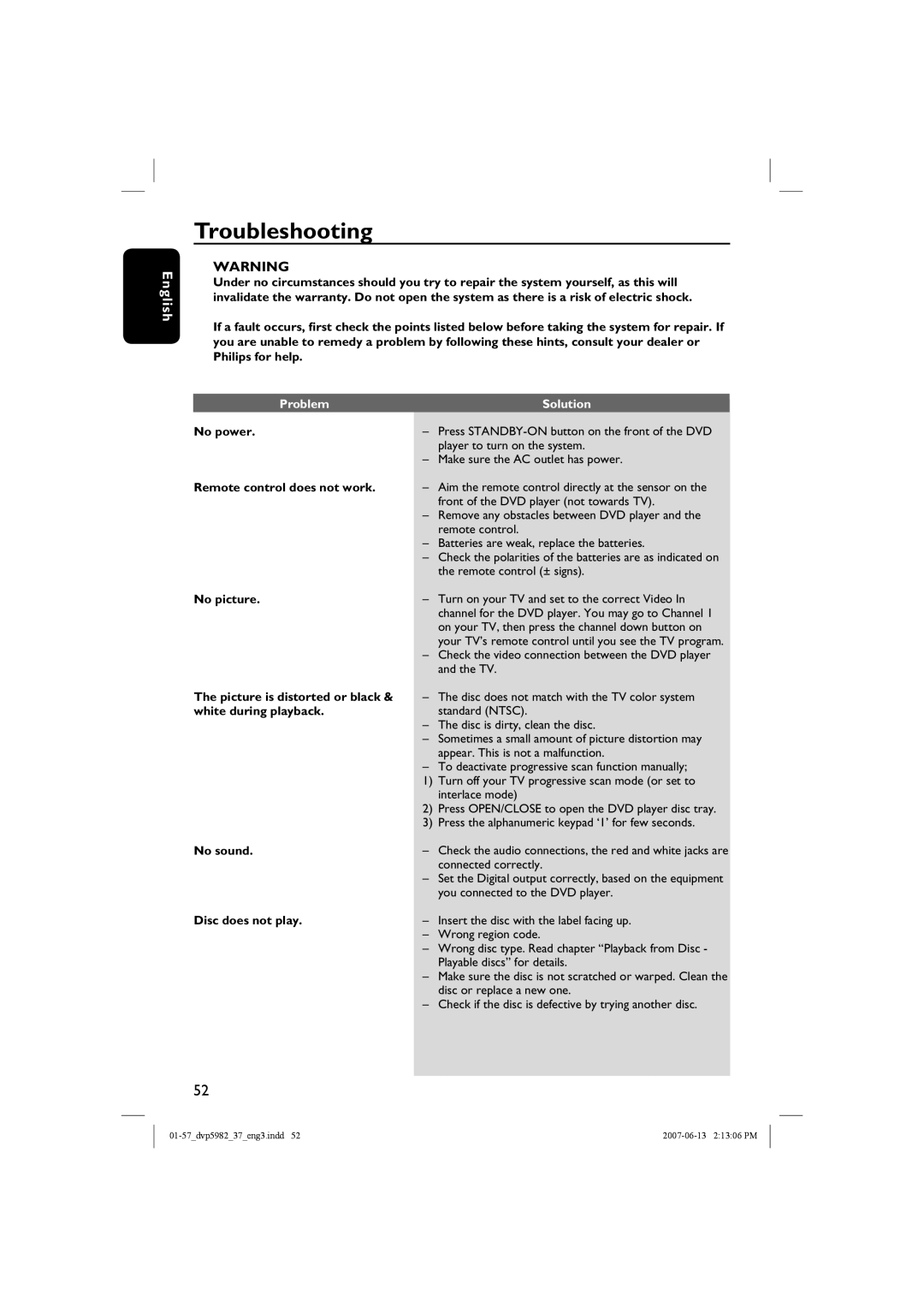
Under no circumstances should you try to repair the system yourself, as this will invalidate the warranty. Do not open the system as there is a risk of electric shock.
If a fault occurs, first check the points listed below before taking the system for repair. If you are unable to remedy a problem by following these hints, consult your dealer or Philips for help.
Problem |
| Solution |
| ||
No power. | – | Press |
|
| player to turn on the system. |
| – | Make sure the AC outlet has power. |
Remote control does not work. | – | Aim the remote control directly at the sensor on the |
|
| front of the DVD player (not towards TV). |
| – | Remove any obstacles between DVD player and the |
|
| remote control. |
| – | Batteries are weak, replace the batteries. |
| – | Check the polarities of the batteries are as indicated on |
|
| the remote control (± signs). |
No picture. | – | Turn on your TV and set to the correct Video In |
|
| channel for the DVD player. You may go to Channel 1 |
|
| on your TV, then press the channel down button on |
|
| your TV’s remote control until you see the TV program. |
| – | Check the video connection between the DVD player |
|
| and the TV. |
The picture is distorted or black & | – | The disc does not match with the TV color system |
white during playback. |
| standard (NTSC). |
| – | The disc is dirty, clean the disc. |
| – | Sometimes a small amount of picture distortion may |
|
| appear. This is not a malfunction. |
| – | To deactivate progressive scan function manually; |
| 1) | Turn off your TV progressive scan mode (or set to |
|
| interlace mode) |
| 2) | Press OPEN/CLOSE to open the DVD player disc tray. |
| 3) | Press the alphanumeric keypad ‘1’ for few seconds. |
No sound. | – | Check the audio connections, the red and white jacks are |
|
| connected correctly. |
| – | Set the Digital output correctly, based on the equipment |
|
| you connected to the DVD player. |
Disc does not play. | – | Insert the disc with the label facing up. |
| – | Wrong region code. |
| – | Wrong disc type. Read chapter “Playback from Disc - |
|
| Playable discs” for details. |
| – | Make sure the disc is not scratched or warped. Clean the |
|
| disc or replace a new one. |
| – | Check if the disc is defective by trying another disc. |
|
|
|
52