Disc Operations
For Super VCD/VCD/DivX/CD
➜Single/Total Elapsed: displays the elapsed time of the current single/total track.
➜Single/Total Remain: displays the remaining time of the current single/total track.
➜Display Off: switches time display off.
Special disc features
Playing a Title (DVD)
1Press DISC MENU.
➜ The disc title menu appears on the TV screen.
2Use 1 2 3 4 or Numeric Keypad
3Press OK to confirm.
Camera Angle (DVD)
●Press ANGLE repeatedly to select different desired angle.
Changing the Audio Language (for
DVD recorded with multiple languages)
●Press AUDIO repeatedly to select different audio languages.
Changing the Audio Channel (for VCD
only)
●Press AUDIO to select the available audio channels provided by the disc (Mono Left, Mono Right or Stereo).
Subtitles (DVD)
●Press SUBTITLE repeatedly to select different subtitle languages.
Playing MP3/WMA/JPEG Picture
CD
IMPORTANT!
You have to turn on your TV and set to the correct Video In channel. (See “Setting up the TV”).
Playing MP3/WMA disc
IMPORTANT!
For DRM protected WMA files, use Windows Media Player 10 (or later) for CD burning/conversion.Visit www.microsoft.com for details about Windows Media Player and WM DRM (Windows Media Digital Rights Management).
General operation
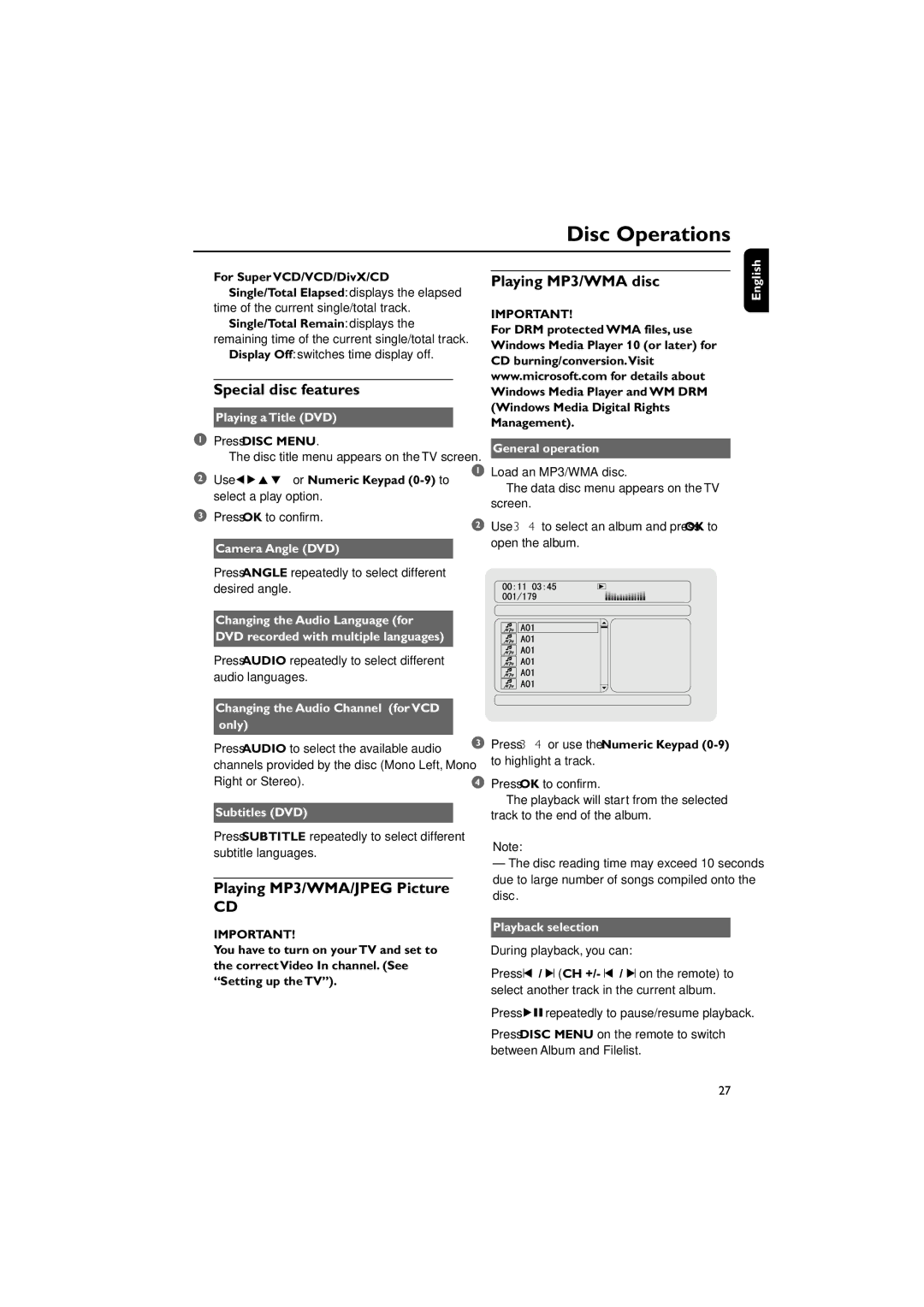
1Load an MP3/WMA disc.
➜ The data disc menu appears on the TV screen.
2Use 3 4 to select an album and press OK to open the album.
3Press 3 4 or use the Numeric Keypad
4Press OK to confirm.
➜ The playback will start from the selected track to the end of the album.
Note:
–The disc reading time may exceed 10 seconds due to large number of songs compiled onto the disc.
Playback selection
During playback, you can:
●Press ¡ / ™ (CH +/- ¡ / ™ on the remote) to select another track in the current album.
●Press ÉÅrepeatedly to pause/resume playback.
●Press DISC MENU on the remote to switch between Album and Filelist.
English
27