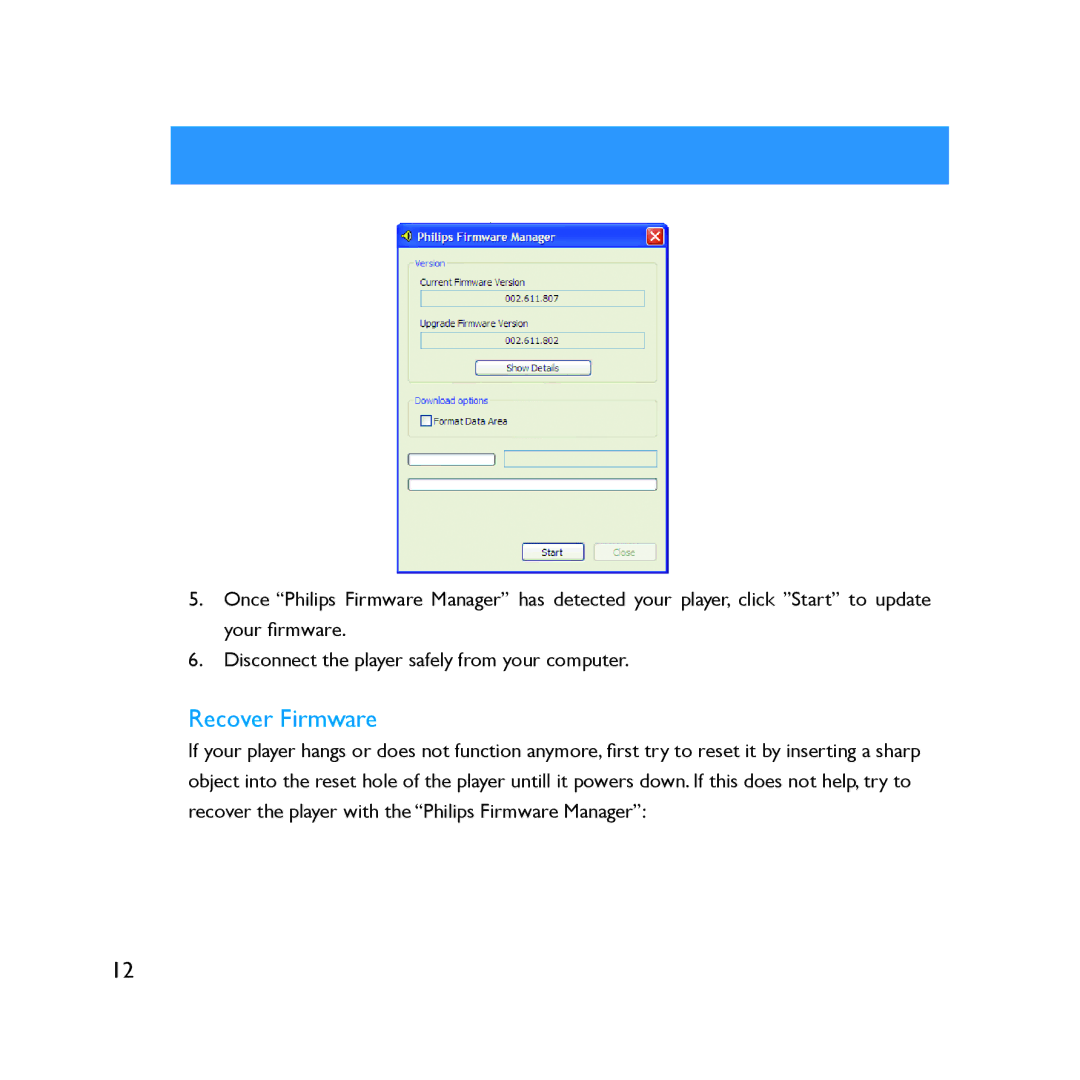
5.Once �Philips Firmware Manager� has detected your player, click �Start� to update your �rmware.
6.Disconnect the player safely from your computer.
Recover Firmware
If your player hangs or does not function anymore, �rst try to reset it by inserting a sharp object into the reset hole of the player untill it powers down. If this does not help, try to recover the player with the �Philips Firmware Manager�:
12