Video
Playing video files
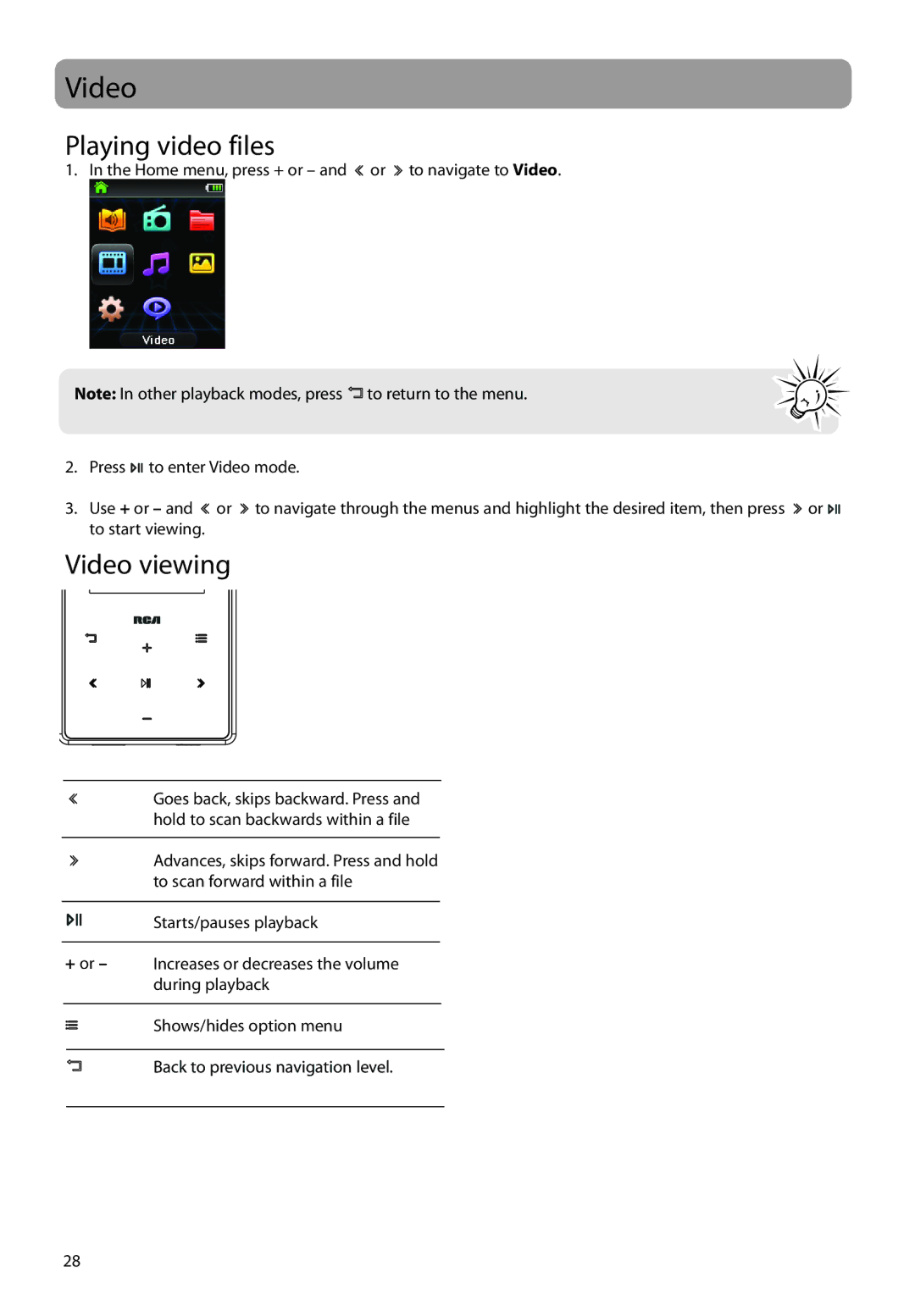
1. In the Home menu, press + or – and  or
or  to navigate to Video.
Note: In other playback modes, press 


 to return to the menu.
2.Press 

 to enter Video mode.
3.Use + or – and  or
or  to navigate through the menus and highlight the desired item, then press
  or
or 

 to start viewing.
Video viewing
Goes back, skips backward. Press and hold to scan backwards within a file
Advances, skips forward. Press and hold to scan forward within a file
Starts/pauses playback
+or – Increases or decreases the volume during playback
Shows/hides option menu
Back to previous navigation level.
28