Manuals
/
Samsung
/
Kitchen Appliance
/
Microwave Oven
Samsung
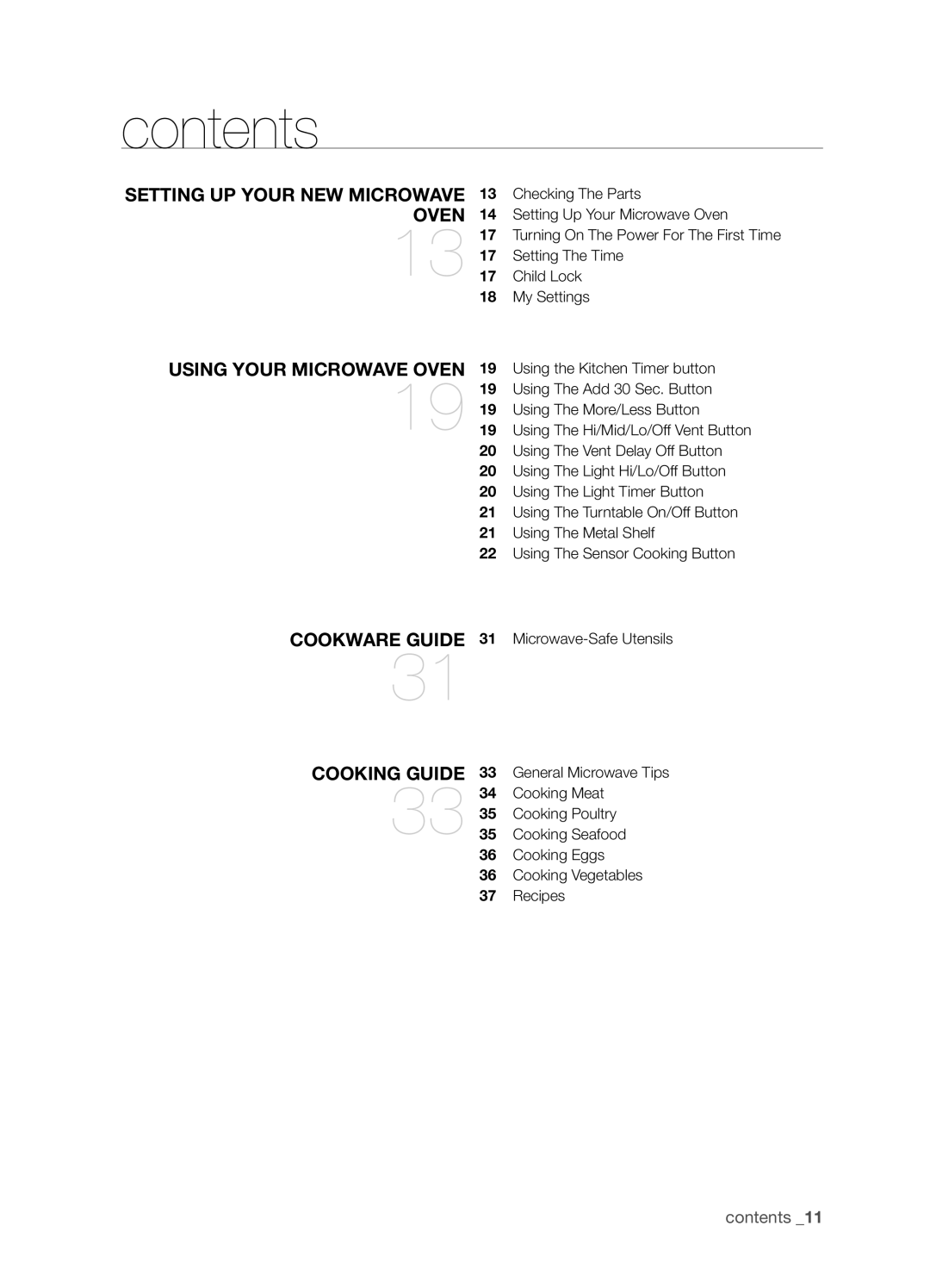
SMH9207ST contents, setting up your new microwave oven, using your microwave oven
Models:
SMH9207ST
1
11
48
48
Download
48 pages
17.48 Kb
8
9
10
11
12
13
14
15
Troubleshooting
Specifications
Install
Light Timer
Warranty
Setting The Time
Cleaning The Exterior
Safety
Power Levels
using your microwave oven
Page 11
Image 11
Page 10
Page 12
Page 11
Image 11
Page 10
Page 12
Contents
ENGLISH
Microwave Oven
imagine the possibilities
SMH9207
PRECAUTIONS TO AVOID POSSIBLE EXPOSURE TO EXCESSIVE MICROWAVE ENERGY
safety information
What you need to know about safety instructions
Save these instructions
oven, follow these basic safety precautions
IMPORTANT safety symbols and precautions
IMPORTANT SAFETY INSTRUCTIONS
or personal injury when using your microwave
properly, or if it has been damaged or dropped
Use of Extension Cords
GROUNDING INSTRUCTIONS
6 safety information
SEVERE WARNING SIGNS FOR WARNING INSTALLATION
safety information
CAUTION CAUTION SIGNS FOR INSTALLATION
WARNING SEVERE WARNING SIGNS FOR USING
8 safety information
CAUTION CAUTION SIGNS FOR USING
10 safety information
SEVERE WARNING SIGNS FOR WARNING CLEANING
cookware guide
contents
setting up your new microwave oven
using your microwave oven
appendix
cleaning and maintaining your microwave oven
troubleshooting
warranty
setting up your new microwave oven
setting up your new microwave oven
Checking The Parts
14 setting up your new microwave oven
Setting Up Your Microwave Oven
Installing the metal shelf
setting up your new microwave oven
ON/OFF
LIGHT TIMER
16 setting up your new microwave oven
TURNTABLE
Activating
Turning On The Power For The First Time
Setting The Time
Child Lock
18 setting up your new microwave oven
My Settings
Using The More/Less Button
using your microwave oven
Using the Kitchen Timer button
Using The Add 30 Sec. Button
20 using your microwave oven
Using The Vent Delay Off Button
Using The Light Hi/Lo/Off Button
Using The Light Timer Button
using your microwave oven
Using The Turntable On/Off Button
Using The Metal Shelf
Reheating food
22 using your microwave oven
Using The Sensor Cooking Button
Sensor cooking utensils & covers
using your microwave oven
Sensor cooking table
24 using your microwave oven
Using The Reheat Button
Sensor reheating table
using your microwave oven
Using The Auto Defrost Button
Using The 1 Pound Defrost Button
Auto defrosting table
26 using your microwave oven
Using The Soften / Melt Button
Soften / Melt table
using your microwave oven
Using The Kids Meals Button
Kids meals table
28 using your microwave oven
Using The Snacks Button
Snack bar table
Multi-stage cooking
Microwave Cooking Times & Power Levels
Power Levels
One-stage cooking
You can only recall one stored recipe at a time
Using The Custom Cook Button
30 using your microwave oven
cookware guide
cookware guide
Microwave-Safe Utensils
32 cookware guide
cooking guide
cooking guide
General Microwave Tips
Cooking techniques
34 cooking guide
Cooking Meat
Adding moisture
Venting
cooking guide
Cooking Poultry
Cooking Seafood
36 cooking guide
Cooking Eggs
Cooking Vegetables
cooking guide
Recipes
Beef and barley stew
Broccoli and cheese casserole
38 cooking guide
Warm potato salad
Black bean soup
Cleaning The Turntable And Roller Rings
cleaning and maintaining your microwave oven
Cleaning The Exterior
Cleaning The Interior
40 cleaning and maintaining your microwave oven
Storing And Repairing Your Microwave Oven
Replacing The Cooktop/Night Bulb
Replacing The Oven Bulb
cleaning and maintaining your microwave oven
Cleaning The Grease Filter
42 cleaning and maintaining your microwave oven
Replacing The Charcoal Filter
appendix
Specifications
appendix
44 troubleshooting
troubleshooting
Check These Points If Your Microwave Oven
warranty
warranty
Warranty and service information
46 warranty
Limited warranty to original purchaser
SAMSUNG OVER-THE-RANGEOTR MICROWAVE OVEN
memo
Code No. DE68-03686A-01
Top
Page
Image
Contents