Accessing the User Tools (System Settings)
DChange the settings by following the instructions on the display panel. Then press the [OK] key.
Note | 1 |
❒ [OK]: Press to set the new settings and return to the previous menu. |
❒[Cancel]: Press to return to the previous menu without changing any data.
Exiting from the User Tools
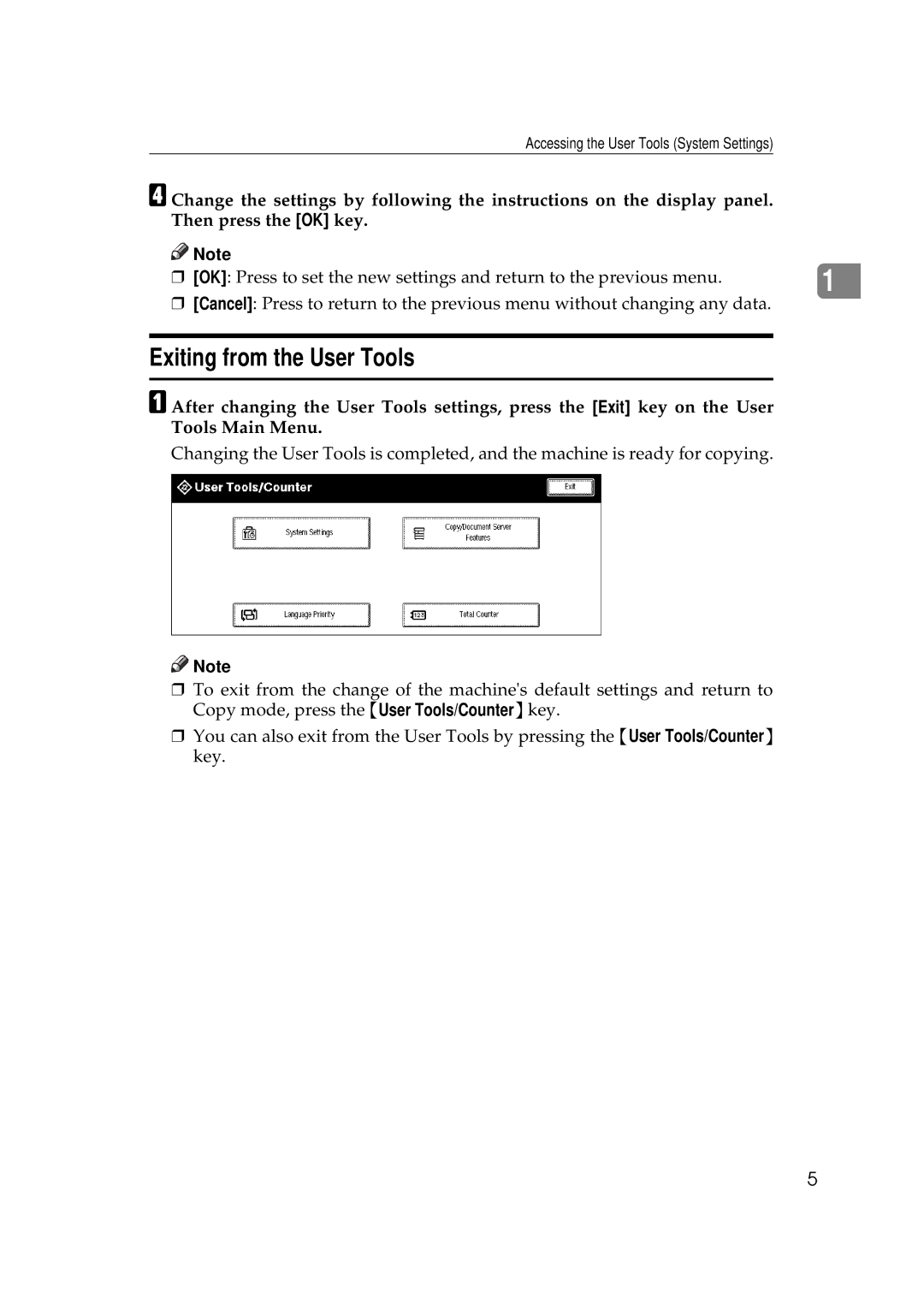
AAfter changing the User Tools settings, press the [Exit] key on the User Tools Main Menu.
Changing the User Tools is completed, and the machine is ready for copying.

 Note
Note
❒To exit from the change of the machine's default settings and return to Copy mode, press the {User Tools/Counter}key.
❒You can also exit from the User Tools by pressing the {User Tools/Counter} key.
5