For universal remotes, this TV follows SONY’s universal remote code. You need to find the actual code from your cable or satellite or universal remote provider.
1.POWER – Turns the TV on or off.
2.0~9 – Sets the channels.
3.Dash
4.GUIDE – Opens the current digital channel information guide.
5.CH(+)▲ /
6.MENU – Opens / Exits the TV menu.
7.CC – Cycles between different closed captioning modes.
8.SLEEP – Sets the Sleep timer.
9.FREEZE – Freezes the TV picture.
10.INFO – Shows the TV info.
11.PICTURE – Selects various preset picture settings
12.MUTE – Mutes the TV’s audio.
13.R – Returns to the previous channel.
14.SOURCE – Gives you a list of your port connections to switch to.
15.↵ – ↵ acts as enter button for OSD menu and changing channels in conjunction with number buttons.
16.EXIT – Exits the TV menu.
17.ASPECT – Selects different viewing modes of the TV.
18.USB – Launches USB reader function for pictures and music.
19.ADD/DEL – Adds or Deletes the current channel from the favorites list.
20.FAVORITE – Gives you your list of favorite channels.
21.SOUND – Selects various preset sound settings
22.MTS – Selects stereo, mono, or second audio programming.
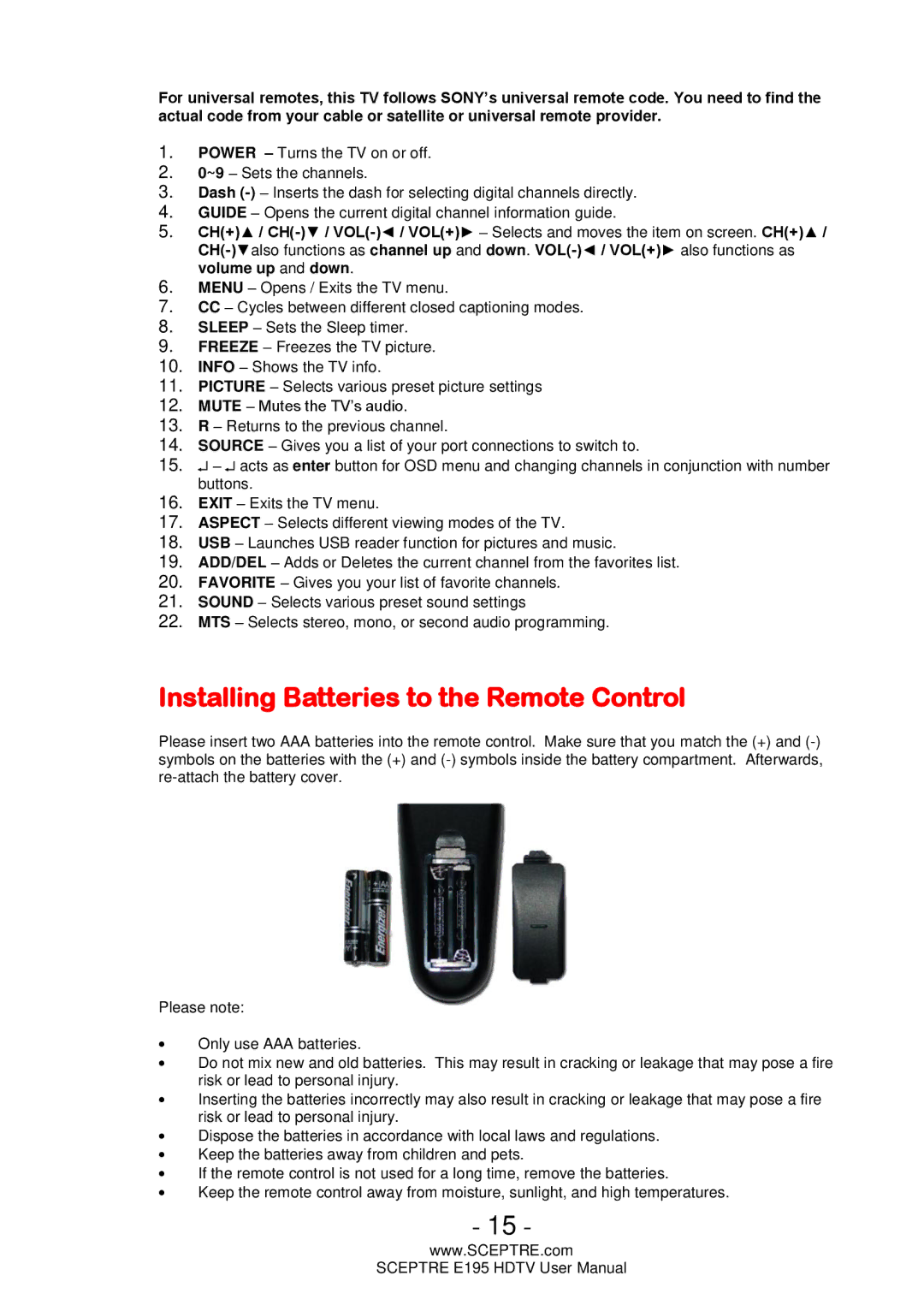
Installing Batteries to the Remote Control
Please insert two AAA batteries into the remote control. Make sure that you match the (+) and
Please note:
∙Only use AAA batteries.
∙Do not mix new and old batteries. This may result in cracking or leakage that may pose a fire risk or lead to personal injury.
∙Inserting the batteries incorrectly may also result in cracking or leakage that may pose a fire risk or lead to personal injury.
∙Dispose the batteries in accordance with local laws and regulations.
∙Keep the batteries away from children and pets.
∙If the remote control is not used for a long time, remove the batteries.
∙Keep the remote control away from moisture, sunlight, and high temperatures.
- 15 -
www.SCEPTRE.com
SCEPTRE E195 HDTV User Manual