Listening to the radio (continued)
3Tune to the desired station.
Main Unit Manual tuning:
Rotate the TUNING (s or r) knob clockwise or counter clockwise to tune into the desired station.
Remote Control Manual tuning:
Press the TUNING (s or r) button as many times as required to tune in to the desired station.
Auto tuning (remote control only):
When the TUNING (s or r) button is pressed for more than 0.5 seconds, scanning will start automatically and the tuner will stop at the first receivable broadcast station.
Notes:
●When radio interference occurs, auto scan tuning may stop automatically at that point.
●Auto scan tuning will skip weak signal stations.
●To stop the auto tuning, press the TUNING (s or r) button again.
Receiving an FM stereo transmission:
●If the FM reception is weak, the reception will auto changes to monaural, and the sound becomes clearer.
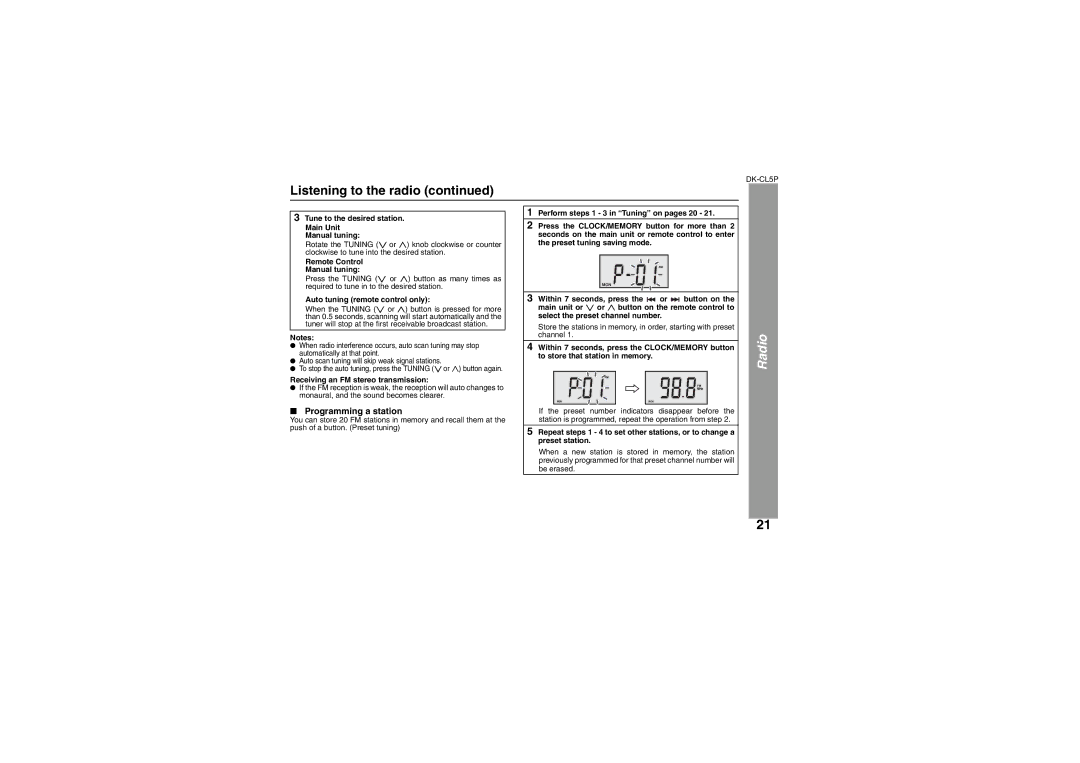
■Programming a station
You can store 20 FM stations in memory and recall them at the push of a button. (Preset tuning)
1Perform steps 1 - 3 in “Tuning” on pages 20 - 21.
2Press the CLOCK/MEMORY button for more than 2 seconds on the main unit or remote control to enter the preset tuning saving mode.
MON
3Within 7 seconds, press the 
 or
or 
 button on the main unit or s or r button on the remote control to select the preset channel number.
Store the stations in memory, in order, starting with preset channel 1.
4Within 7 seconds, press the CLOCK/MEMORY button to store that station in memory.
MON | MON |
If the preset number indicators disappear before the station is programmed, repeat the operation from step 2.
5Repeat steps 1 - 4 to set other stations, or to change a preset station.
When a new station is stored in memory, the station previously programmed for that preset channel number will be erased.
Radio
21