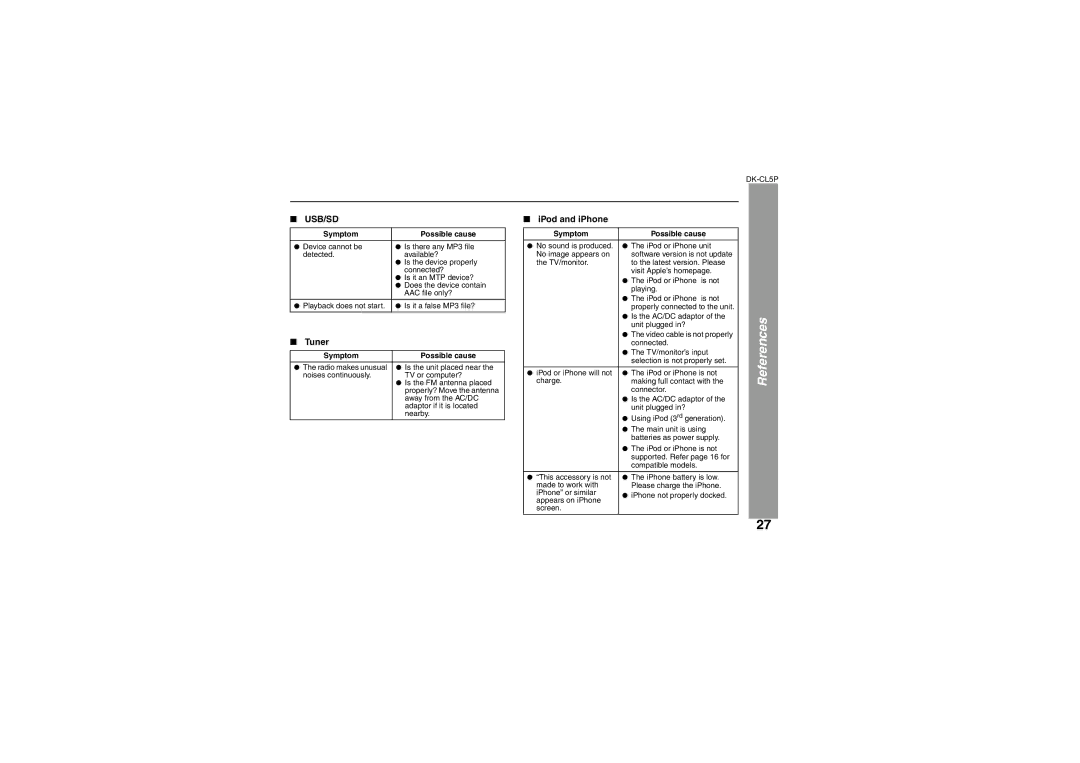
■ USB/SD
Symptom | Possible cause |
● Device cannot be | ● Is there any MP3 file |
detected. | available? |
| ● Is the device properly |
| connected? |
| ● Is it an MTP device? |
| ● Does the device contain |
| AAC file only? |
●Playback does not start. ● Is it a false MP3 file?
■Tuner
Symptom | Possible cause |
●The radio makes unusual ● Is the unit placed near the
noises continuously. | TV or computer? |
| ● Is the FM antenna placed |
| properly? Move the antenna |
| away from the AC/DC |
| adaptor if it is located |
| nearby. |
■ iPod and iPhone
Symptom | Possible cause | |
● No sound is produced. | ● The iPod or iPhone unit | |
No image appears on | software version is not update | |
the TV/monitor. | to the latest version. Please | |
| visit Apple’s homepage. | |
| ● The iPod or iPhone | is not |
| playing. |
|
| ● The iPod or iPhone | is not |
| properly connected to the unit. | |
| ● Is the AC/DC adaptor of the | |
| unit plugged in? |
|
| ● The video cable is not properly | |
| connected. |
|
| ● The TV/monitor’s input | |
| selection is not properly set. | |
|
| |
● iPod or iPhone will not | ● The iPod or iPhone is not | |
charge. | making full contact with the | |
| connector. |
|
| ● Is the AC/DC adaptor of the | |
| unit plugged in? |
|
| ● Using iPod (3rd generation). | |
| ● The main unit is using | |
| batteries as power supply. | |
| ● The iPod or iPhone is not | |
| supported. Refer page 16 for | |
| compatible models. |
|
●“This accessory is not ● The iPhone battery is low.
made to work with | Please charge the iPhone. | |
iPhone” or similar | ● iPhone not properly docked. | |
appears on iPhone | ||
| ||
screen. |
|
References
27