MOR | Light music | FOLK M | Folk Music |
M |
|
|
|
LIGHT | Light classical | DOCU- | Documen- |
M | music | MENT | tary |
CLAS- | Classical music | TEST | Alarm Test |
SICS |
|
|
|
OTH- | Special music | ALARM | Alarm |
ER M | programs |
|
|
WEATHER | Weather |
|
|
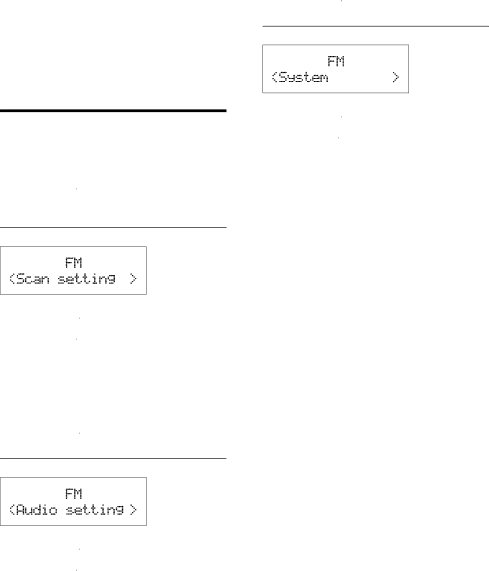
Adjust FM settings
1In FM mode, press MENU to access FM menus.
2Turn the 


 knob to toggle through the menus.
Scan setting
1Press the 


 knob to access
2Turn the 


 knob to select an option.
•


 : Search for strong stations only.
•


 : Search for all stations no matter whether the signal strength of a station is strong or weak.
3Press the 


 knob to confirm the option.
Audio setting
1Press the 


 knob to access
2Turn the 


 knob to select an option.
•


 : Allow stereo output even if the station transmits weak stereo audio signals.
•


 : Convert stereo signals to monophonic output even if the station transmits strong stereo audio signals.
3Press the 


 knob to confirm the option.
System menus
1Press the 


 knob to access system menus.
2Turn the 


 knob to select a
•For details, refer to the section 'Use system menus'.
EN 9