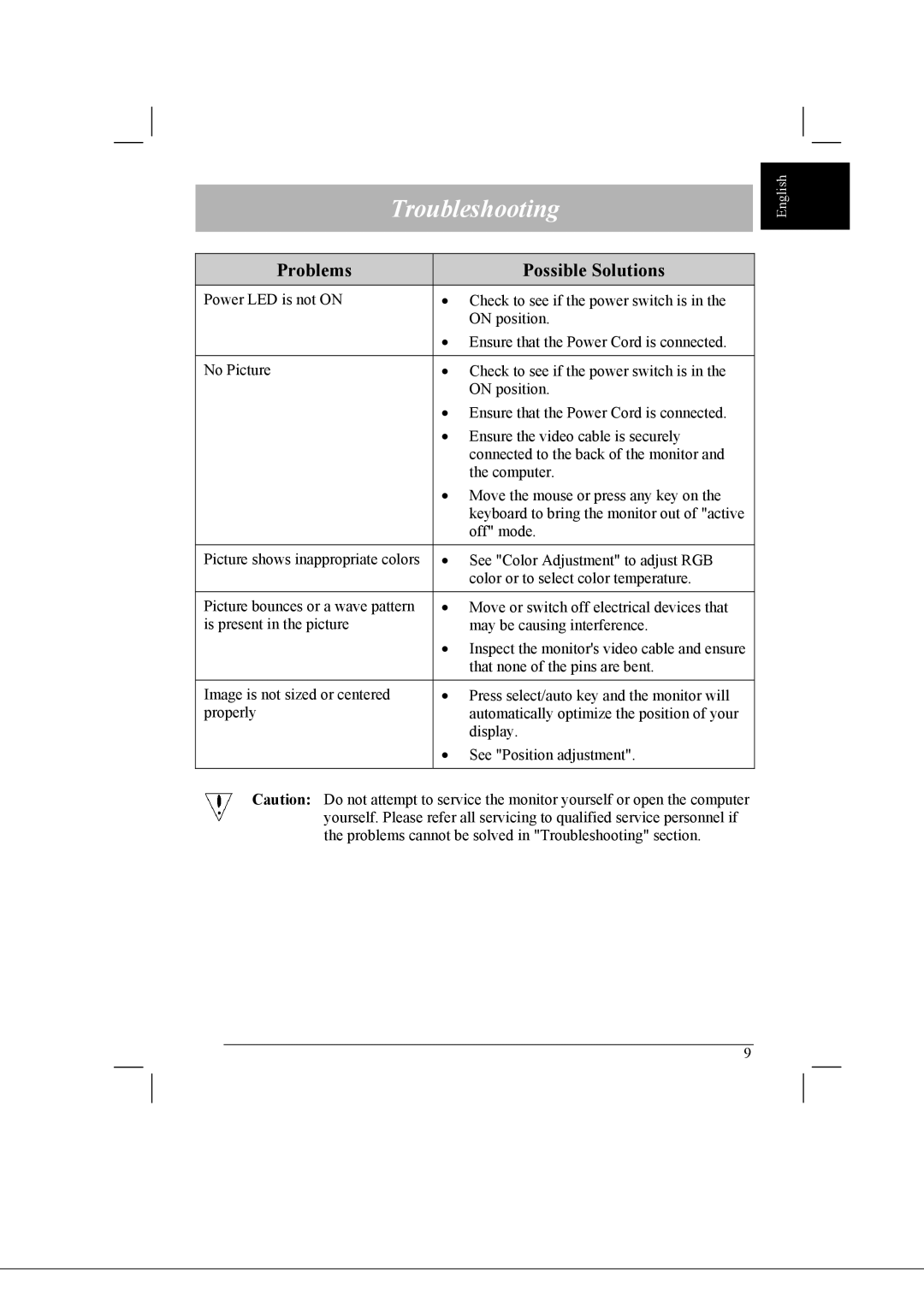
Troubleshooting
Problems |
| Possible Solutions |
Power LED is not ON | • | Check to see if the power switch is in the |
|
| ON position. |
| • Ensure that the Power Cord is connected. | |
|
|
|
No Picture | • | Check to see if the power switch is in the |
|
| ON position. |
| • Ensure that the Power Cord is connected. | |
| • Ensure the video cable is securely | |
|
| connected to the back of the monitor and |
|
| the computer. |
| • Move the mouse or press any key on the | |
|
| keyboard to bring the monitor out of "active |
|
| off" mode. |
|
|
|
Picture shows inappropriate colors | • | See "Color Adjustment" to adjust RGB |
|
| color or to select color temperature. |
|
|
|
Picture bounces or a wave pattern | • | Move or switch off electrical devices that |
is present in the picture |
| may be causing interference. |
| • Inspect the monitor's video cable and ensure | |
|
| that none of the pins are bent. |
|
|
|
Image is not sized or centered | • | Press select/auto key and the monitor will |
properly |
| automatically optimize the position of your |
|
| display. |
| • | See "Position adjustment". |
|
|
|
Caution: Do not attempt to service the monitor yourself or open the computer yourself. Please refer all servicing to qualified service personnel if the problems cannot be solved in "Troubleshooting" section.
9
English