English
DeutschEspañol FrançaisItliano Nederlands Svenska
REFERENCE
System issues |
| What to do |
|
|
|
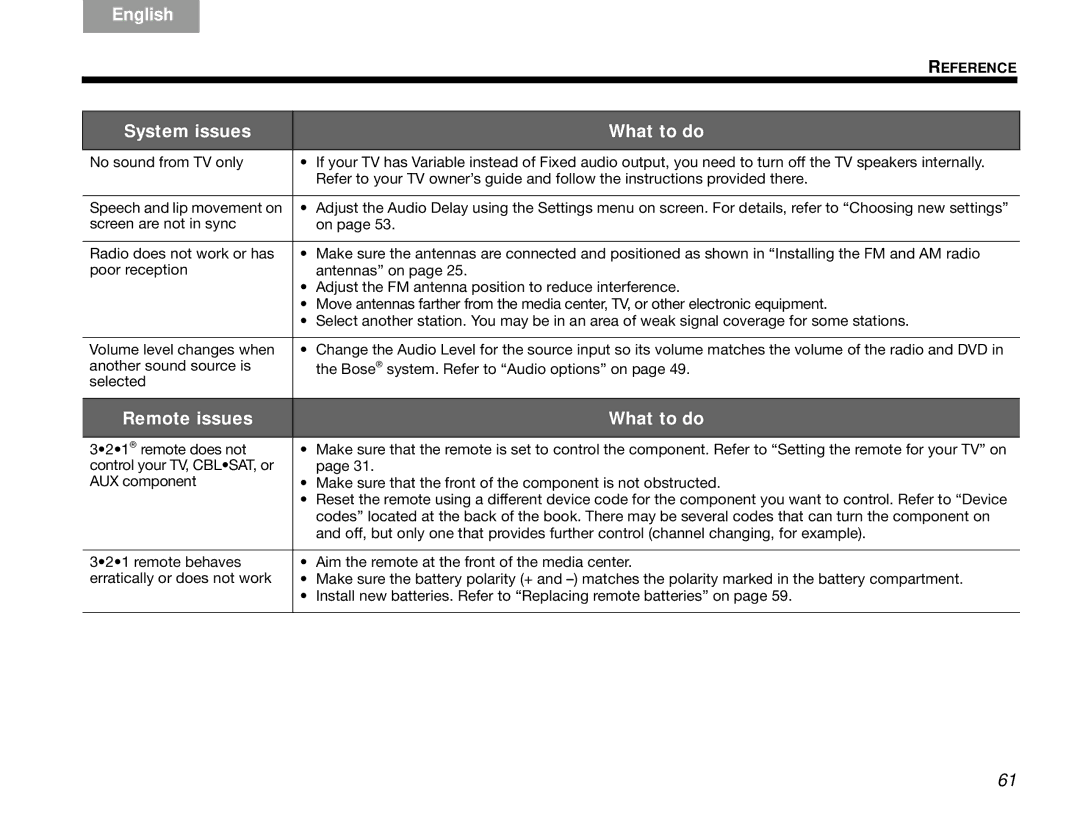
No sound from TV only | • | If your TV has Variable instead of Fixed audio output, you need to turn off the TV speakers internally. |
|
| Refer to your TV owner’s guide and follow the instructions provided there. |
|
|
|
Speech and lip movement on | • | Adjust the Audio Delay using the Settings menu on screen. For details, refer to “Choosing new settings” |
screen are not in sync |
| on page 53. |
|
|
|
Radio does not work or has | • | Make sure the antennas are connected and positioned as shown in “Installing the FM and AM radio |
poor reception |
| antennas” on page 25. |
| • | Adjust the FM antenna position to reduce interference. |
| • | Move antennas farther from the media center, TV, or other electronic equipment. |
| • | Select another station. You may be in an area of weak signal coverage for some stations. |
|
|
|
Volume level changes when | • | Change the Audio Level for the source input so its volume matches the volume of the radio and DVD in |
another sound source is |
| the Bose® system. Refer to “Audio options” on page 49. |
selected |
|
|
Remote issues |
| What to do |
|
|
|
3•2•1® remote does not | • | Make sure that the remote is set to control the component. Refer to “Setting the remote for your TV” on |
control your TV, CBL•SAT, or |
| page 31. |
AUX component | • | Make sure that the front of the component is not obstructed. |
| • | Reset the remote using a different device code for the component you want to control. Refer to “Device |
|
| codes” located at the back of the book. There may be several codes that can turn the component on |
|
| and off, but only one that provides further control (channel changing, for example). |
|
|
|
3•2•1 remote behaves | • | Aim the remote at the front of the media center. |
erratically or does not work | • | Make sure the battery polarity (+ and |
| • | Install new batteries. Refer to “Replacing remote batteries” on page 59. |
61