Freestyle 650 – Edition 2 – 30.03.06 – 7335
|
|
| Caller Display and the calls list | 25 | |||
|
|
|
|
|
|
| |
3. When viewing an entry press | repeatedly to view | What type of call? |
| ||||
The |
| icon indicates a new call |
| ||||
|
| ||||||
the details for the entry: the caller’s number, and the |
|
| |||||
waiting to be viewed. |
| ||||||
date and time the call was received. |
| The |
| icon will be displayed for |
| ||
4. Press | to dial the displayed number. | calls that you answered. |
| ||||
The |
| icon will be displayed for |
| ||||
|
|
|
|
| |||
Or |
|
| unanswered calls. |
| |||
Press | to exit the calls list and return to the idle | If there are no numbers saved in |
| ||||
the Calls list EMPTY will be |
| ||||||
screen. |
|
| displayed. |
| |||
|
|
| When you reach the start or the |
| |||
|
|
| end of the Calls list and there are |
| |||
Delete a calls list entry |
| no more calls to view, you will hear |
| ||||
|
|
| a long beep tone. |
| |||
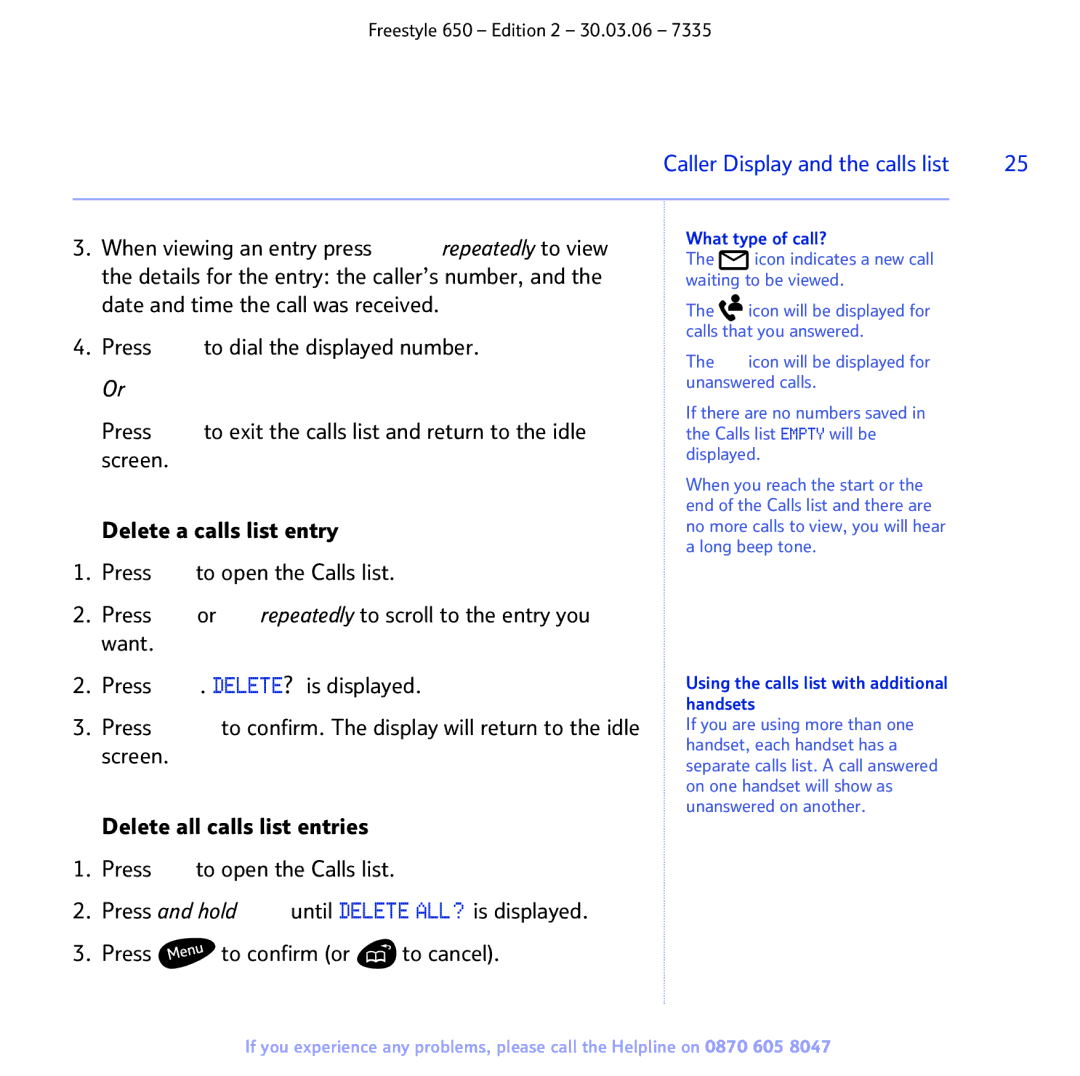
1.Press  to open the Calls list.
2.Press  or
or  repeatedly to scroll to the entry you want.
2.Press  . DELETE? is displayed.
3.Press  to confirm. The display will return to the idle screen.
Using the calls list with additional handsets
If you are using more than one handset, each handset has a separate calls list. A call answered on one handset will show as unanswered on another.
Delete all calls list entries
1.Press  to open the Calls list.
2.Press and hold  until DELETE ALL? is displayed.
3.Press  to confirm (or
  to cancel).
If you experience any problems, please call the Helpline on 0870 605 8047