Saturation
 Color Reset
 Exit Menu
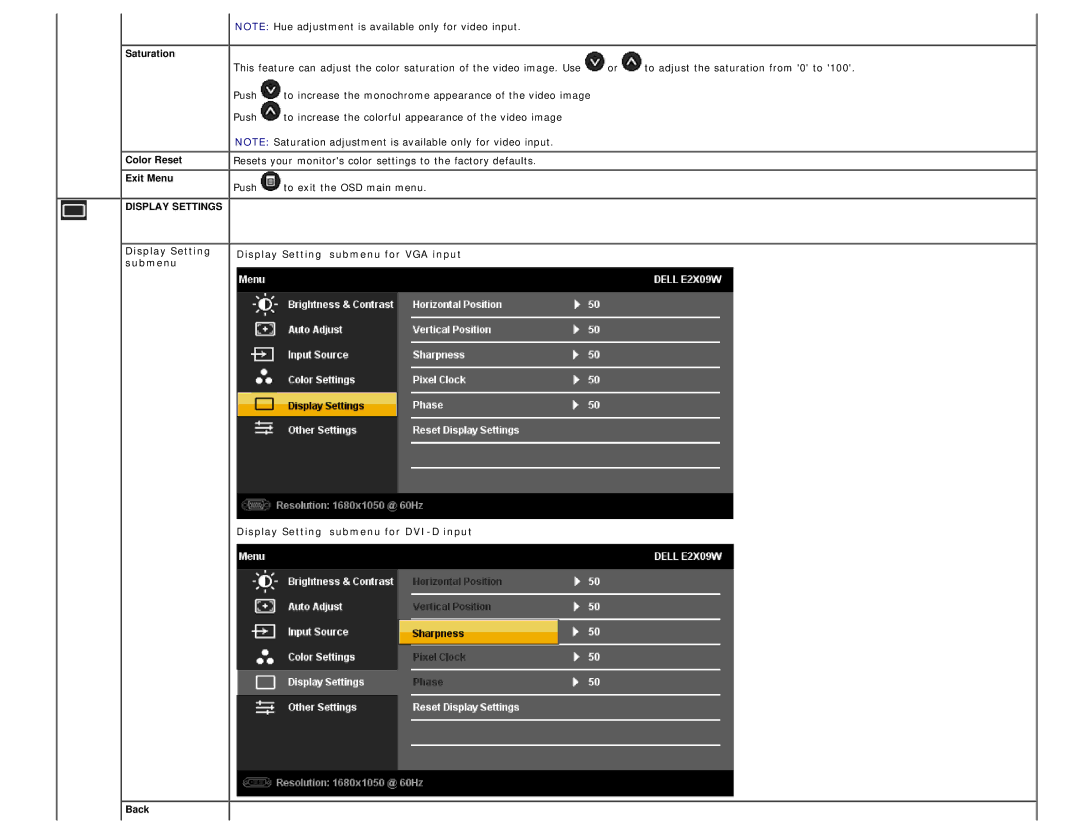
DISPLAY SETTINGS
Display Setting submenu
 NOTE: Hue adjustment is available only for video input.
This feature can adjust the color saturation of the video image. Use  or
or  to adjust the saturation from '0' to '100'.
Push  to increase the monochrome appearance of the video image
Push  to increase the colorful appearance of the video image
NOTE: Saturation adjustment is available only for video input.
 Resets your monitor's color settings to the factory defaults.
 Push
Push  to exit the OSD main menu.
Display Setting submenu for VGA input
Display Setting submenu for
 Back
Back